
Download AIMERICA
One business phone on every device: calls, texts, voicemail and the AI receptionist, the same wherever you open it.
Also for Mac, Windows, iPhone, Android, Linux and your browser.
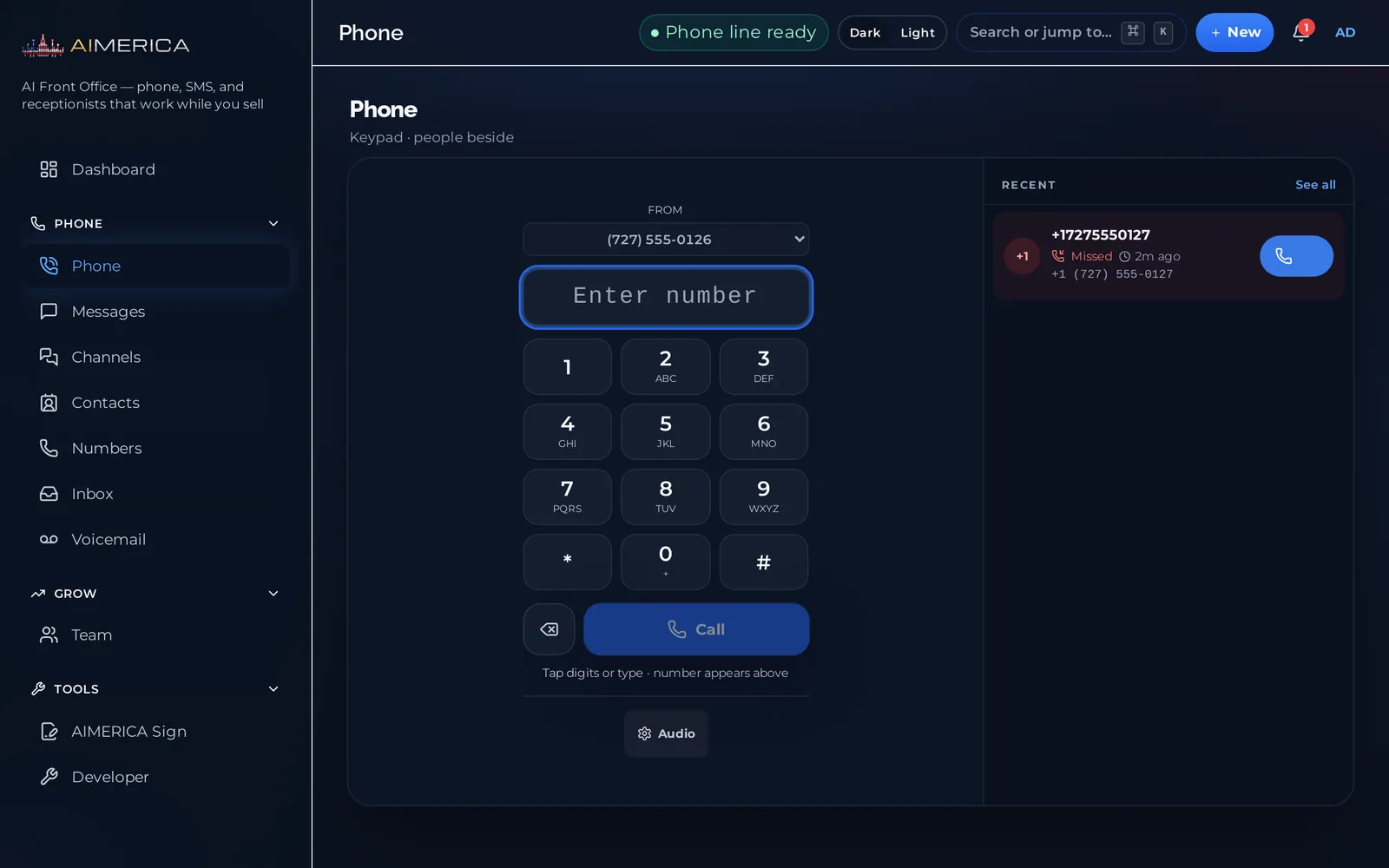
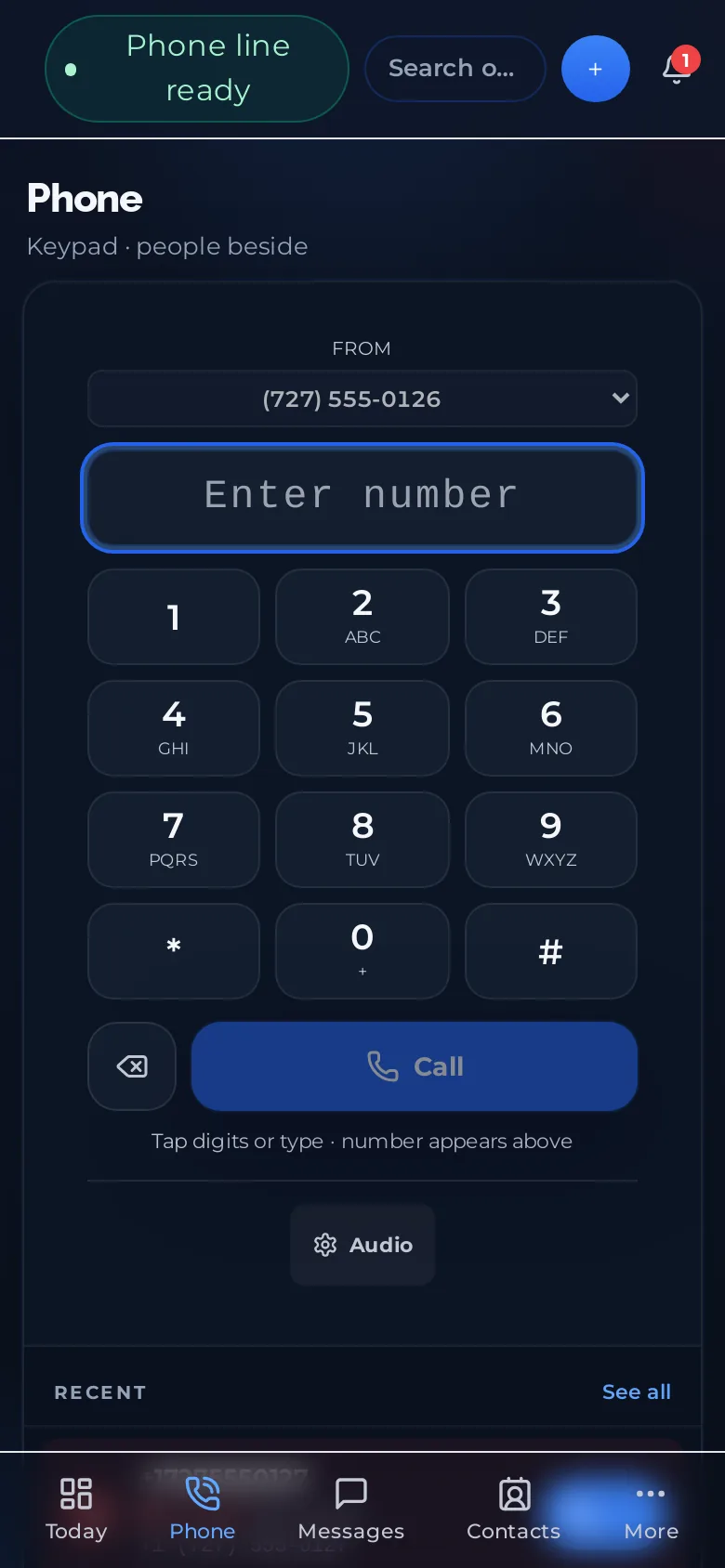
Mac
Open the disk image and drag AIMERICA into Applications.
Version 1.2.0, 15 October 2026. 173 MB. macOS 12 or later, Apple silicon and Intel.
Windows
One click to install, no admin rights needed.
Version 1.2.0, 15 October 2026. 78 MB. Windows 10 and 11, 64-bit.
Linux
The same desktop app as an AppImage: make it executable and run it.
Version 1.2.0, 15 October 2026. 104 MB. 64-bit.
In your browser
Nothing to install. Sign in and the phone is ready.
Any modern browser on a computer.
iPhone
AIMERICA Business Phone & AI, free on the App Store.
Scan the code with your iPhone camera, or open the link on your phone.
Android
The same app, free on Google Play.
Scan the code with your phone camera, or open the link on your phone.
Click to dial from any website
A small Chrome and Edge extension turns the phone numbers on any web page into links. Click one and the AIMERICA web phone opens with the number ready; you press Call. Nothing leaves your browser: the numbers are found on your computer and the extension has no server.
Download the extension (zip)Until it is listed in the Chrome Web Store, install it unpacked:
- Unzip the download.
- Open
chrome://extensions(Edge:edge://extensions) and switch on Developer mode. - Choose Load unpacked and pick the unzipped folder
aimerica-click-to-dial. - Open any page with a phone number on it: the number gets a dotted underline. Click it.
No extension is needed for tel: links, the ones already clickable in emails and on websites. On the Phone page, press Use AIMERICA for phone links once and Chrome or Edge will open them in AIMERICA.
If Windows or macOS warns you
The desktop apps are not signed with a certificate yet, so the first open asks you to confirm. This goes away once the AIMERICA LLC certificate is in place.
Windows
When SmartScreen appears, press More info, then Run anyway.
macOS
If the first open is refused, go to System Settings, Privacy & Security, and press Open Anyway next to AIMERICA. On macOS 14 and earlier: right-click the app, then Open.
Checking a download
The SHA-256 of every 1.2.0 file is in AIMERICA-1.2.0.sha256.