
Track an agreement: signers, reminders, proof
Open an agreement to see each signer, set reminders and check that the PDF is untouched.
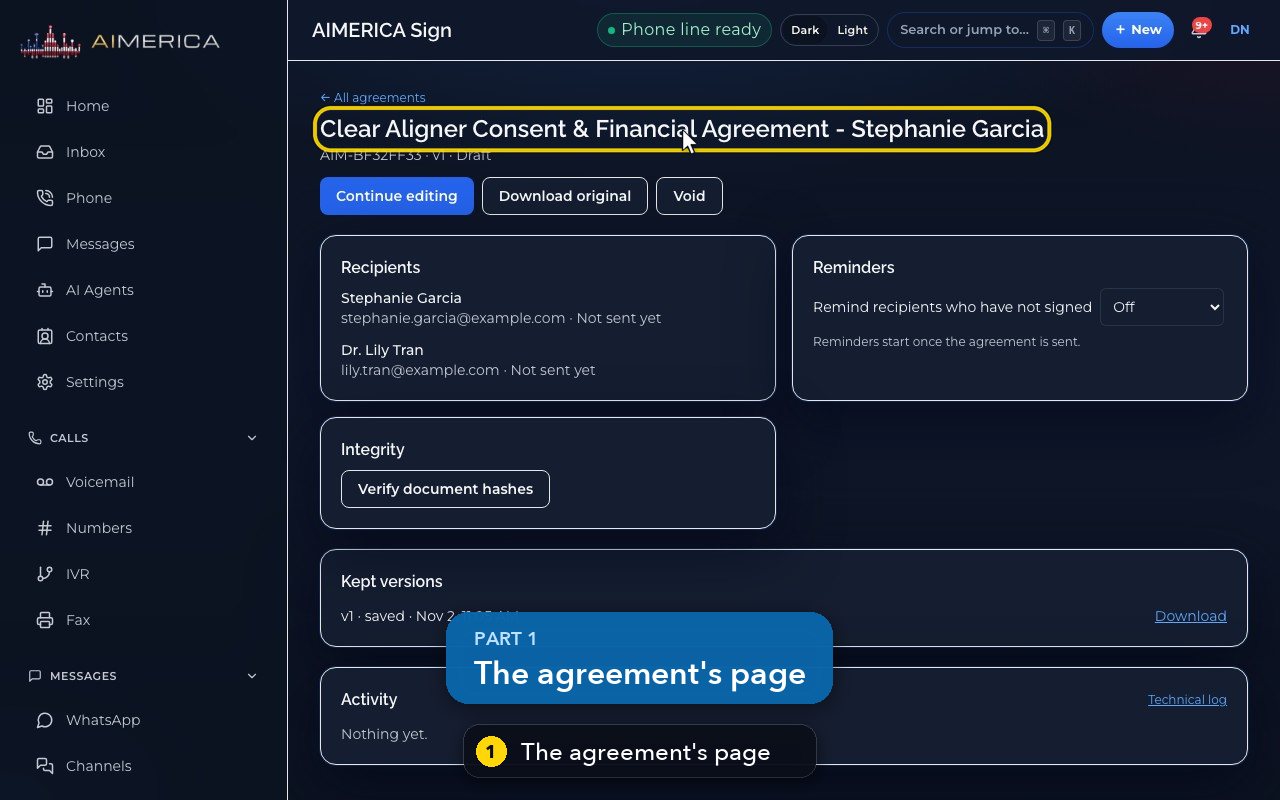
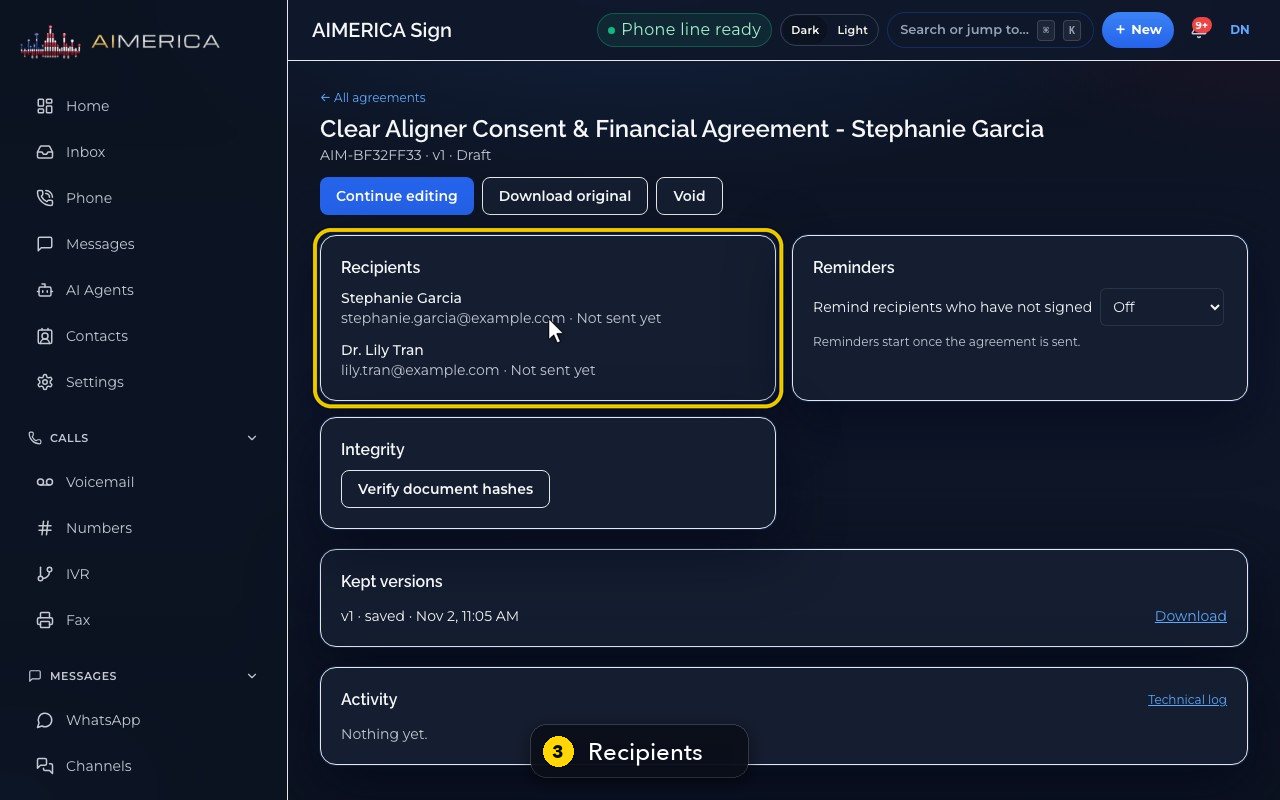
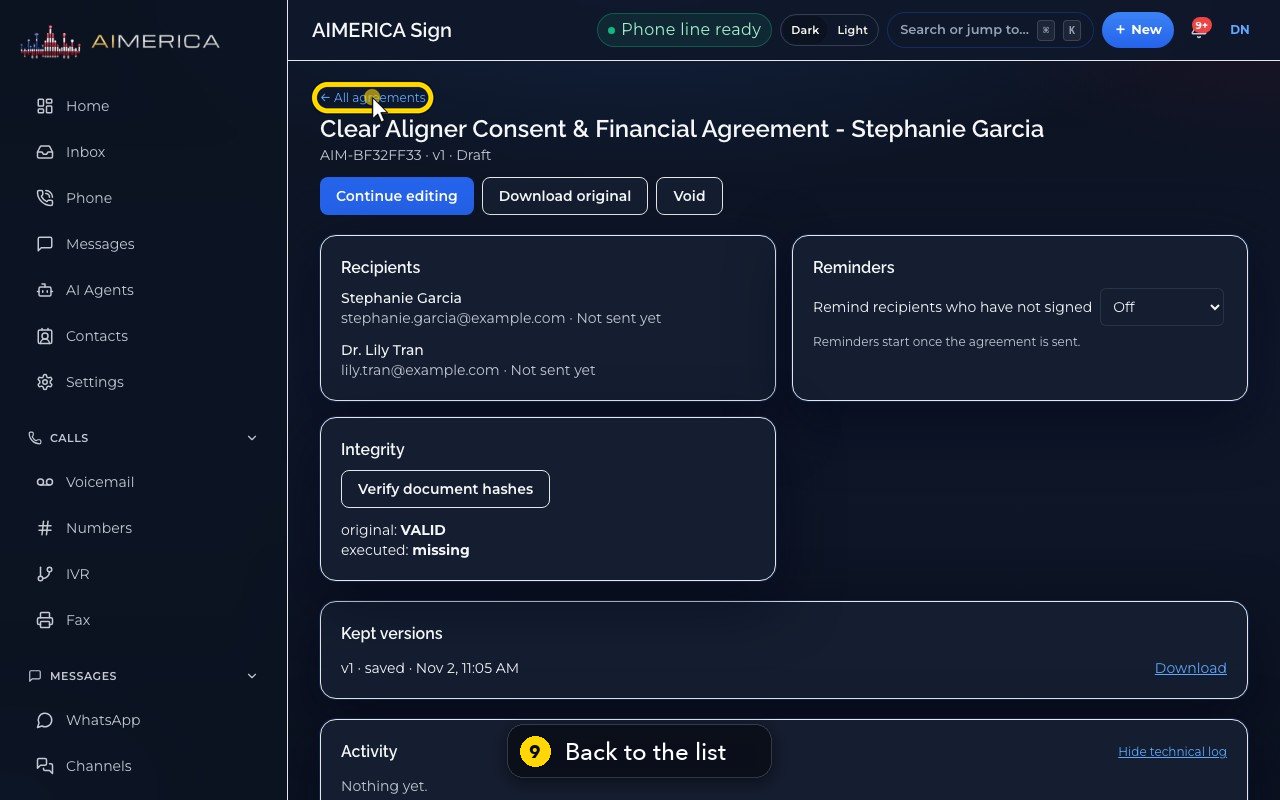
In AIMERICA Sign, open an agreement to see its reference code, version and status, each recipient and where they are, the reminders, the integrity check, the kept versions and the activity.
In this video
Step by step
- 1
Each agreement has its own page, with its full history.
- 2
The top shows the reference code, the version, and the status.
- 3
Recipients lists each signer, and where they are.
- 4
Reminders nudge anyone who has not signed, every day or every few days, once it is sent.
- 5
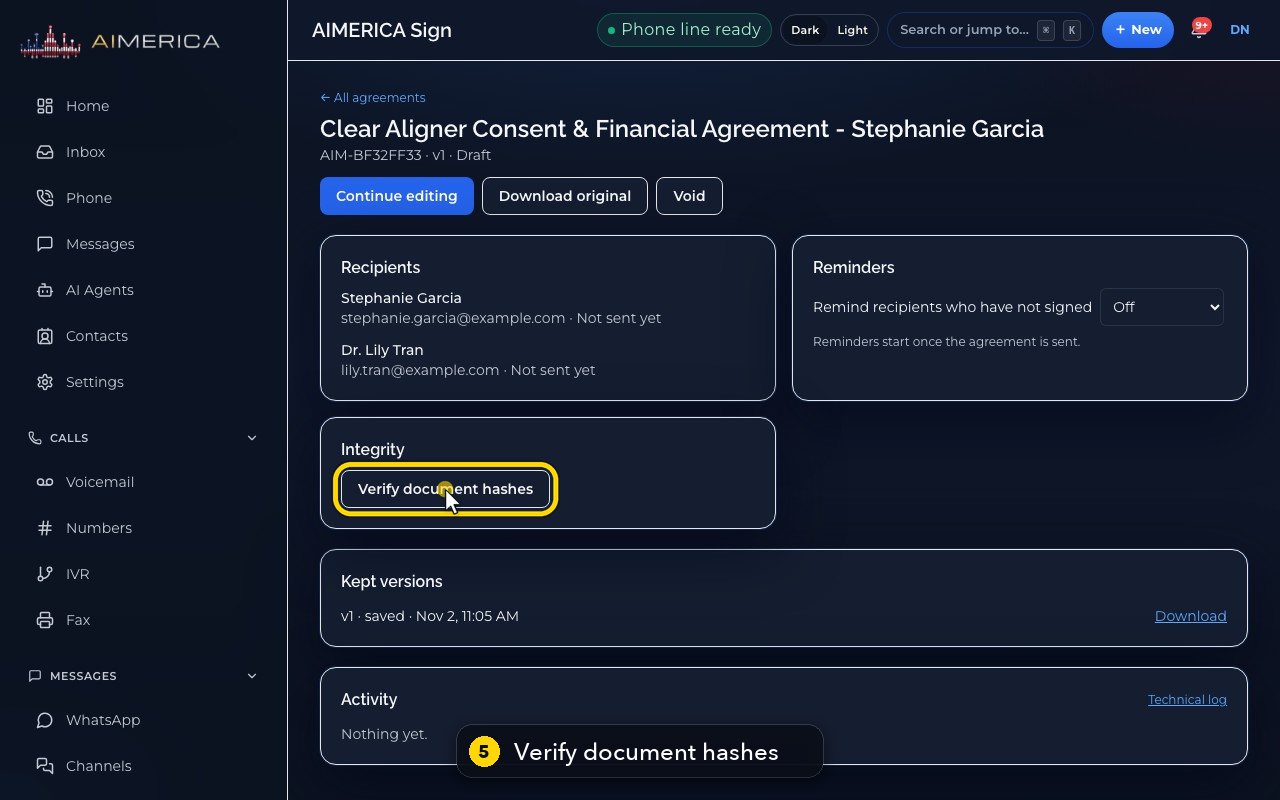
Integrity proves the PDF was never changed. Click Verify document hashes.
- 6
Kept versions keeps every saved version of the document.
- 7
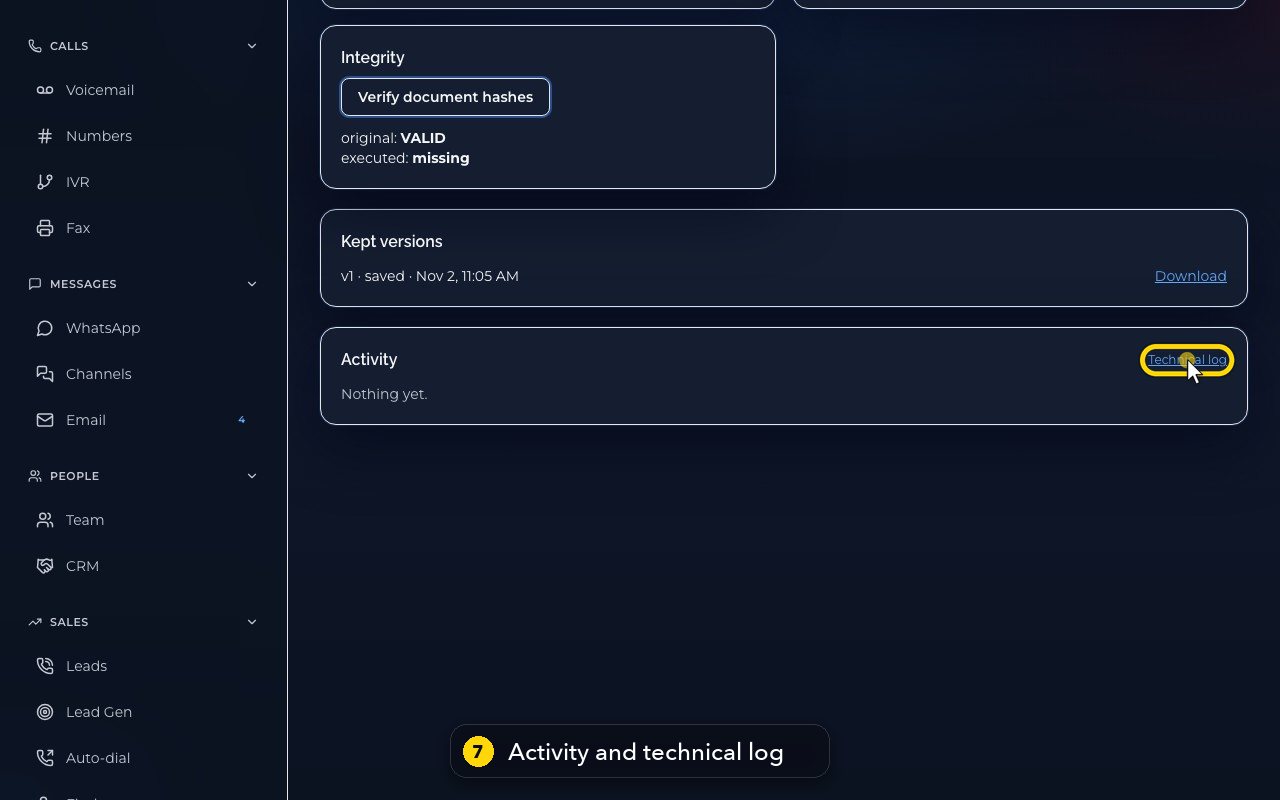
Activity is the signing trail. The technical log lists the raw events.
- 8
Void stops every signing link, and it cannot be undone.
- 9
To go back to the list, click All agreements, at the top.
Related tutorials
 1:05VideoYour sales pipeline at a glanceSee your contacts, companies, deals and where each deal stands.
 0:51VideoAdd a dealRecord a new opportunity with its value, stage and notes.
 0:55VideoAdd a company to the CRMKeep suppliers, labs or partners as companies, with their phone and website.
 0:49VideoSee every call in the CRM activity feedRead the call log with outcomes, AI summaries and transcript lines in one feed.
 0:54VideoAIMERICA Sign: find your agreementsSee which agreements need you, which wait on others and which are done.
 1:01VideoStart an agreement from a templateBegin a new agreement: title, company, fill from a contact, and pick a template.
Was this not what you needed? Write to us.