
Find your AI receptionist and her settings
Open AI Agents, find your receptionist and learn what each of her four tabs holds.
Your receptionist answers your main line. Open AI Agents in the menu, then Open on her card.
In this video
Step by step
- 1
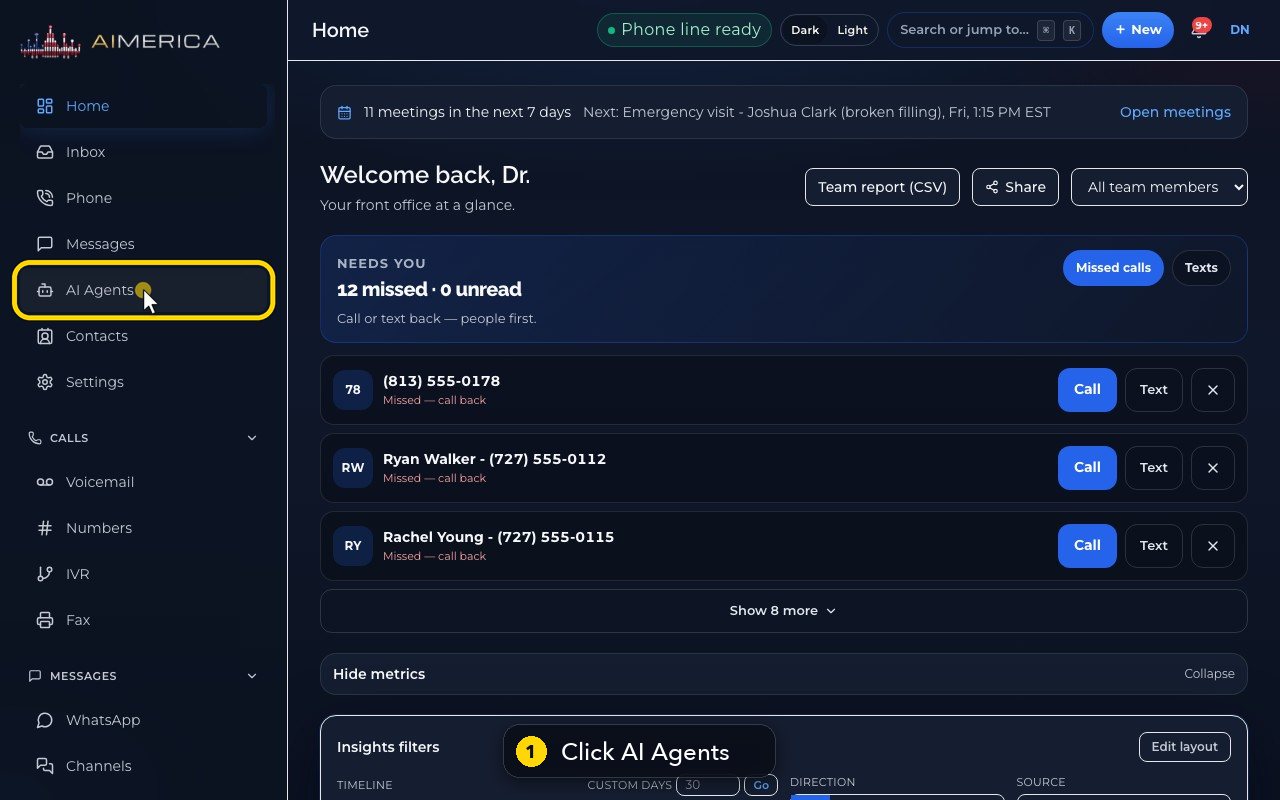
Your AI receptionist is in the menu on the left. Click AI Agents.
- 2
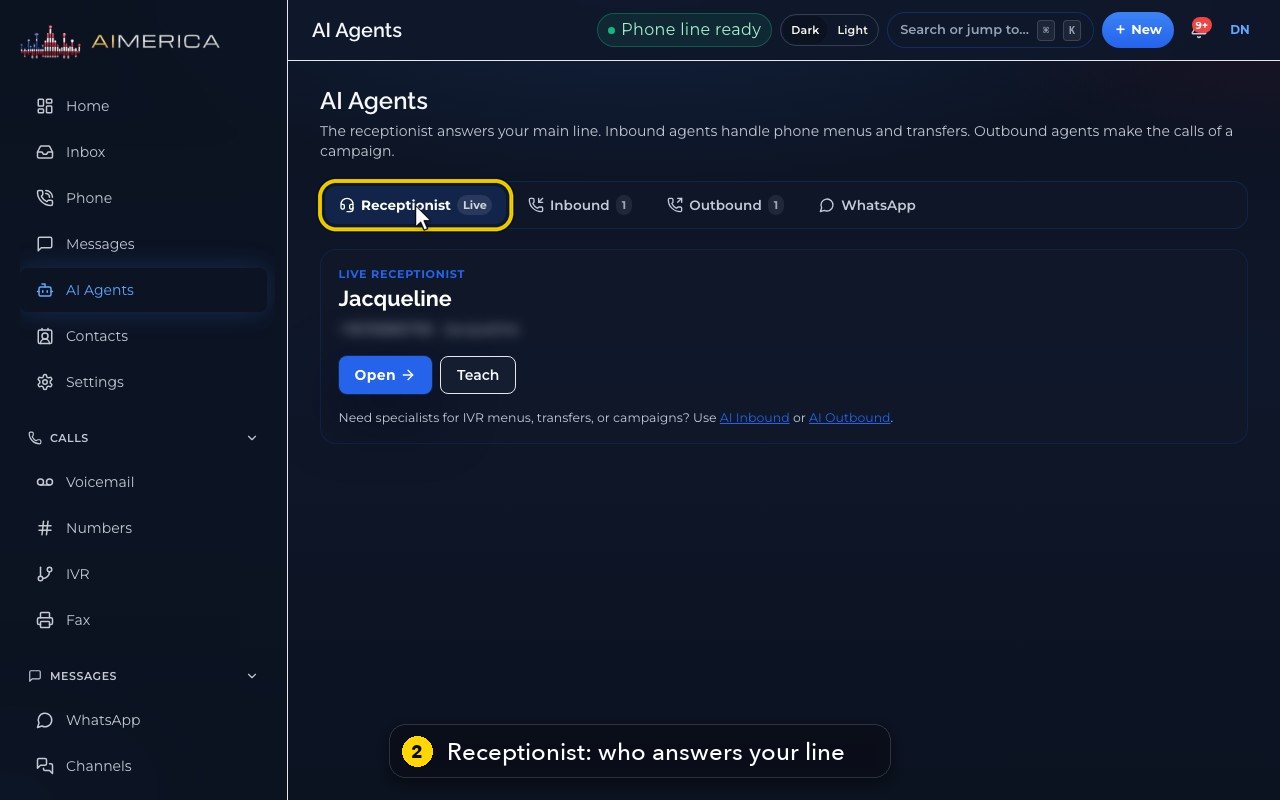
The Receptionist tab shows who answers your main line. Live means she is answering it right now.
- 3
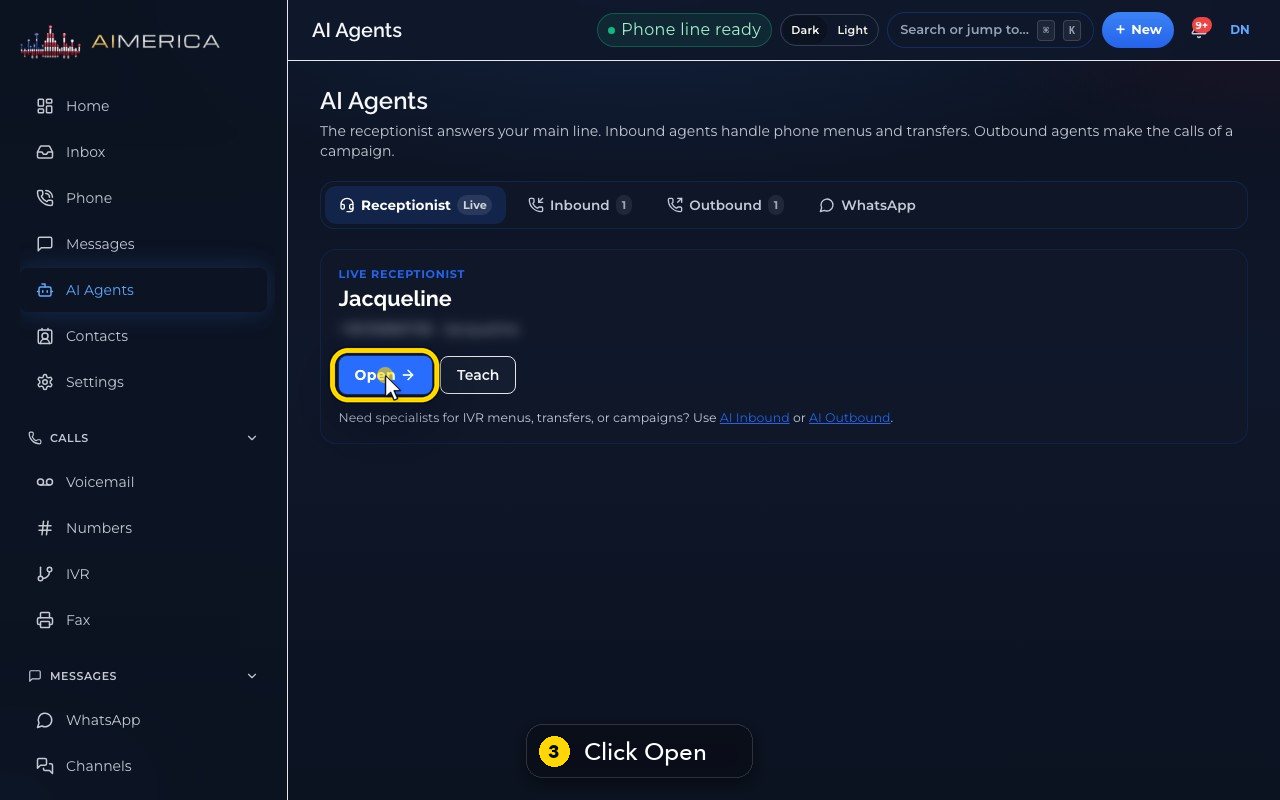
Her card shows her line and her voice. Click Open to see her page.
- 4
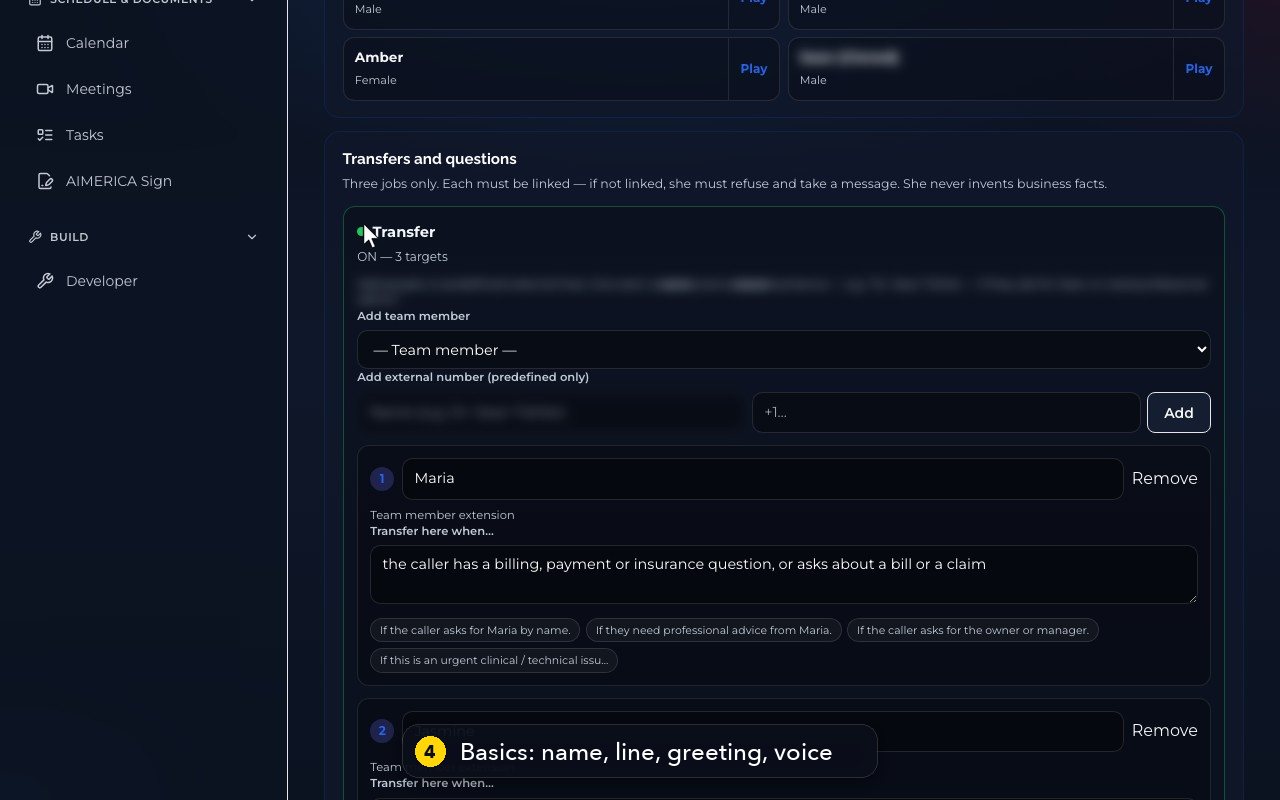
Her page has four tabs. Basics holds her name, her line, her greeting, her voice, and who she transfers to.
- 5
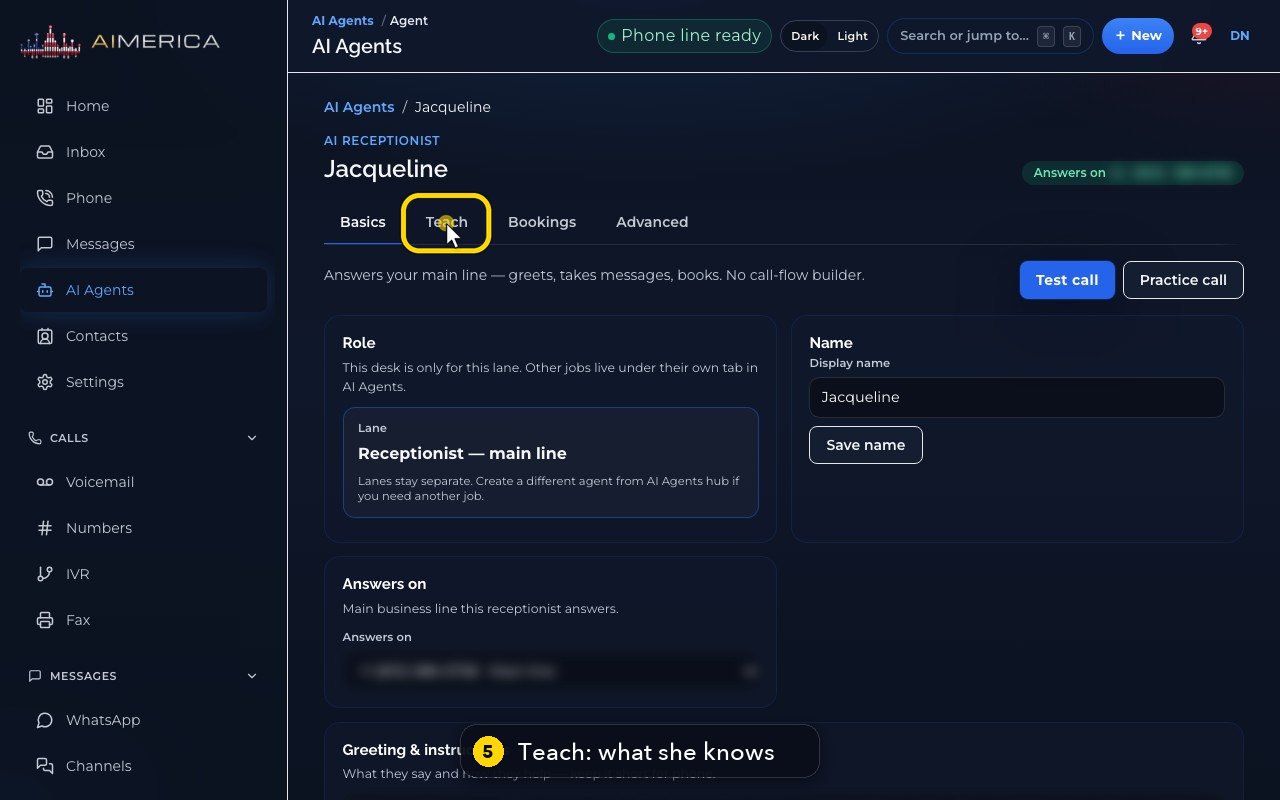
The second tab, Teach, holds what she knows: your website, your documents and your facts.
- 6
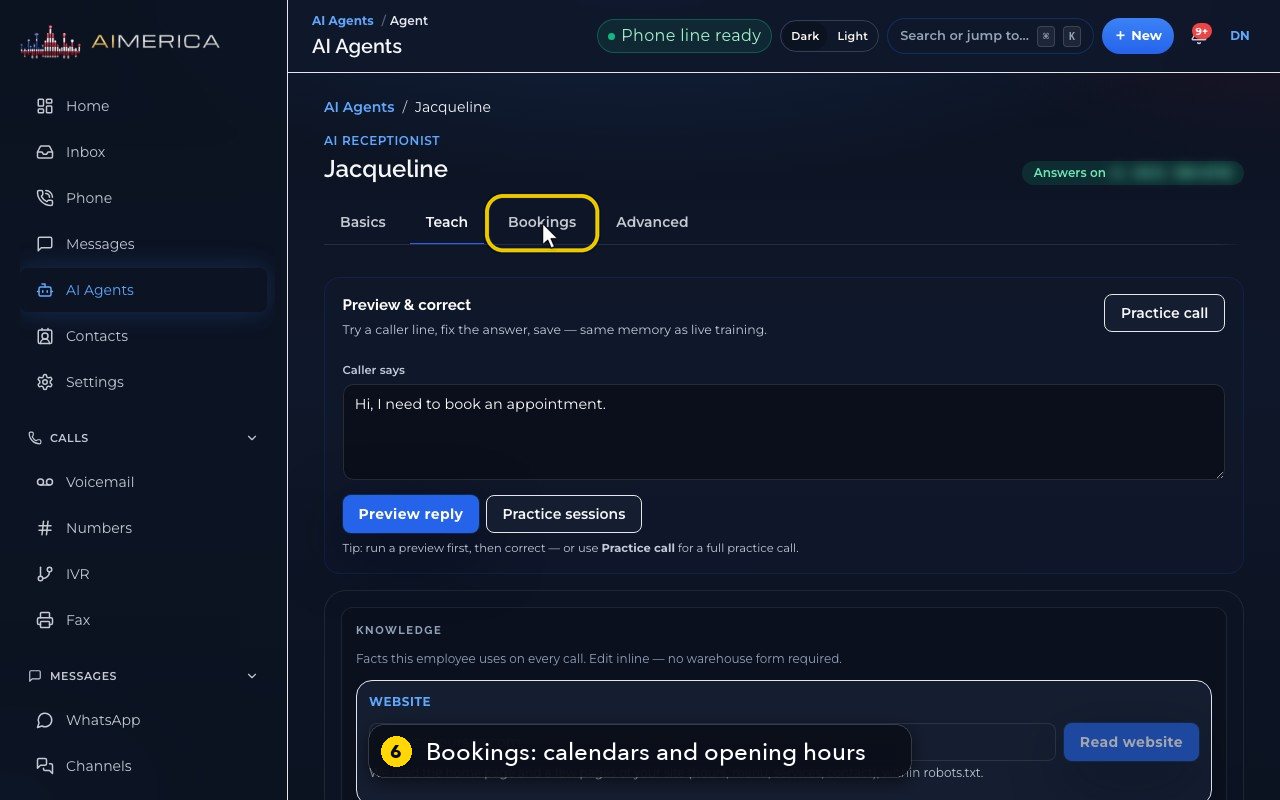
Bookings holds her calendars and her opening hours.
- 7
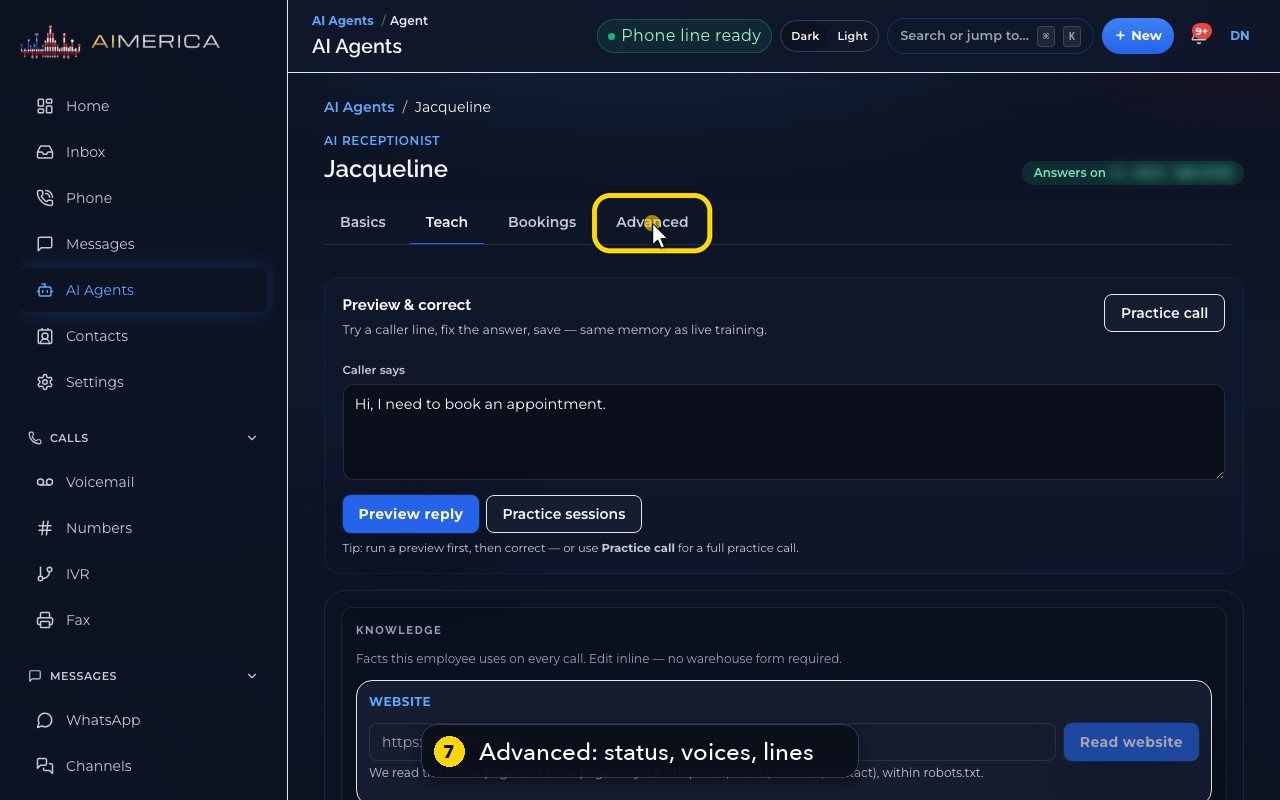
Advanced shows her status, all the voices, the lines she answers, and the full editor.
- 8
To go back, click AI Agents in the menu.
- 9
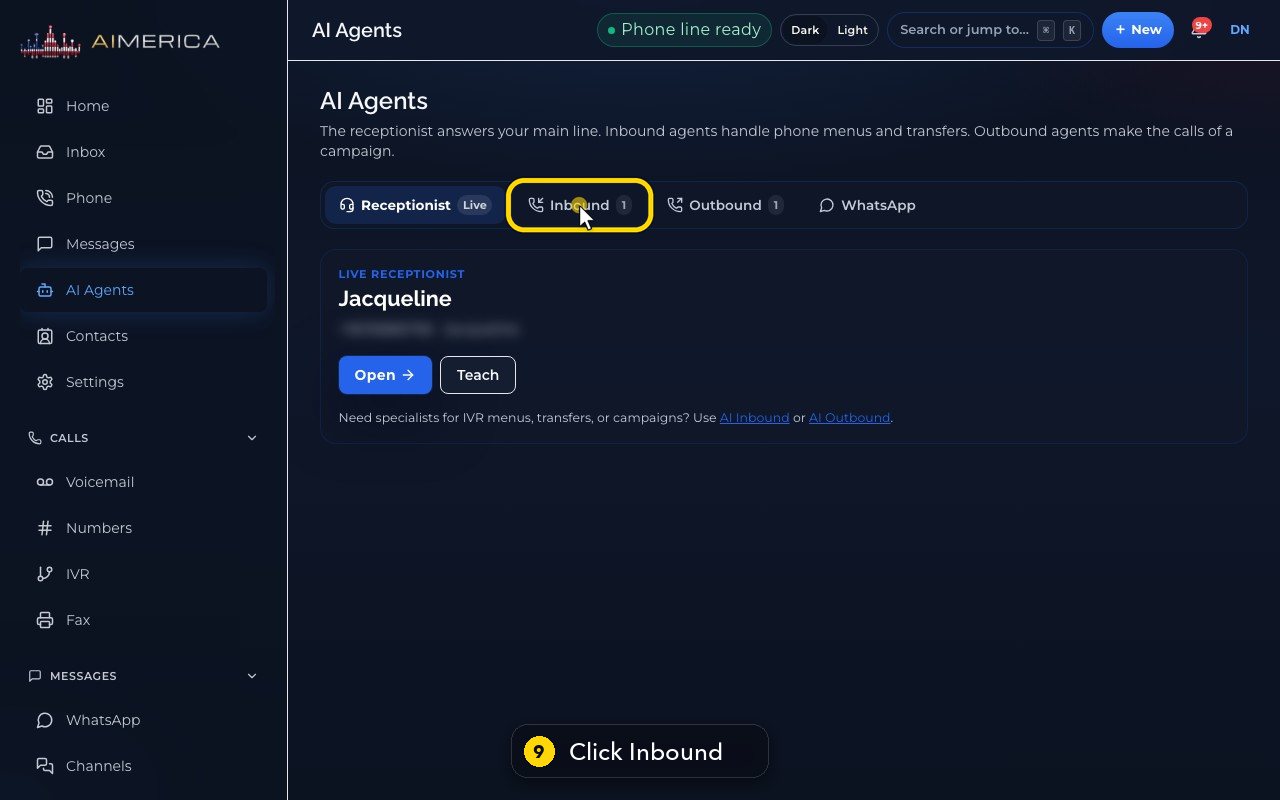
Inbound lists specialists for phone menus, like this insurance and billing desk.
- 10
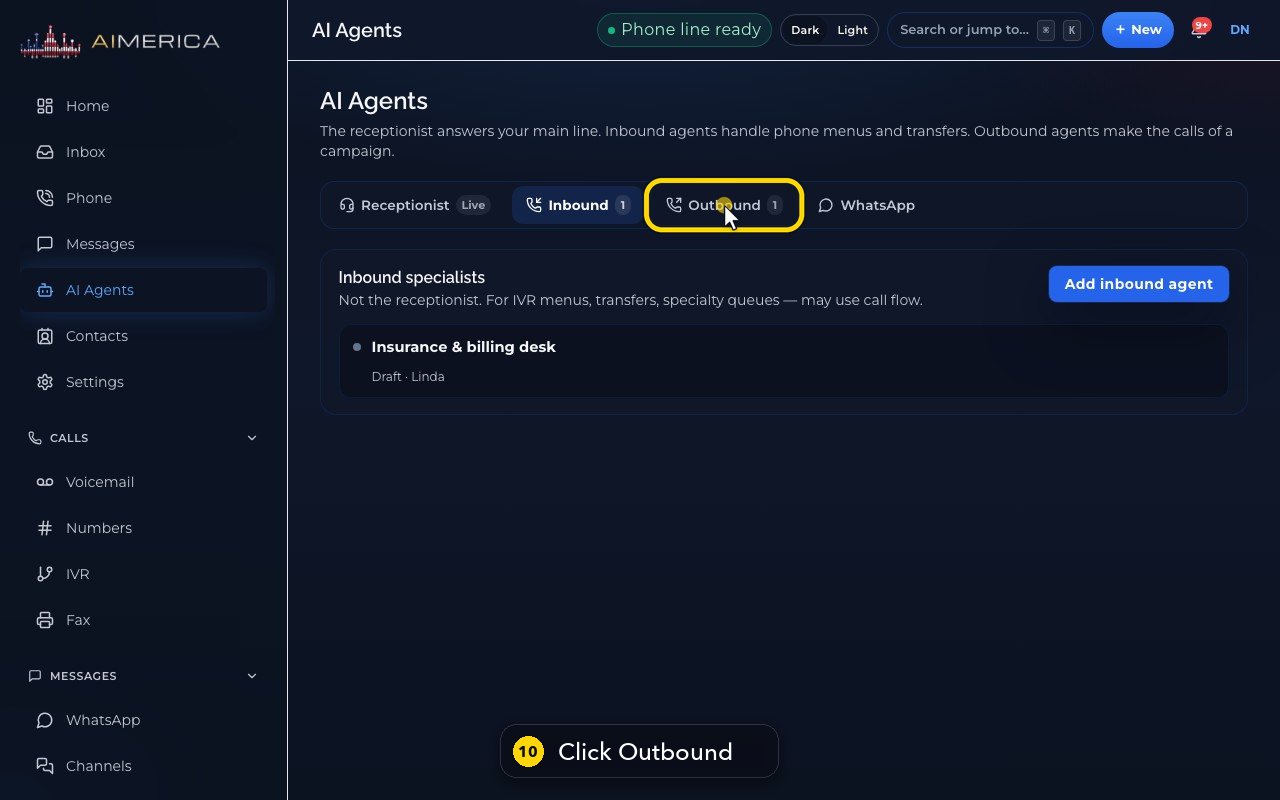
Outbound lists agents that call people for a campaign, like patient recall. You run them from Auto-dial.
Related tutorials
 1:35VideoSet up your AI receptionist (guided)Answer six short questions and AIMERICA writes your receptionist's instructions, ready to answer your line.
 1:16VideoSet your receptionist's opening hoursSet the days and times your receptionist treats as open, so she never books or promises a time when you are closed.
 1:17VideoChoose who your receptionist transfers calls toSee and add the people and numbers your receptionist may transfer a caller to, and when she should.
 1:35VideoTeach your receptionist your factsReview and add the facts your receptionist answers from: hours, services, prices, policies and common questions.
 0:58VideoChange your receptionist's greeting and nameFind the first sentence callers hear and your receptionist's name, and see how to change them.
 1:01VideoPick your receptionist's voiceHear the receptionist voices and see how to switch yours to another one.
Was this not what you needed? Write to us.