
Add an inbound specialist for your phone menu
See what inbound AI specialists do, and start adding one for a phone-menu option.
Inbound specialists are not your receptionist: each does one job (for example insurance and billing questions) and gets its calls from a phone-menu option or a transfer rule. Open AI Agents › Inbound and press Add inbound agent: give it a name, keep or pick a voice, write its first greeting and style, then choose the line it answers or No line for now, and press Go live. Then point a phone-menu option at it with the IVR's AI Agent step.
In this video
Step by step
- 1
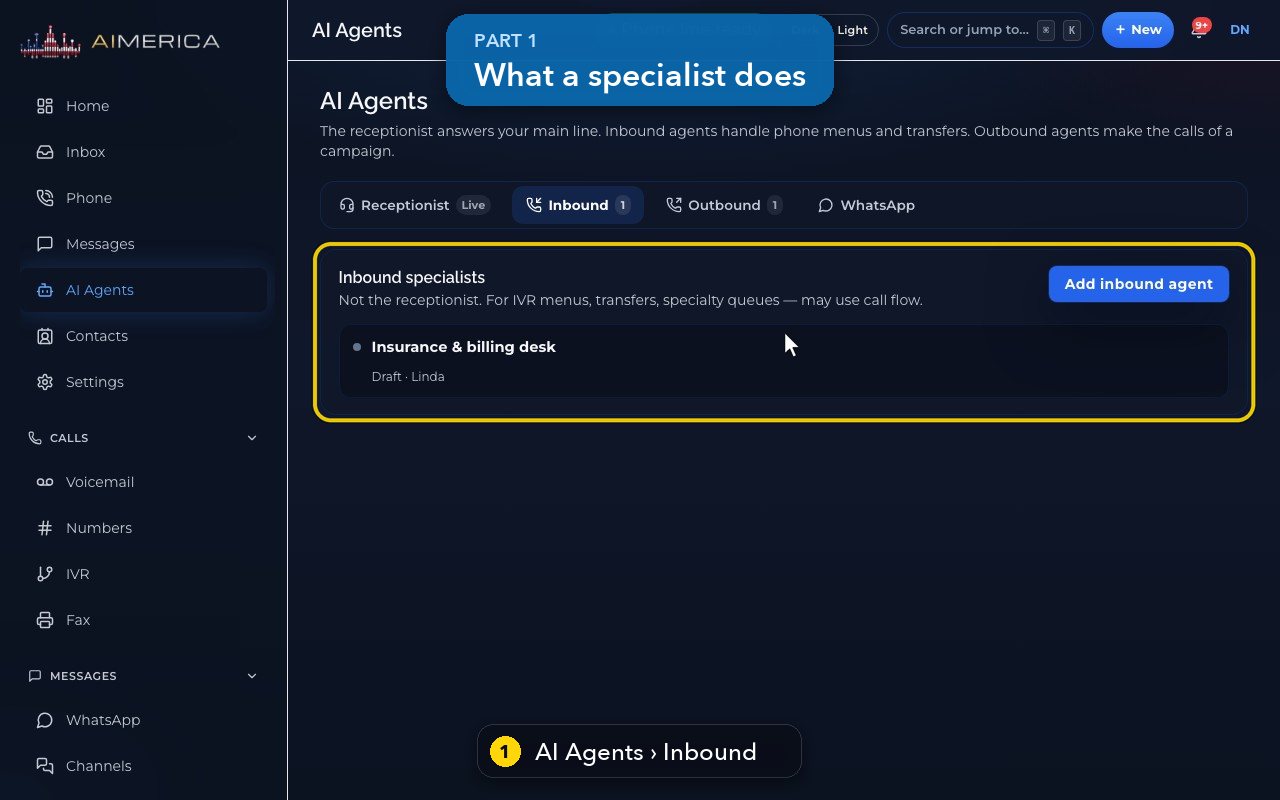
Inbound specialists are not your receptionist. Each one does a single job, like insurance and billing questions, from a phone-menu option.
- 2
Open one to see its page.
- 3
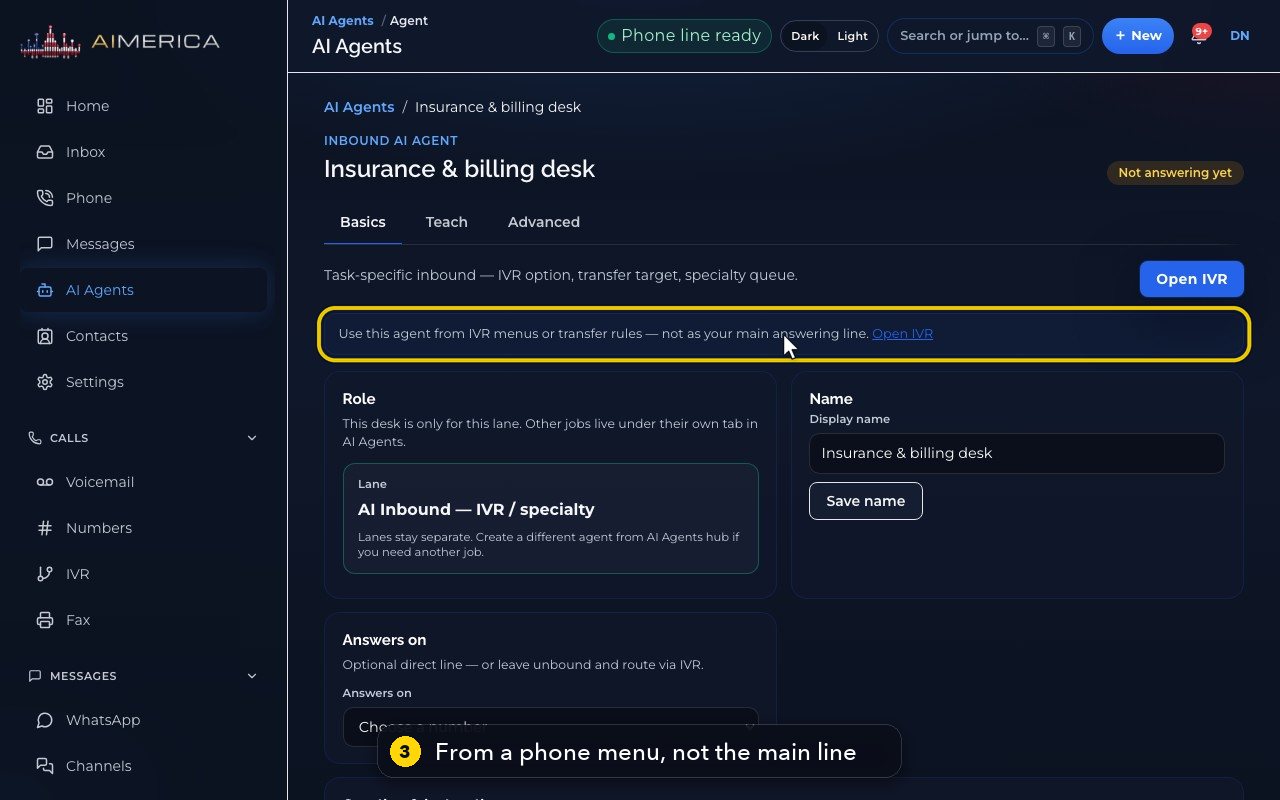
Use it from a phone menu or from transfer rules, not as your main line.
- 4
A direct line is optional. Most specialists get their calls from the phone menu's AI Agent step.
- 5
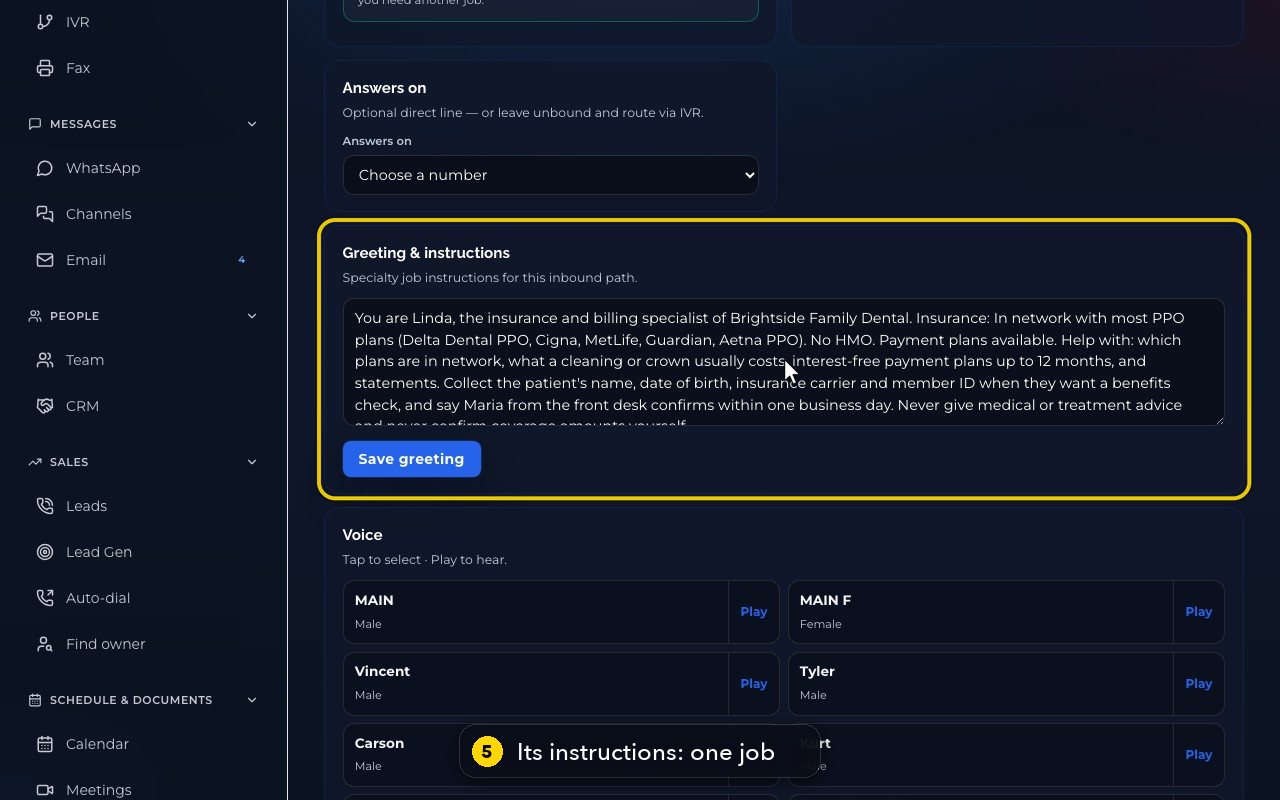
Its instructions describe the one job it does.
- 6
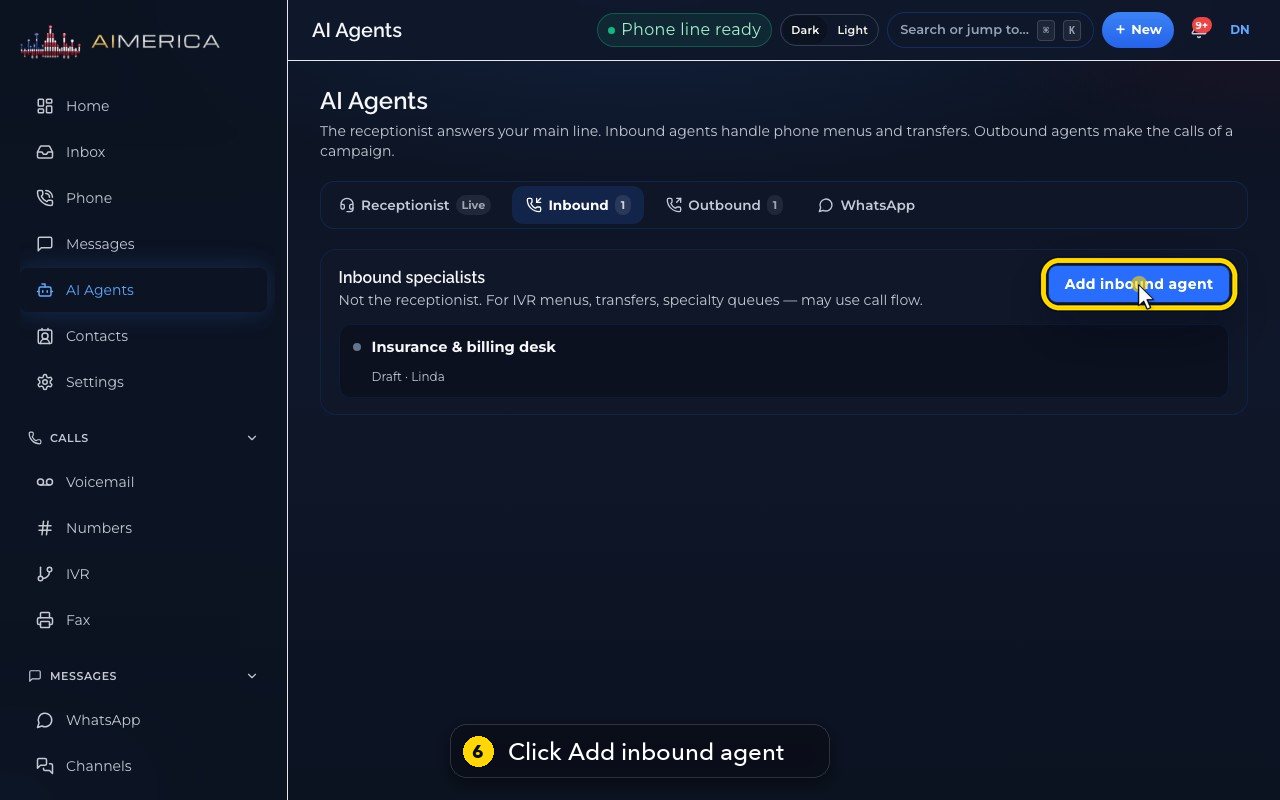
To add one, go back to the Inbound list, and press Add inbound agent.
- 7
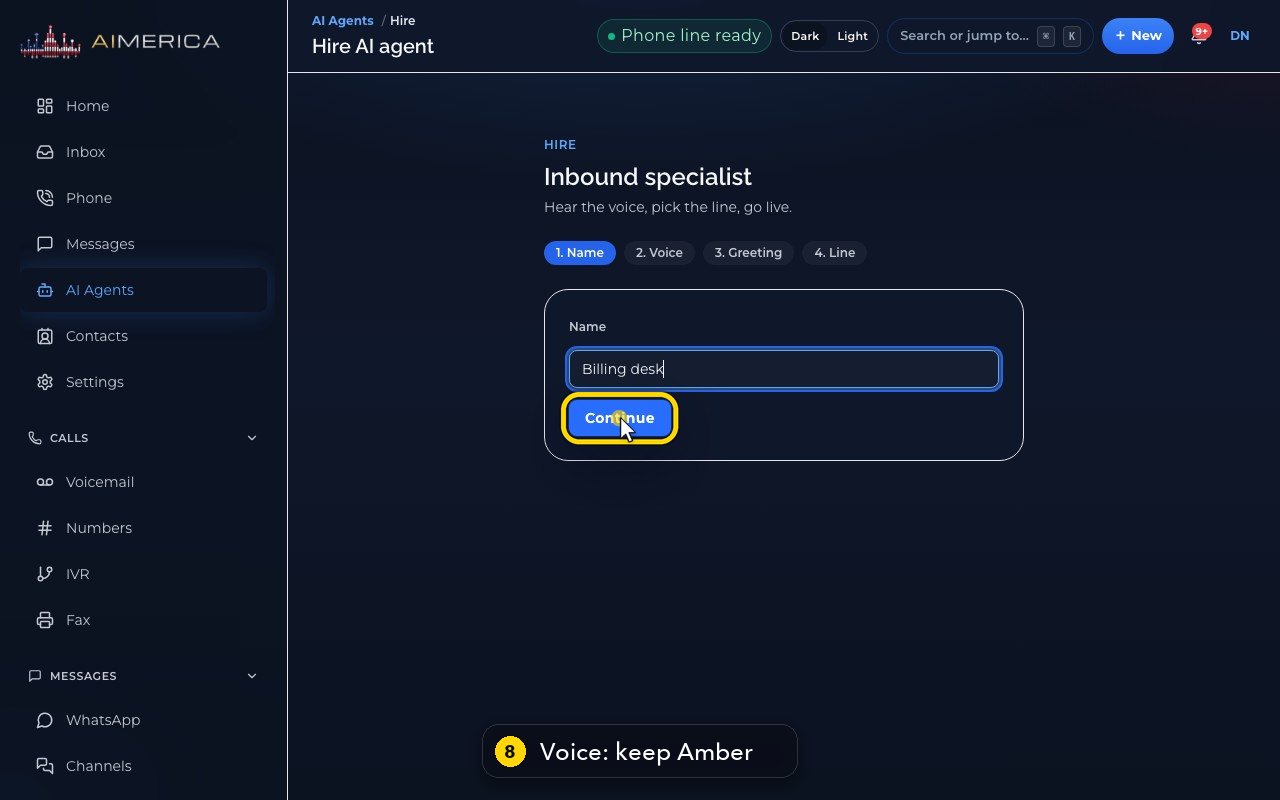
Give it a name that says its job.
- 8
Next, its voice. Hear sample would play it. We skip that in this demo, and keep Amber.
- 9
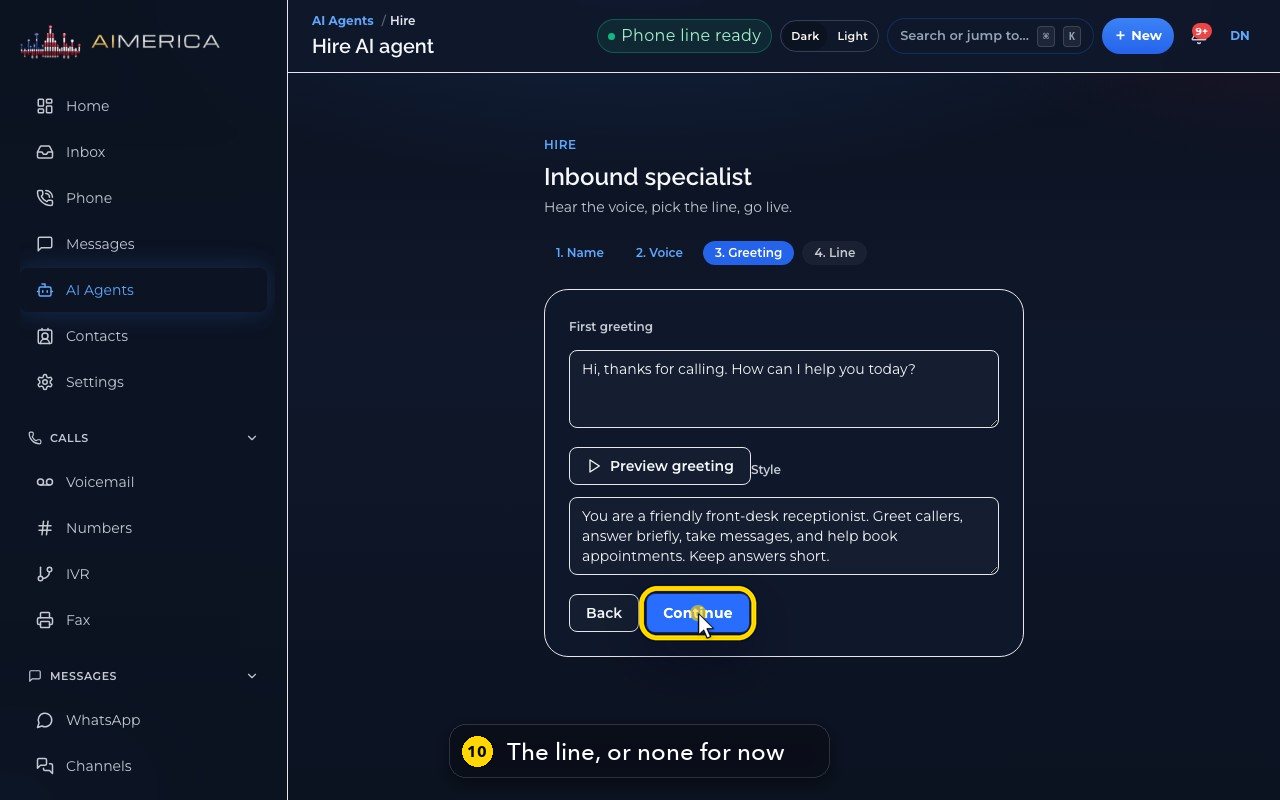
Then its first greeting, and its style. Preview greeting would read it aloud. We skip it too.
- 10
Last, the line it answers. Or no line for now, and connect it from a phone menu later.
- 11
Go live creates it. In this demo, we stop here.
Related tutorials
 1:18VideoFind your AI receptionist and her settingsOpen AI Agents, find your receptionist and learn what each of her four tabs holds.
 1:35VideoSet up your AI receptionist (guided)Answer six short questions and AIMERICA writes your receptionist's instructions, ready to answer your line.
 1:16VideoSet your receptionist's opening hoursSet the days and times your receptionist treats as open, so she never books or promises a time when you are closed.
 1:17VideoChoose who your receptionist transfers calls toSee and add the people and numbers your receptionist may transfer a caller to, and when she should.
 1:35VideoTeach your receptionist your factsReview and add the facts your receptionist answers from: hours, services, prices, policies and common questions.
 0:58VideoChange your receptionist's greeting and nameFind the first sentence callers hear and your receptionist's name, and see how to change them.
Was this not what you needed? Write to us.