
Manage the table reservations she takes
See the day's table bookings your receptionist took, find a guest, and add a booking by hand.
Open AI Agents, then your receptionist, then the Bookings tab. Reservations holds your table book: the bookings she took by phone and the ones you add with Add a booking.
In this video
Step by step
- 1
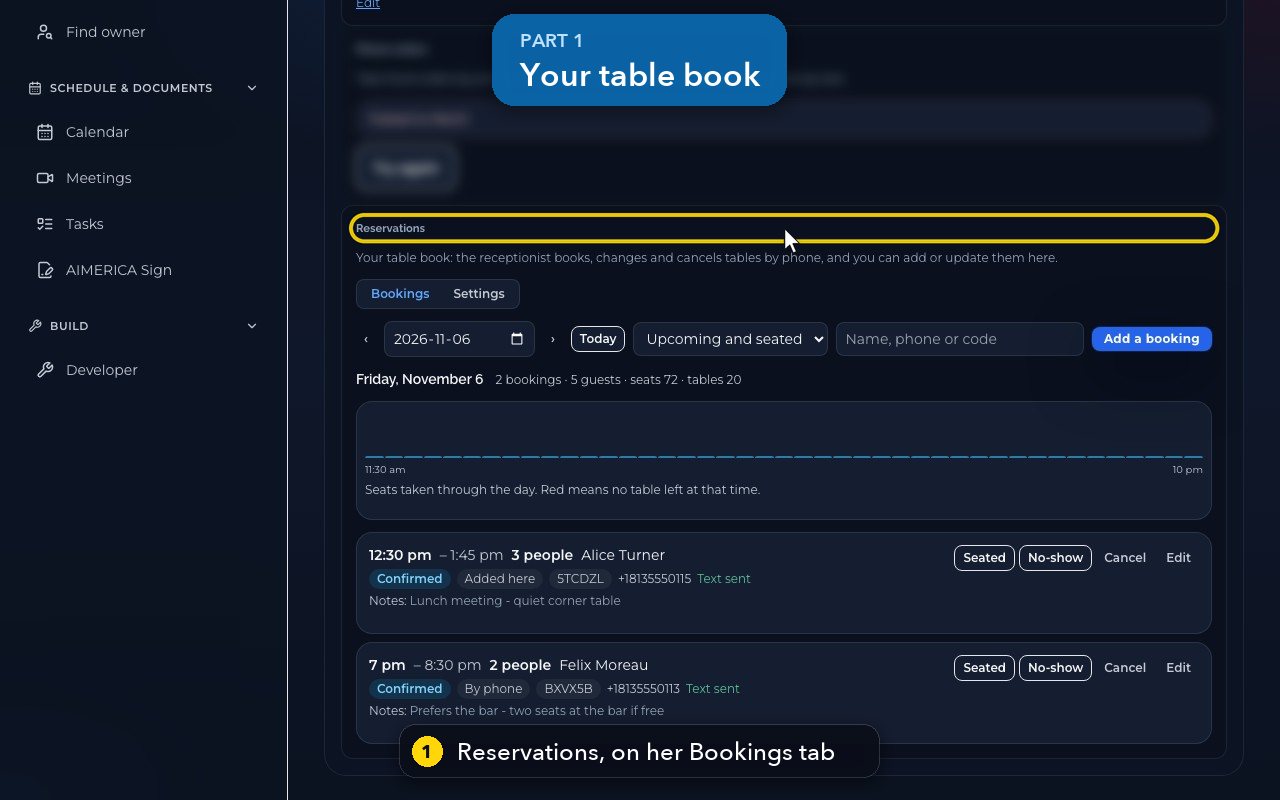
Restaurants get a table book. Your receptionist books, changes and cancels tables by phone, and you can add bookings here.
- 2
The strip shows the seats taken through the day. Red means no table is left at that time.
- 3
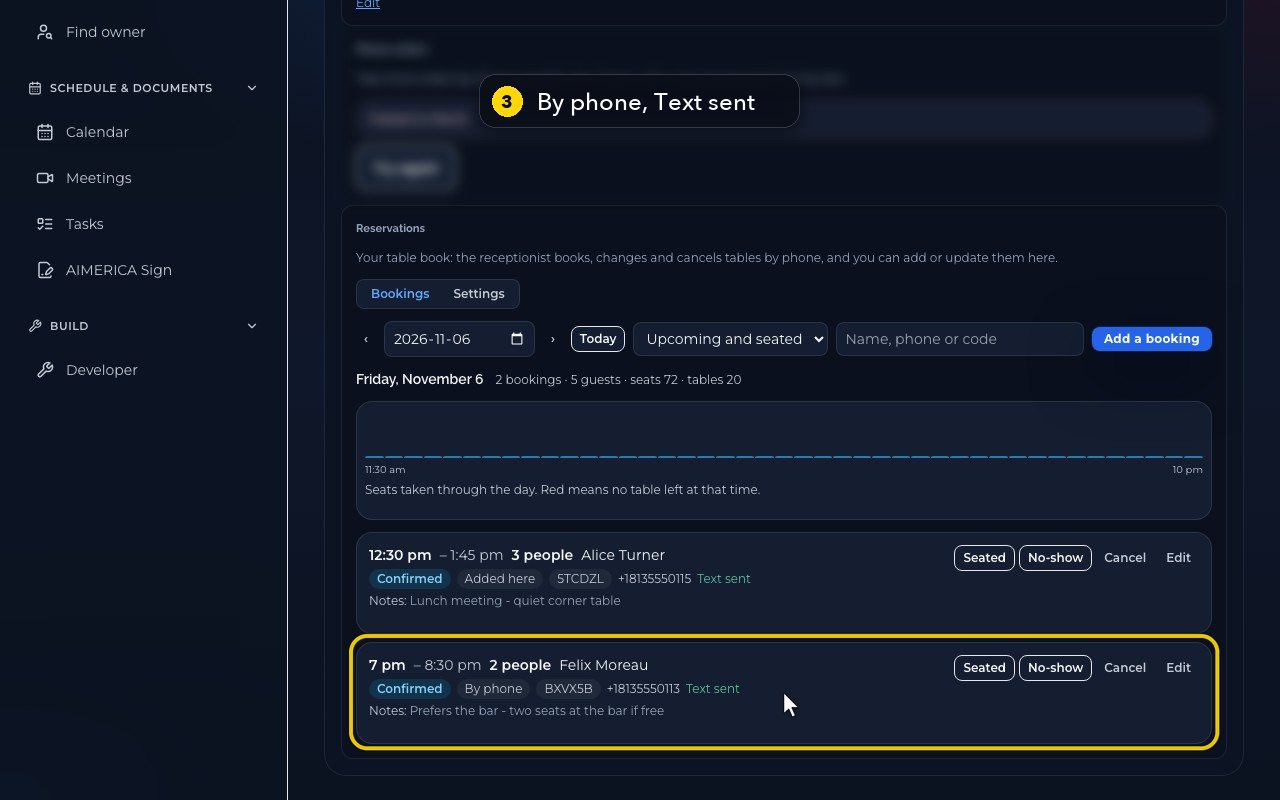
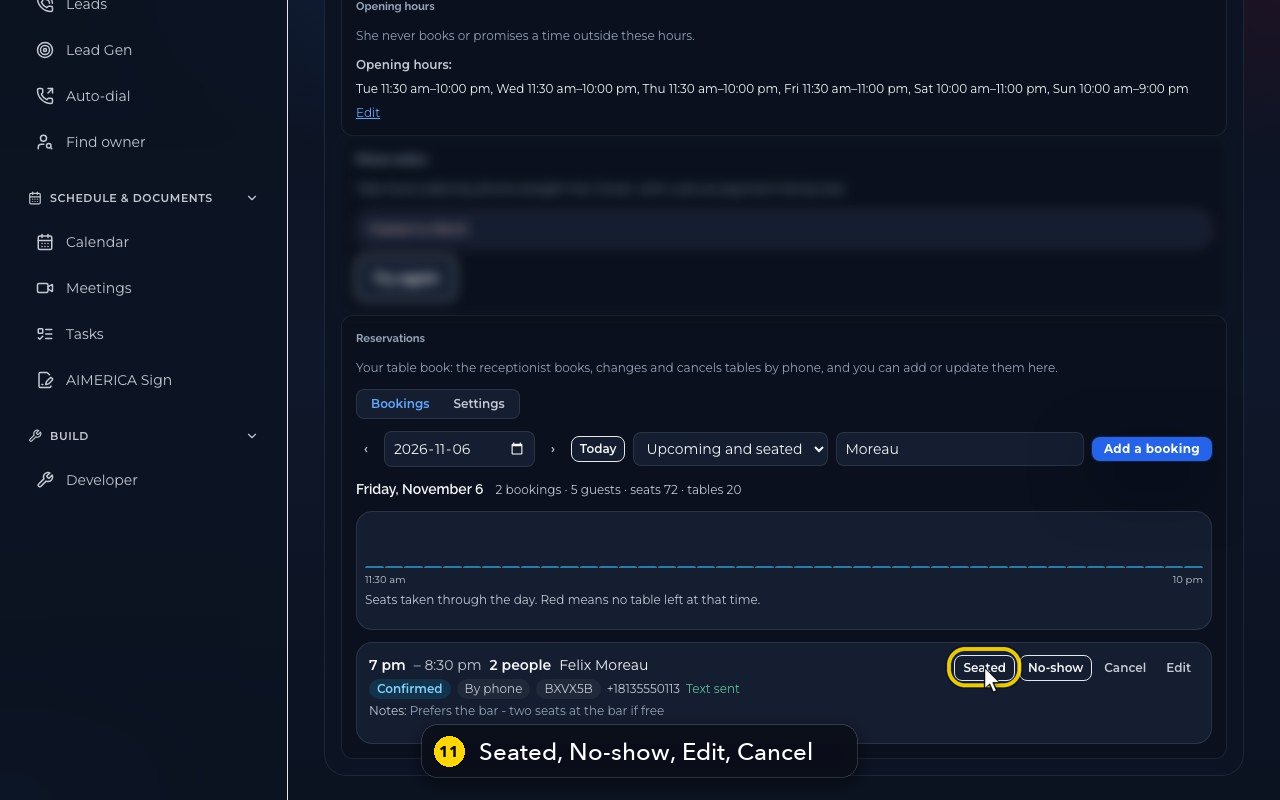
Each booking shows the time, the party and the name. By phone means the receptionist took it, and Text sent means the guest got a confirmation.
- 4
Move between days with the arrows, or jump back to today.
- 5
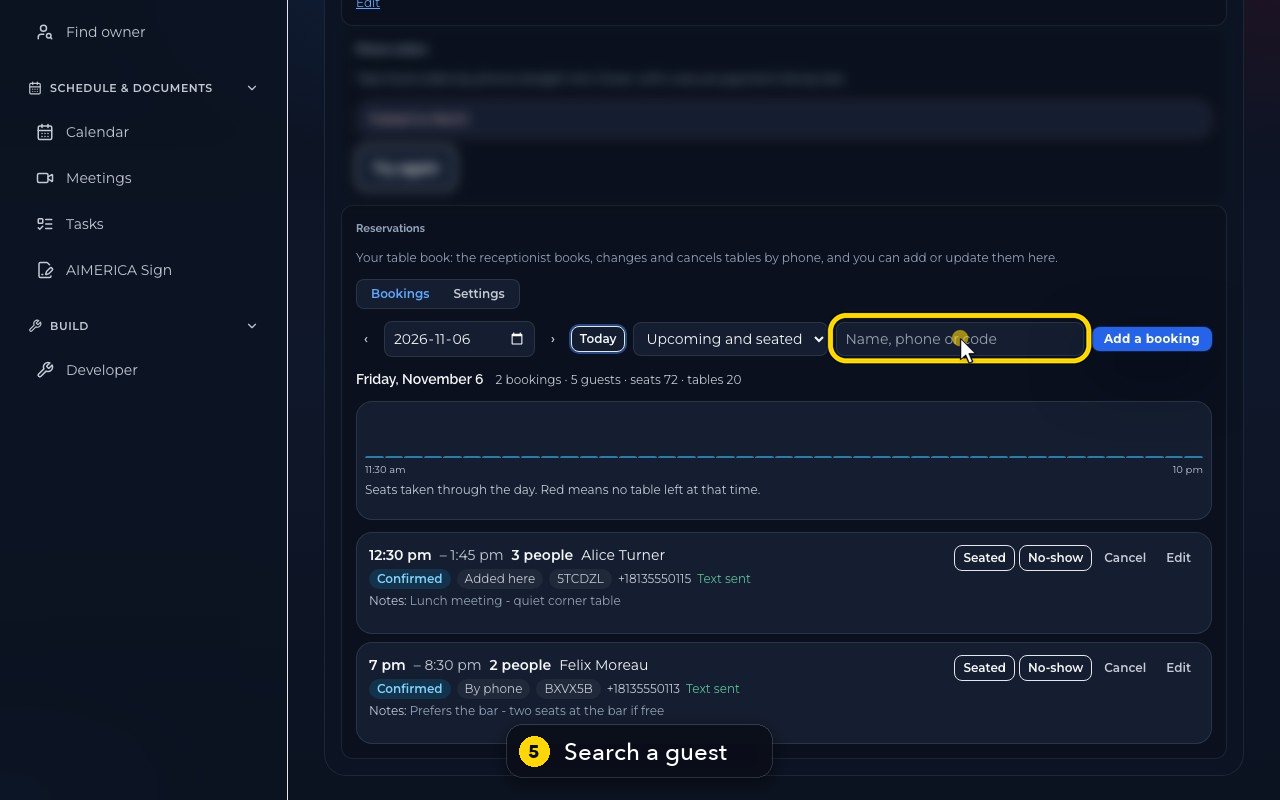
Search finds a guest by name, phone number, or confirmation code.
- 6
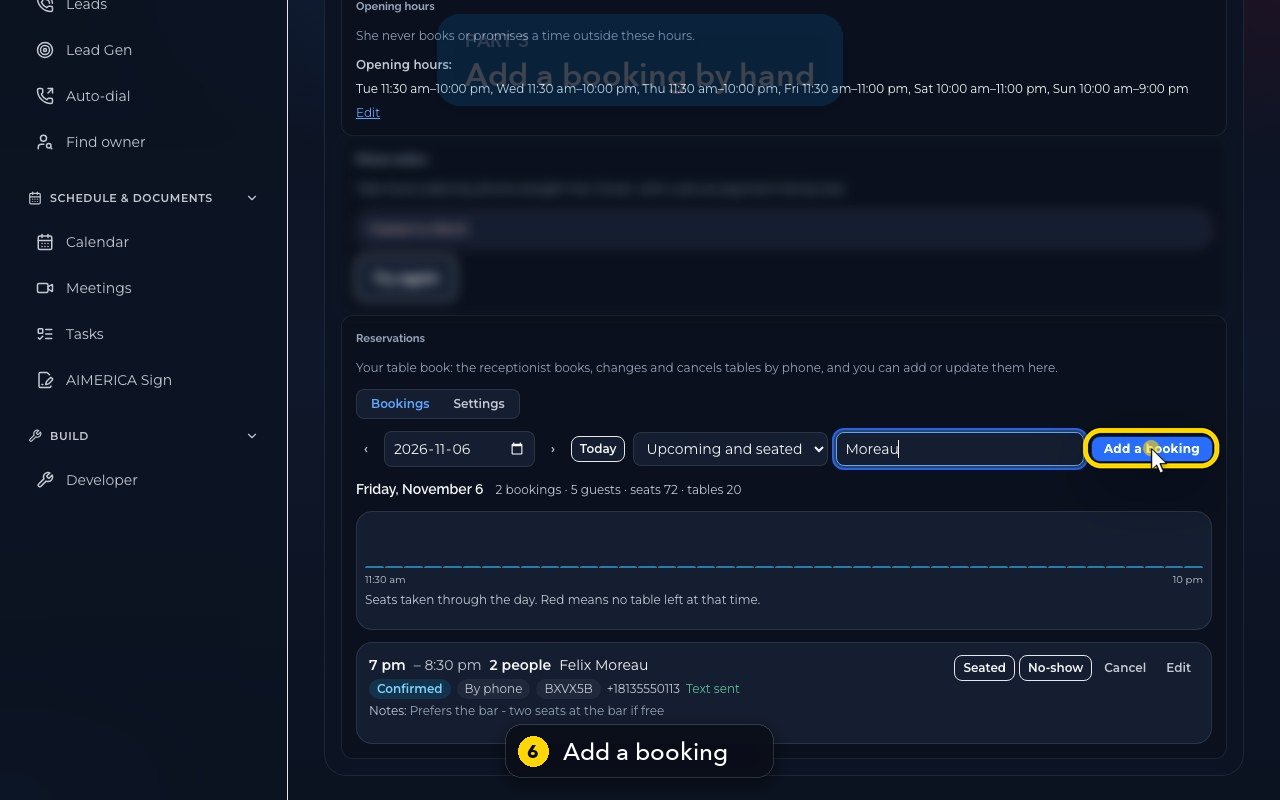
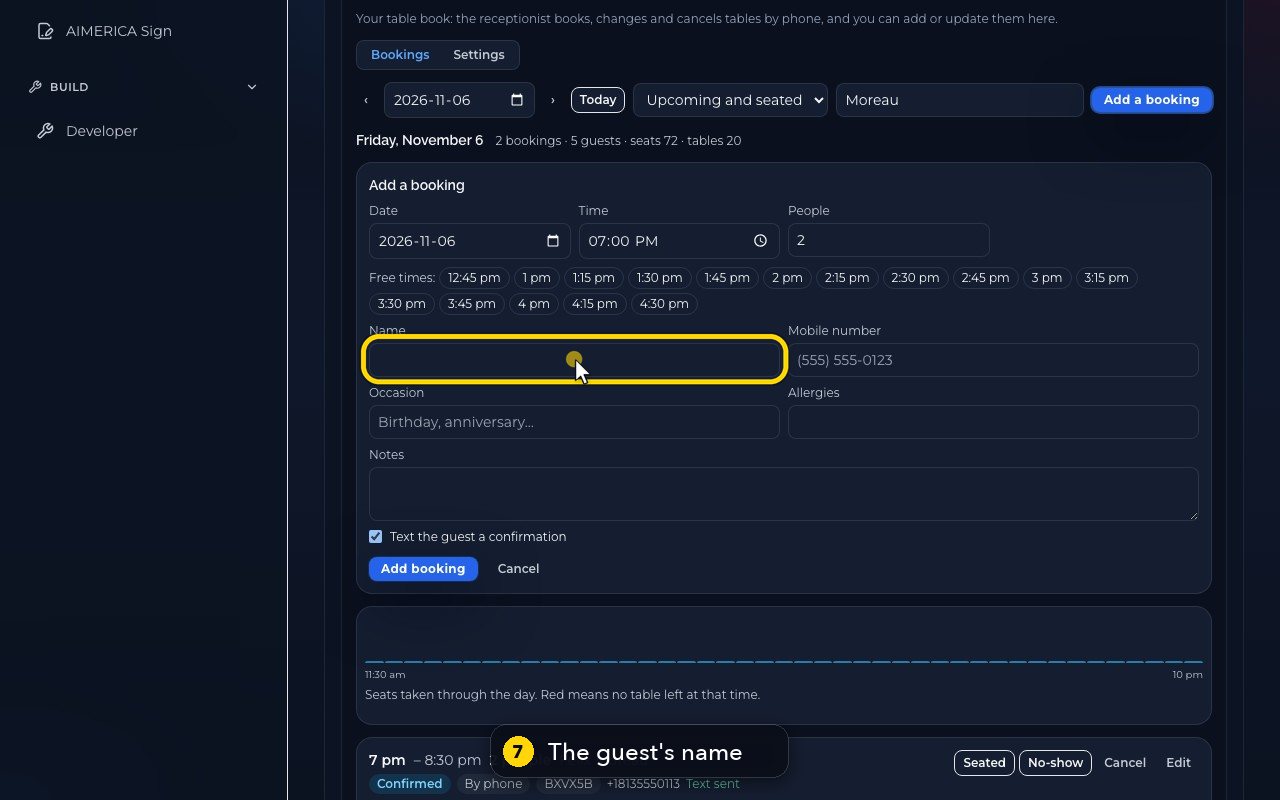
For a booking made in person, press Add a booking. Free times for that party size show as buttons.
- 7
Type the guest's name.
- 8
Then their mobile number. An occasion or allergies are optional.
- 9
Text the guest a confirmation is ticked by default. Add booking saves it. In this demo, we do not save.
- 10
Cancel, next to it, closes the form without saving.
- 11
On each booking you can mark Seated or No-show, edit it, or cancel it. Cancelling a phone booking texts the guest.
Related tutorials
 1:18VideoFind your AI receptionist and her settingsOpen AI Agents, find your receptionist and learn what each of her four tabs holds.
 1:35VideoSet up your AI receptionist (guided)Answer six short questions and AIMERICA writes your receptionist's instructions, ready to answer your line.
 1:16VideoSet your receptionist's opening hoursSet the days and times your receptionist treats as open, so she never books or promises a time when you are closed.
 1:17VideoChoose who your receptionist transfers calls toSee and add the people and numbers your receptionist may transfer a caller to, and when she should.
 1:35VideoTeach your receptionist your factsReview and add the facts your receptionist answers from: hours, services, prices, policies and common questions.
 0:58VideoChange your receptionist's greeting and nameFind the first sentence callers hear and your receptionist's name, and see how to change them.
Was this not what you needed? Write to us.