
Use AIMERICA in French
The app, the emails and what callers hear.
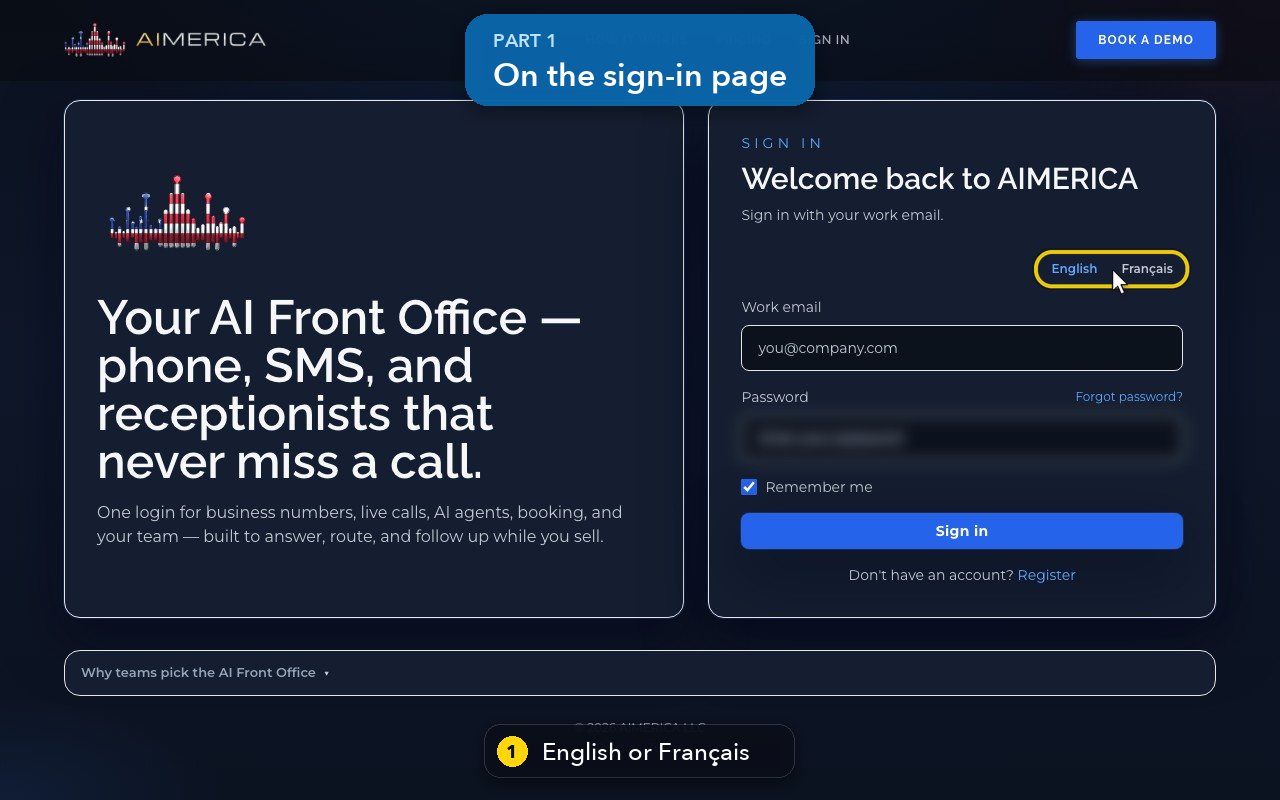
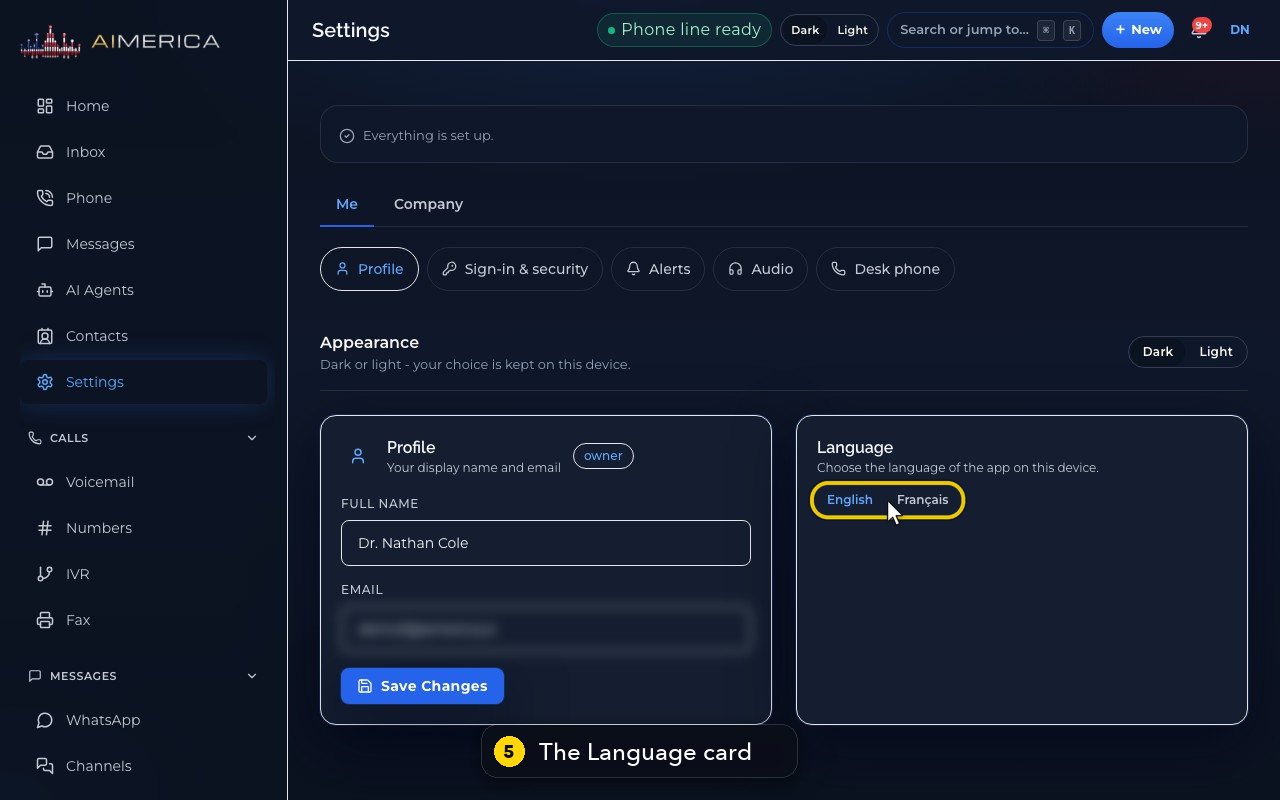
Press Français or English at the top of the sign-in page, or, once signed in, in Settings › Me › Profile, card Language. Voicemail on a desk phone has its own language in Settings › Company › Voicemail.
In this video
Step by step
- 1
You can choose English or French even before you sign in, at the top of the sign-in page.
- 2
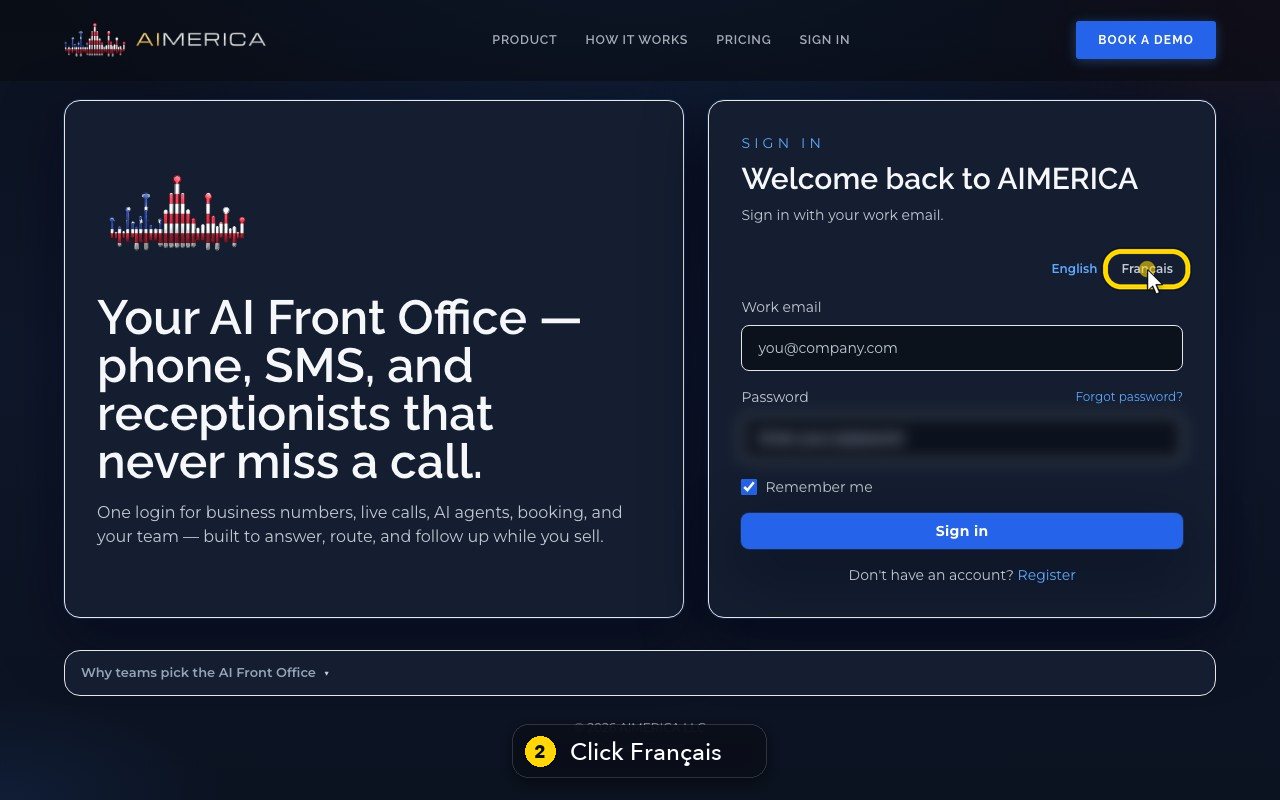
Press Français. The page reloads in French.
- 3
Press English to switch back.
- 4
Once you are signed in, the same switch is in Settings, under Me, on your Profile.
- 5
It changes the app on this device, and the language of the alerts we send you.
- 6
Press Français, and every screen reloads in French. In this shared demo, we leave it in English.
- 7
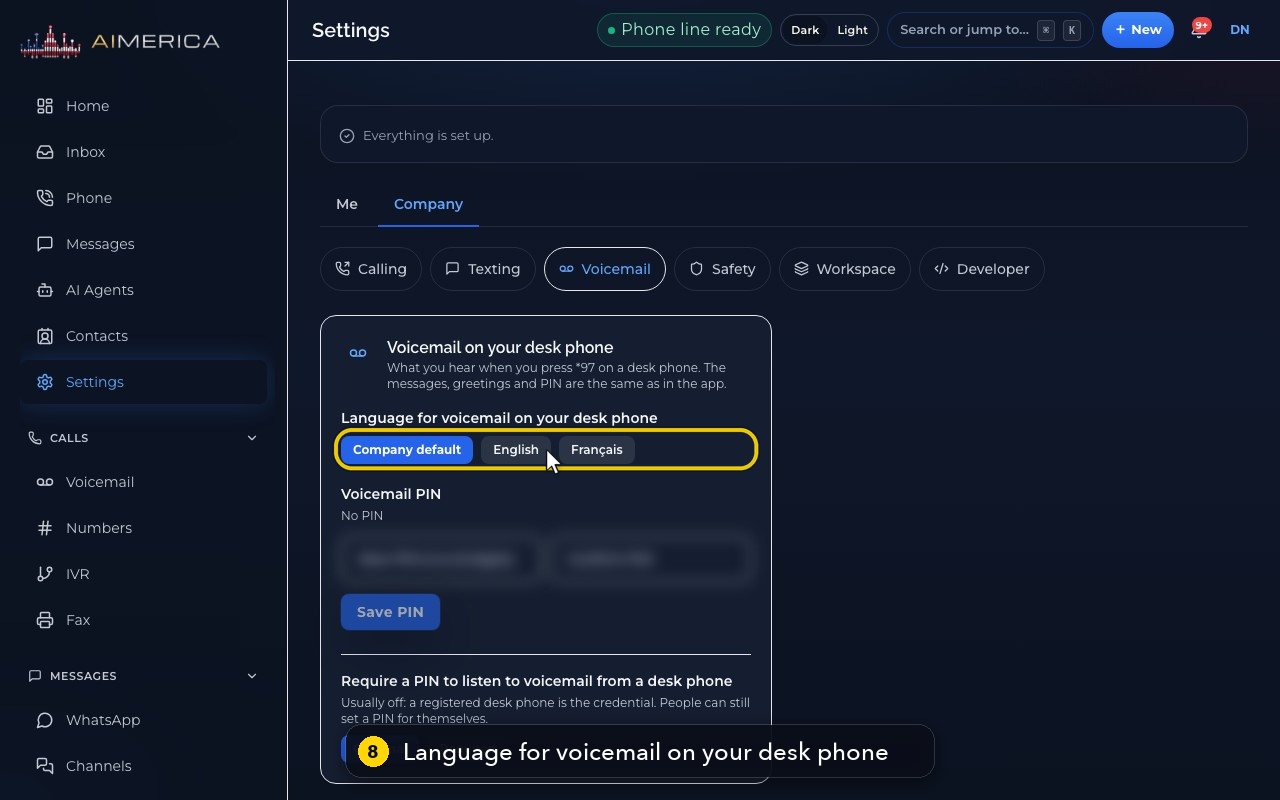
A desk phone has its own language for your messages. Choose Company at the top. Then, in the row below, choose Voicemail.
- 8
Choose the company's default, English, or Français, for what the desk phone says to you. A choice saves at once, so here we only point.
In short
- Each person chooses English or Français for themselves: at the top of the sign-in page, or once signed in in Settings › Me › Profile, card Language. It changes the app on that device, and the emails and alerts we send that person follow.
- Voicemail on a desk phone has its own setting: Settings › Company › Voicemail, Language for voicemail on your desk phone (Company default, English or Français). It saves as soon as you click.
- A company's language (English, French, or both) decides the language of call transcripts, the spoken recording notice and the default voicemail greeting. Ask AIMERICA support to change it.
A company that takes calls in both languages hears the recording notice in both, English first.
Related tutorials
 1:09VideoTurn on two-step sign-inProtect your account with a six-digit code from an authenticator app on top of your password.
 0:55VideoChange your passwordChange your AIMERICA password and choose whether SIP desk phones stay connected.
 0:54VideoChoose your call and voicemail alertsChoose whether AIMERICA alerts you to missed calls and new voicemail, and let this browser ring in the background.
 0:47VideoChange your name and the app's appearanceSet the name your team sees and switch the app between dark and light.
 1:25VideoFind Billing and read your planOpen Billing from your account page and read your plan, this month's minutes, texts and numbers, and the plans you can switch to.
 1:02VideoAdd or change the card on fileAdd the card that pays your AIMERICA bill, or replace it, from the Billing page.
Was this not what you needed? Write to us.