
Desk phone: contacts
Find a contact by name or number, then call or text in one tap.
Part 5 of the desk phone walkthrough: find anyone in your company's contacts and reach them in one tap.
In this video
Step by step
- 1
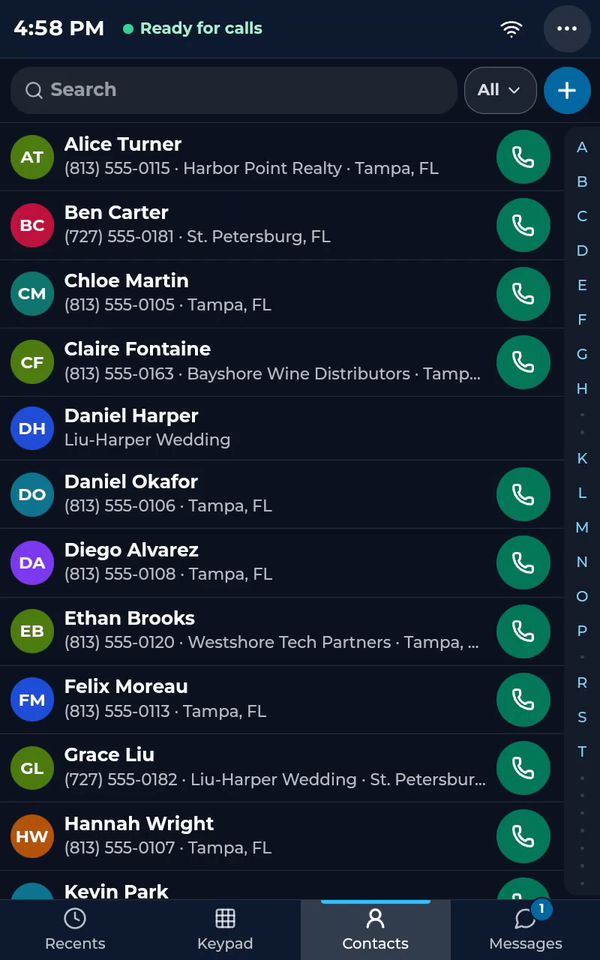
The Contacts tab holds your company's contacts, shared with the whole team.
- 2
The letters on the right jump straight to a name.
- 3
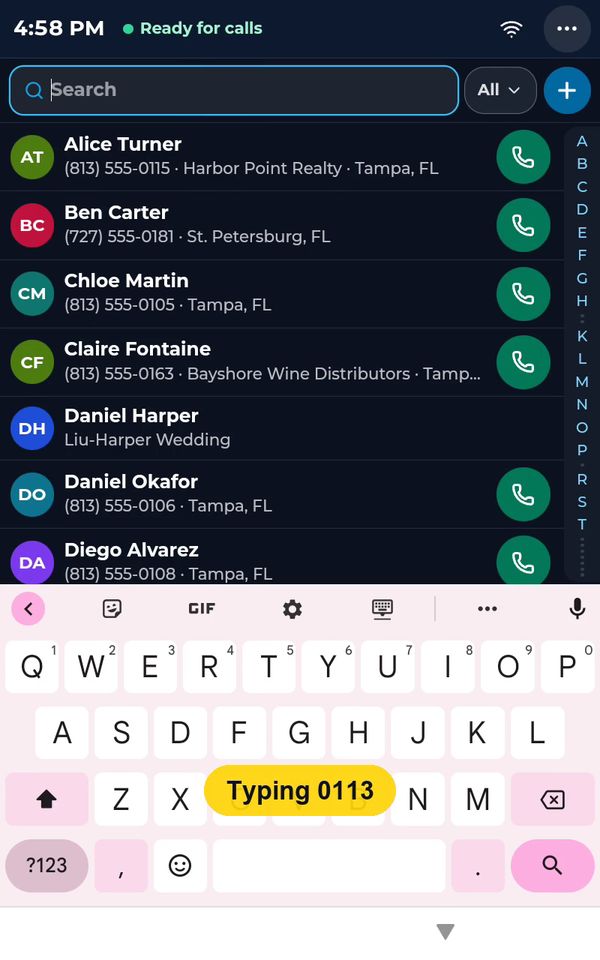
Search by name or by number.
- 4
Here we type part of a number.
- 5
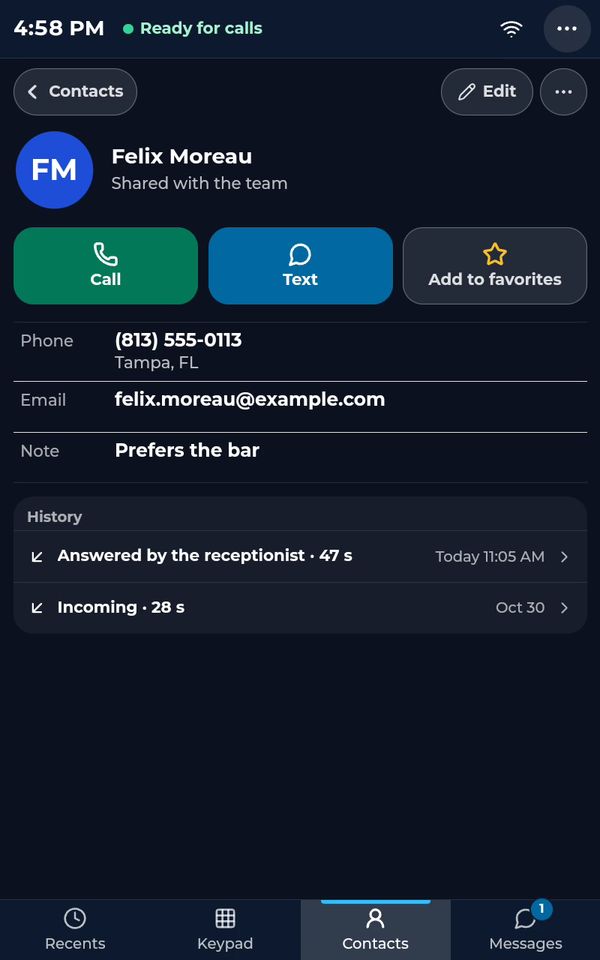
Tap the contact to open it.

- 6
Call or text in one tap, add the person to your favorites, and see every call you had with them.
- 7
Tap Contacts to go back.
The contacts belong to your company and are shared with the whole team.
See the whole desk phone in one video: The desk phone: a full walkthrough (4:31, part 5 of 7).
Related tutorials
 4:31VideoThe desk phone: a full walkthroughEverything the AIMERICA desk phone does: calls, voicemail, contacts, texts and the menu.
 0:41VideoDesk phone: home screen and recent callsRead the home screen, filter your recent calls and open a call's details.
 0:37VideoDesk phone: voicemailRead and play your voicemail, call back or delete, and open the voicemail settings.
 0:51VideoDesk phone: make a call, hold, mute and transferDial a number, then use hold, mute, transfer and the other buttons during a call.
 0:18VideoDesk phone: use the handsetLift the handset to dial, and move a call from the speaker to the handset.
 0:20VideoDesk phone: texts and WhatsAppOpen a conversation, reply, or write a note only your team sees.
Was this not what you needed? Write to us.