
Desk phone: voicemail
Read and play your voicemail, call back or delete, and open the voicemail settings.
Part 2 of the desk phone walkthrough: read and play your voicemail, call back, and change the voicemail settings.
In this video
Step by step
- 1
When you miss a call, the caller can leave a voicemail. Tap Voicemail.
- 2
Every voicemail is written out for you, so you can read it without listening.
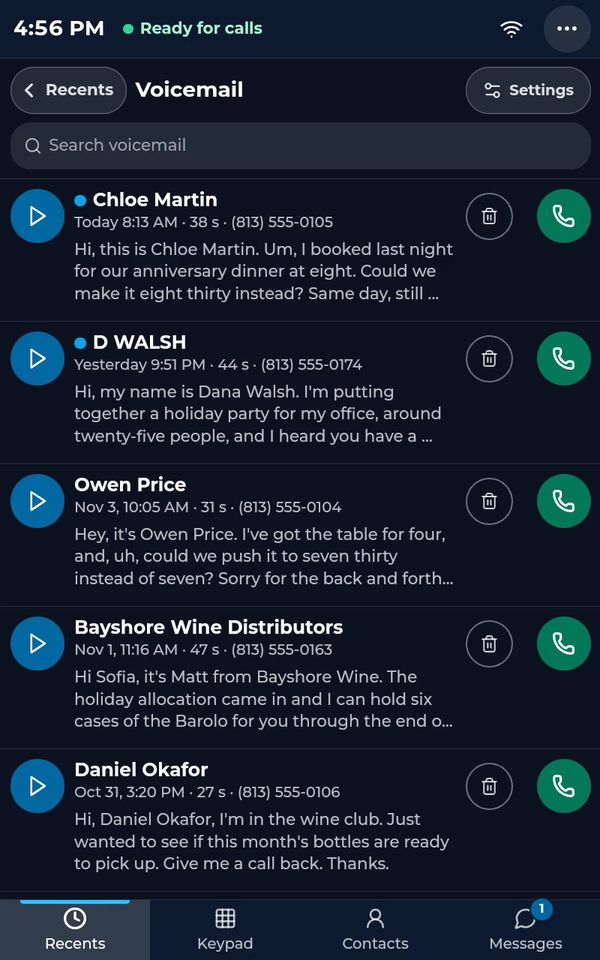
- 3
To listen, tap the play button.
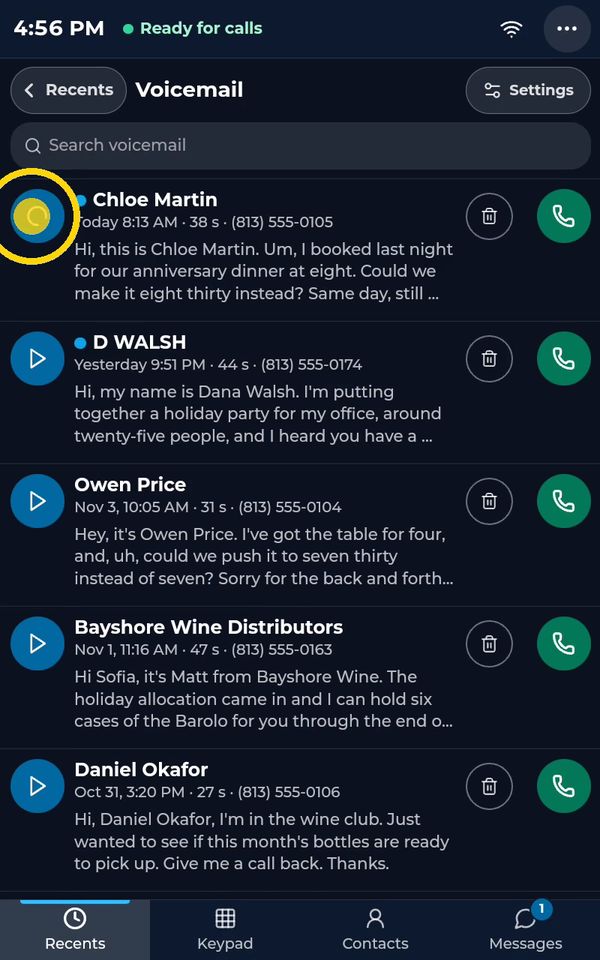
- 4
Tap it again to stop.
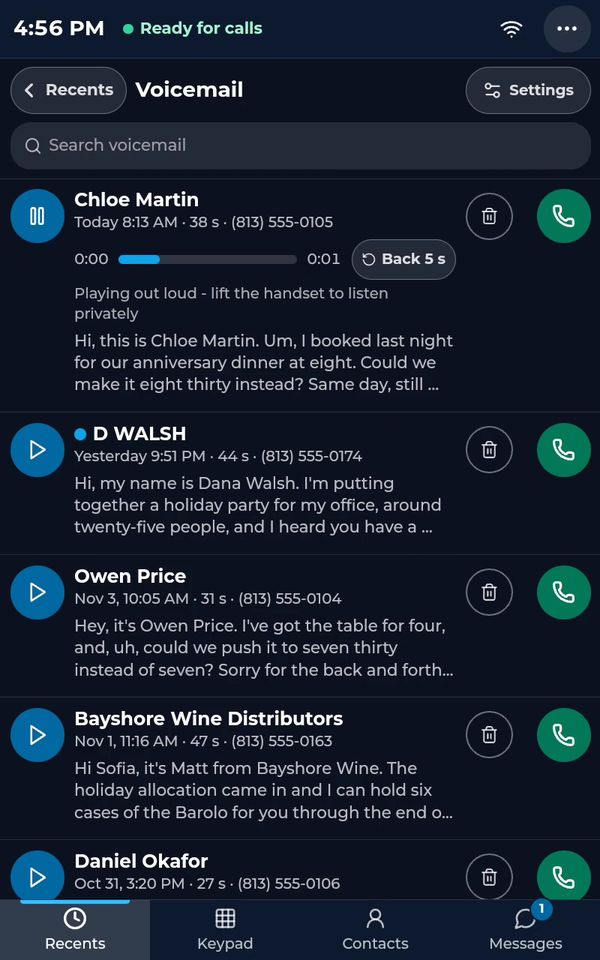
- 5
You can call the person back, or delete the message, right from the list.
- 6
Tap Settings to choose how many rings before voicemail, record your own greeting, and set quick replies for callers.
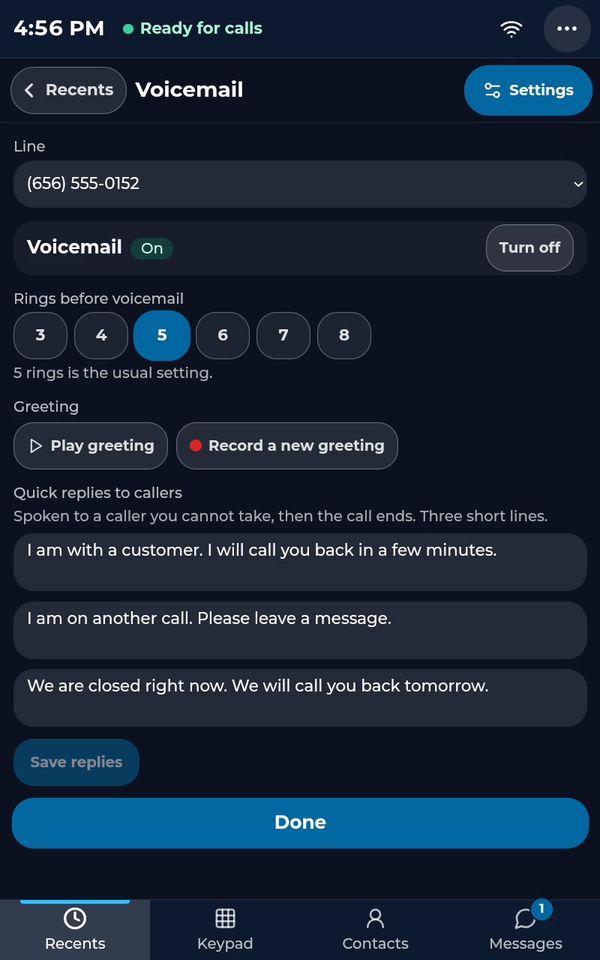
- 7
When you are done, tap Done.
- 8
And tap Recents to go back.
See the whole desk phone in one video: The desk phone: a full walkthrough (4:31, part 2 of 7).
Related tutorials
 4:31VideoThe desk phone: a full walkthroughEverything the AIMERICA desk phone does: calls, voicemail, contacts, texts and the menu.
 0:41VideoDesk phone: home screen and recent callsRead the home screen, filter your recent calls and open a call's details.
 0:51VideoDesk phone: make a call, hold, mute and transferDial a number, then use hold, mute, transfer and the other buttons during a call.
 0:18VideoDesk phone: use the handsetLift the handset to dial, and move a call from the speaker to the handset.
 0:29VideoDesk phone: contactsFind a contact by name or number, then call or text in one tap.
 0:20VideoDesk phone: texts and WhatsAppOpen a conversation, reply, or write a note only your team sees.
Was this not what you needed? Write to us.