
Register an app other companies can authorize
Register an OAuth app with its redirect addresses and scopes, so other AIMERICA companies can allow it.
Open Developer (owners and admins), tab Apps, and press New app. Give it a name, choose Confidential (a server that keeps a secret) or Public (mobile or browser, PKCE), describe it for the consent screen, add the redirect URIs one per line, tick the permissions it may ask for and press Register app. Copy the client secret: it is shown once.
In this video
Step by step
- 1
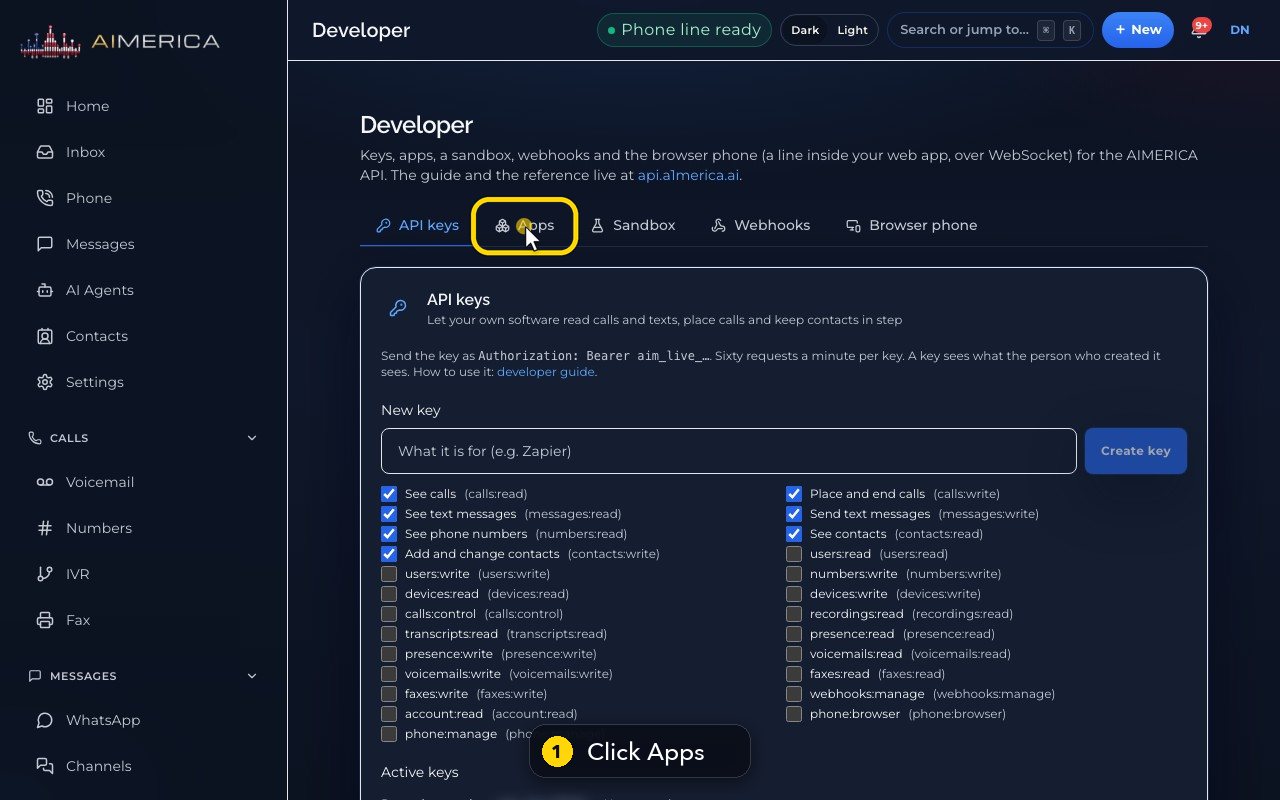
An app other companies can authorize: their people sign in, read the permissions as plain sentences, and click Allow. Open the Apps tab.
- 2
New app opens the form.
- 3
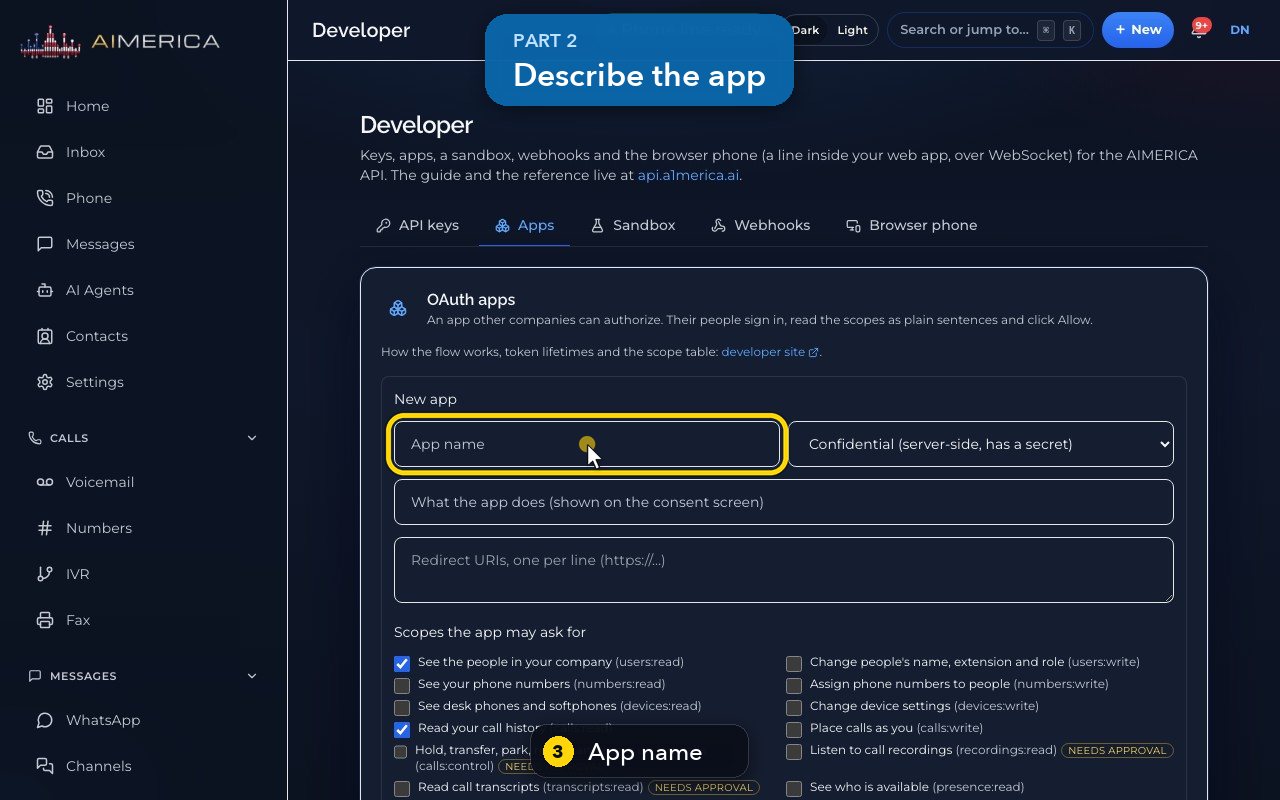
Name the app.
- 4
Confidential is for a server that keeps a secret. Public is for mobile or browser apps.
- 5
Describe what it does. People read this on the consent screen.
- 6
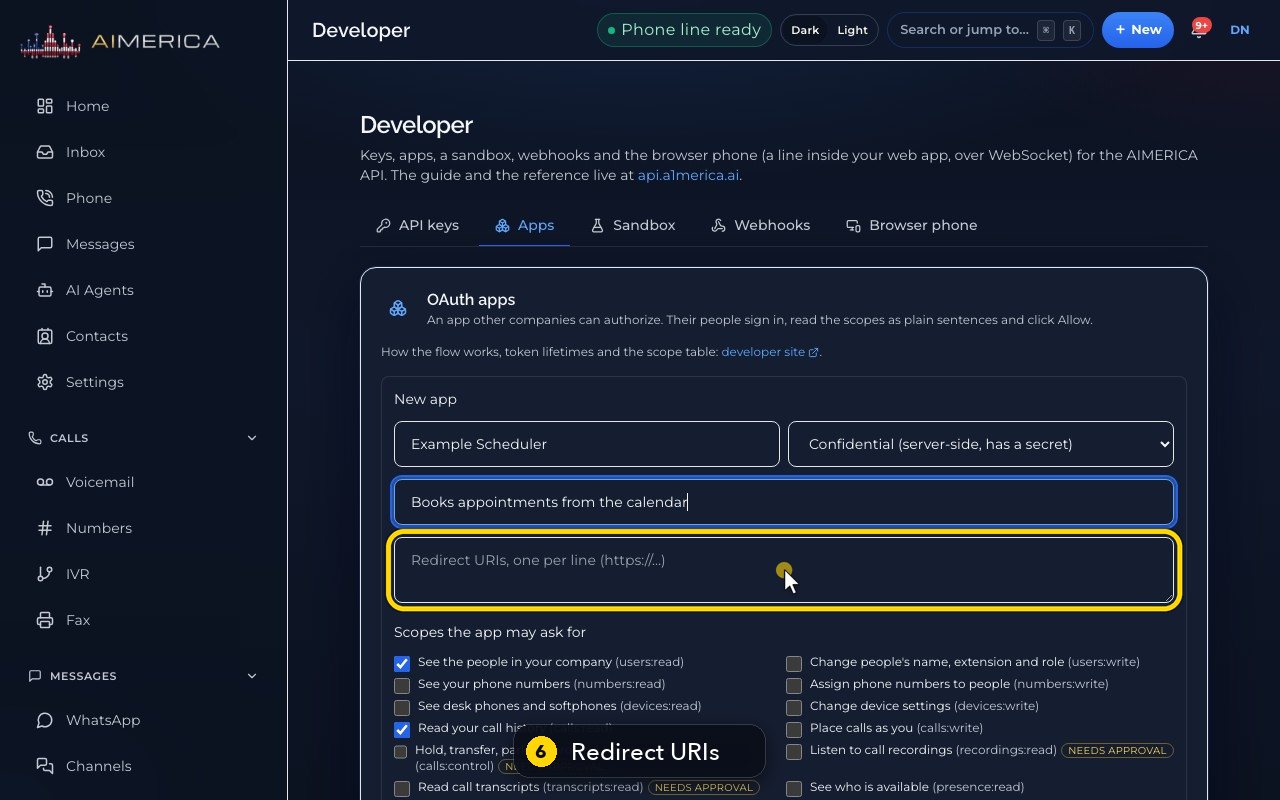
Add the redirect addresses, one per line.
- 7
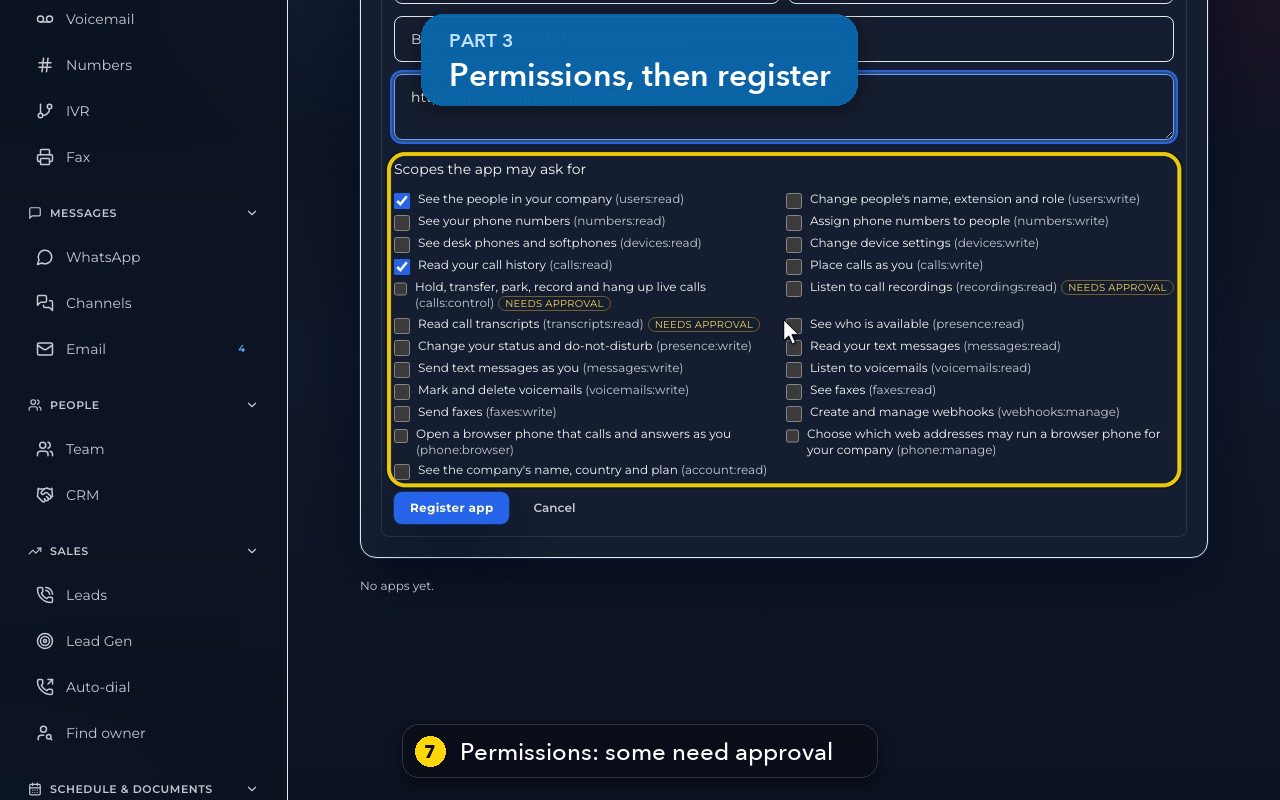
Pick the permissions it may ask for. Recordings, transcripts and live call control need our approval first.
- 8
Register app shows the client id, and the secret only once. Here we press Cancel.
- 9
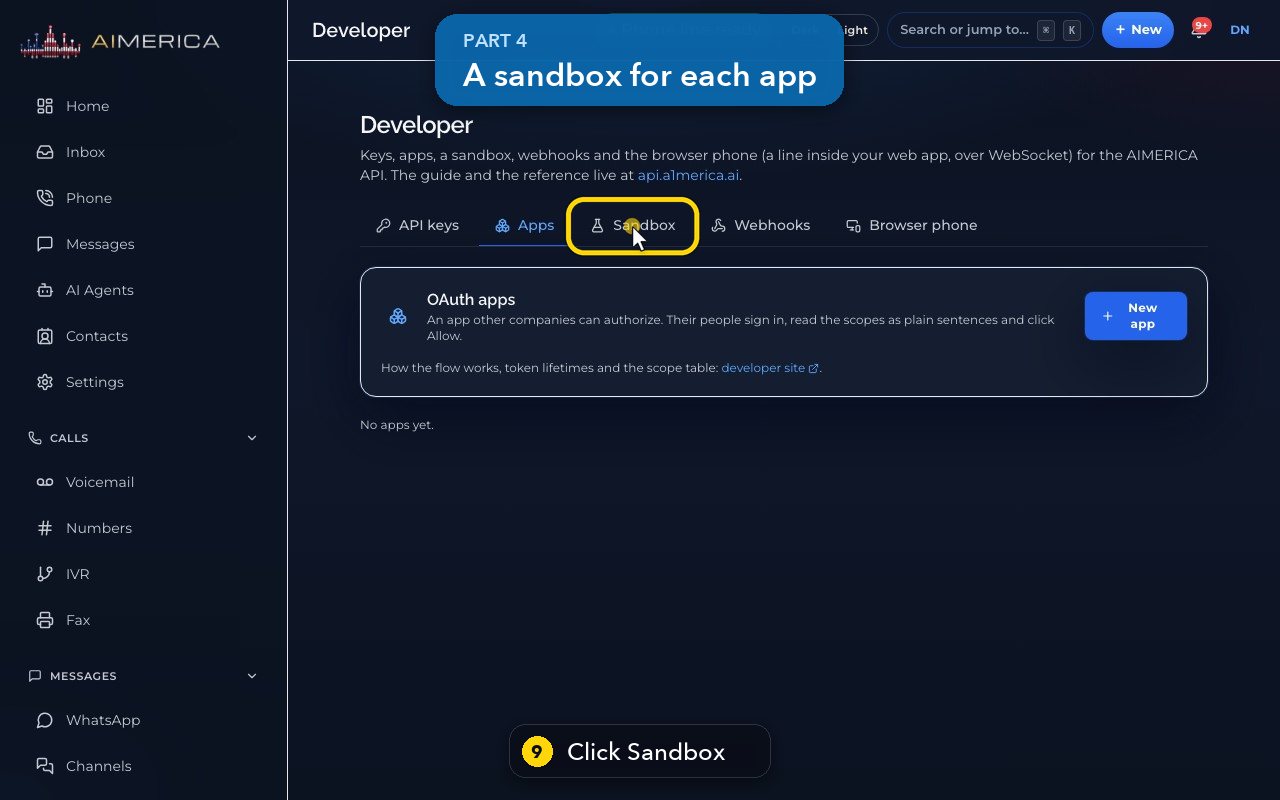
Each app can get its own sandbox company: three people, three lines and two weeks of calls, never billed.
- 10
It belongs to an app, so register your app first.
Related tutorials
 1:05VideoPost missed calls and voicemails to SlackSend missed calls, voicemails, texts and faxes to a Slack channel as they happen.
 1:14VideoConnect HubSpot, Salesforce or OdooFind Integrations, see what each CRM connection syncs, and where a HubSpot private-app token goes.
 1:09VideoZapier webhooks in Settings, DeveloperUnder Settings, Company, Developer, make keys and the simple webhooks Zapier uses for calls, texts, voicemail and fax.
 1:19VideoCreate an API key for your own softwareMake an API key with only the permissions your software needs, for tools like Zapier or your own code.
 1:22VideoSubscribe to events with webhooksAdd a webhook subscription that sends calls, texts, voicemails and other events to your server.
 1:07VideoPut your phone line inside your own web appAllow your web app's address and see how a browser phone registers your AIMERICA line over a secure WebSocket.
Was this not what you needed? Write to us.