
Save a customer for repeat charges
Save a customer once in AIMERICA Payment, so you can charge their card later without asking again.
Open AIMERICA Payment > Customers. Type the customer's Name and Email (and a phone if you like) and press Create customer: the card form opens for that customer. Saved customers are listed under Your customers, with a search box.
In this video
Step by step
- 1
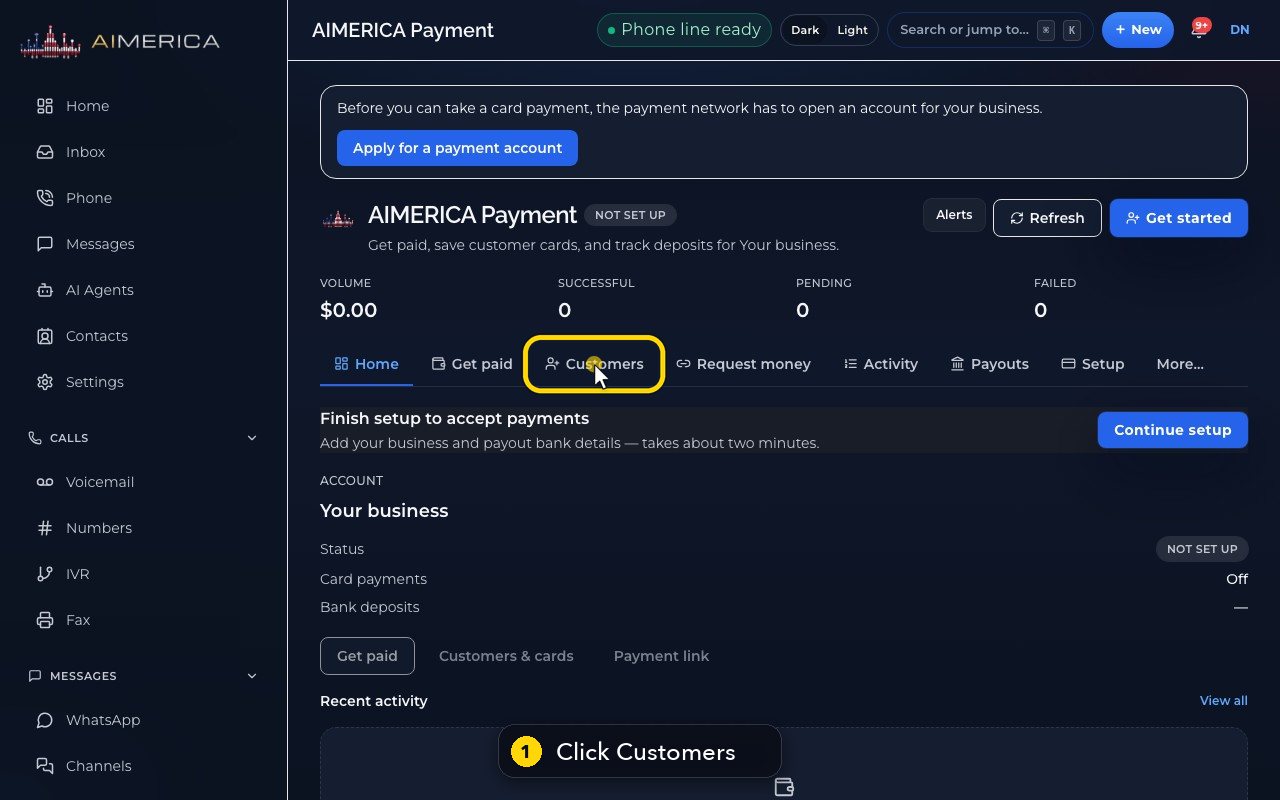
Customers keeps the people you bill. Open Customers.
- 2
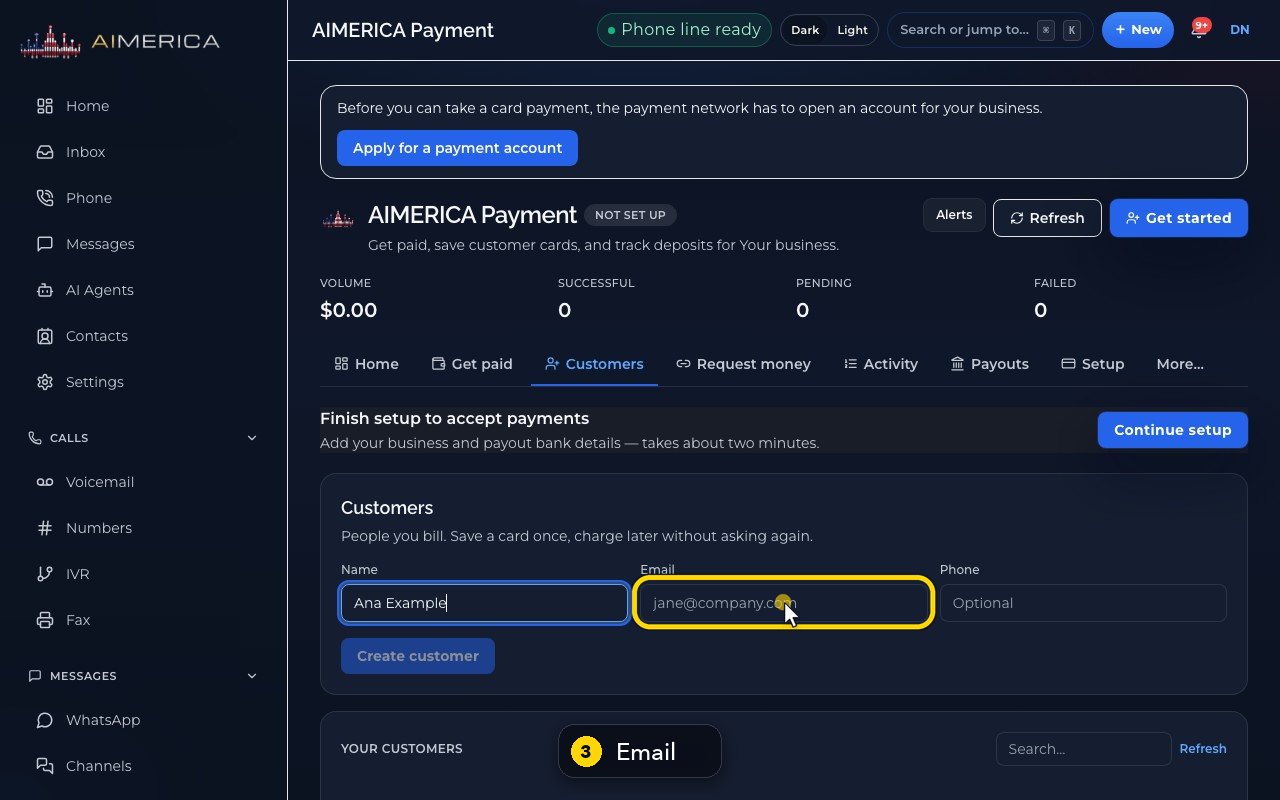
Type the customer's name.
- 3
Add an email for their receipts.
- 4
A phone number is optional.
- 5
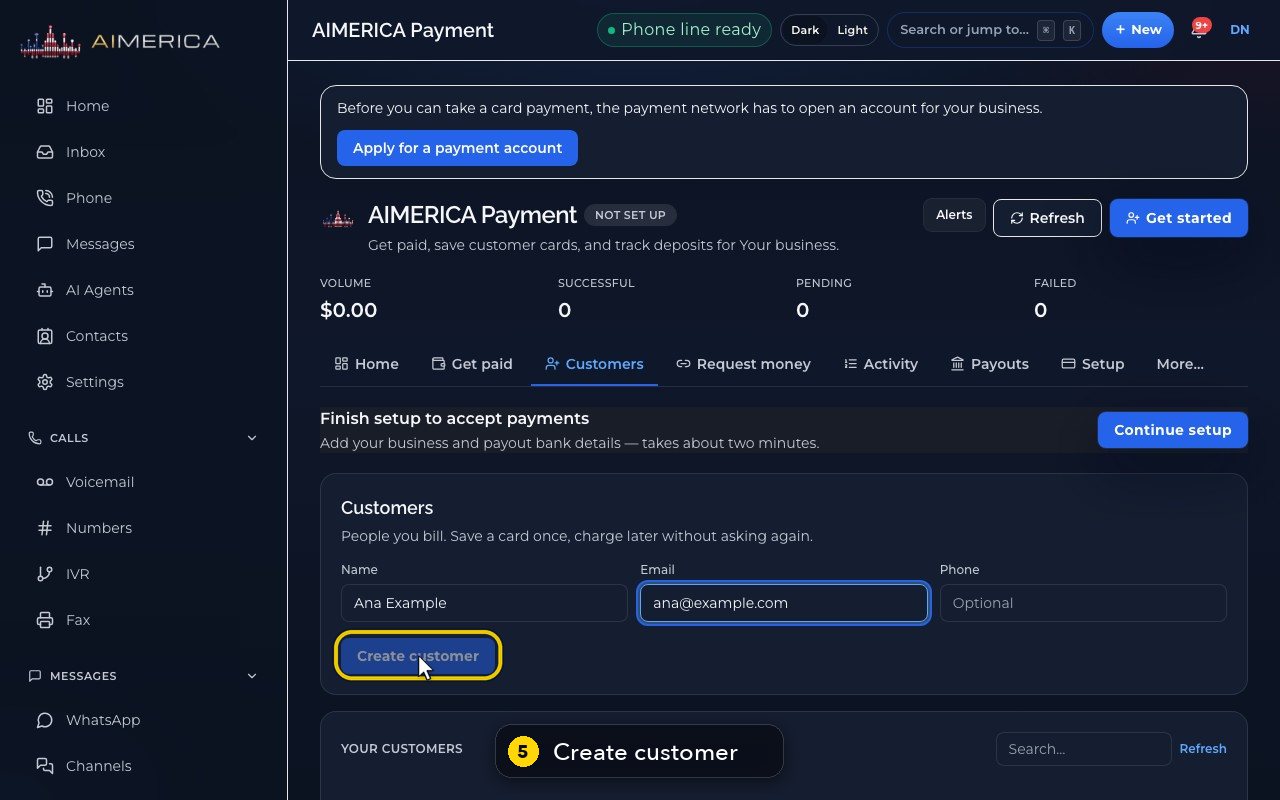
Create customer saves them, and opens the card form for that customer. Here it waits for the account to be set up.
- 6
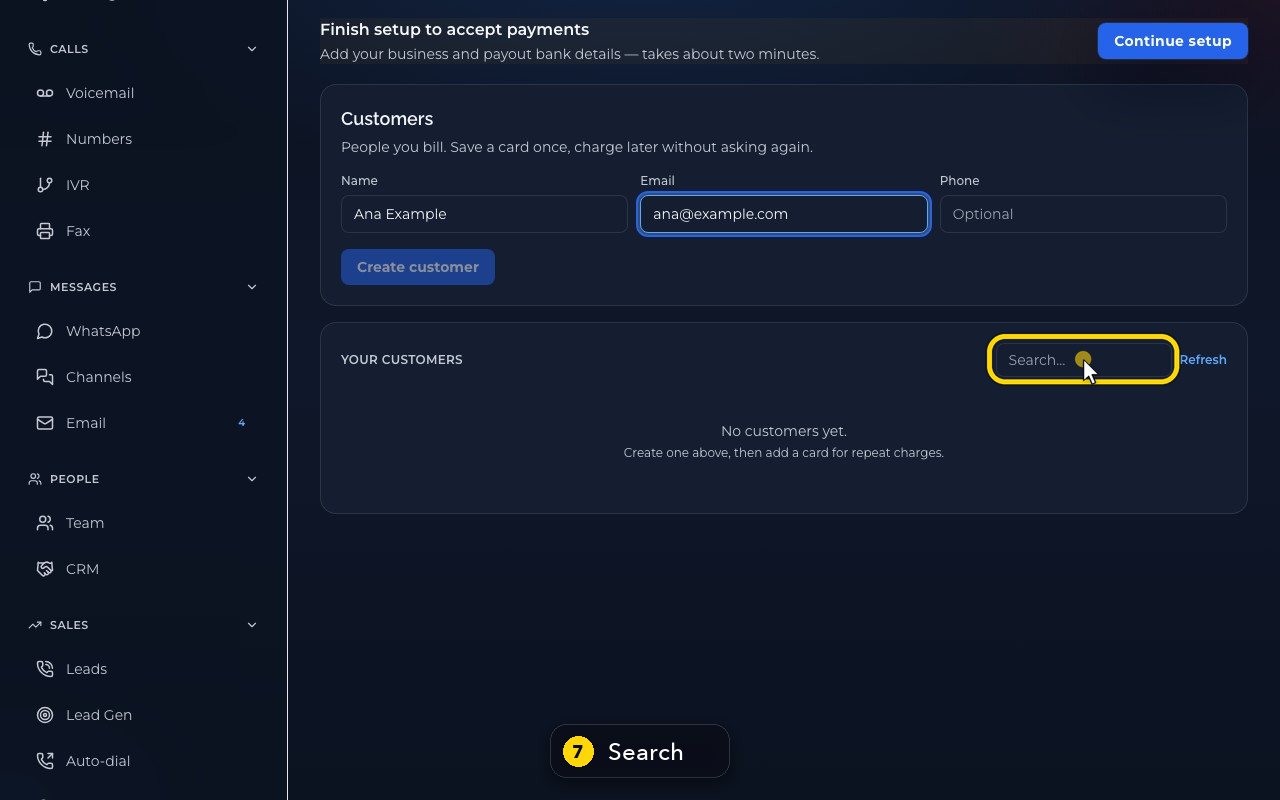
Your customers lists everyone saved, with a search box.
- 7
Search by name to find someone fast.
- 8
To charge a saved customer later, open Get paid, then Customer on file.
Related tutorials
 1:09VideoTurn on two-step sign-inProtect your account with a six-digit code from an authenticator app on top of your password.
 0:55VideoChange your passwordChange your AIMERICA password and choose whether SIP desk phones stay connected.
 0:54VideoChoose your call and voicemail alertsChoose whether AIMERICA alerts you to missed calls and new voicemail, and let this browser ring in the background.
 1:06VideoUse AIMERICA in FrenchSwitch the app between English and French for yourself, and choose your desk phone's voicemail language.
 0:47VideoChange your name and the app's appearanceSet the name your team sees and switch the app between dark and light.
 1:25VideoFind Billing and read your planOpen Billing from your account page and read your plan, this month's minutes, texts and numbers, and the plans you can switch to.
Was this not what you needed? Write to us.