
Plan a meeting straight from the calendar
Click an empty hour in week view to open the meeting form with that day and time filled in.
Open Calendar, switch to Week and click any free hour: the meeting form opens in Meetings with that day and time already set. The New meeting button opens the same form.
In this video
Step by step
- 1
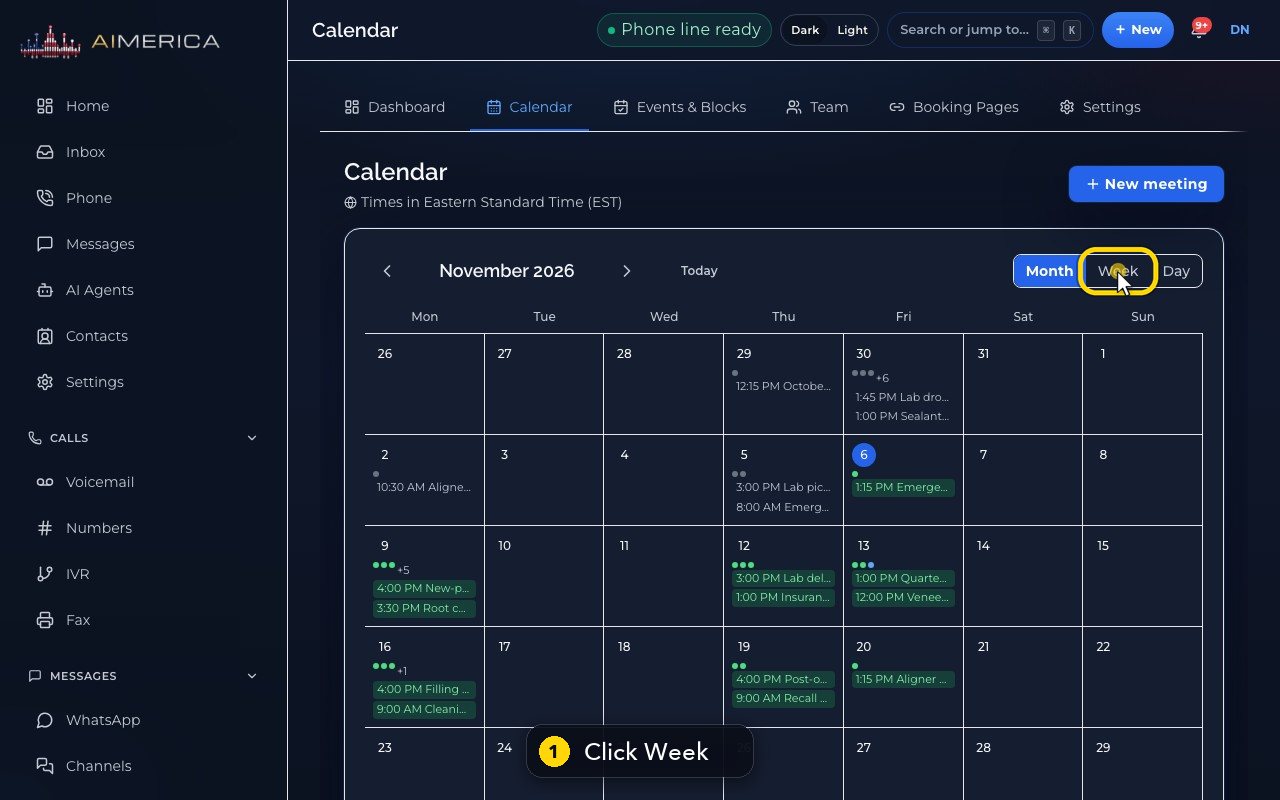
You can plan a meeting right from your calendar. Switch to Week.
- 2
The arrow moves to next week.
- 3
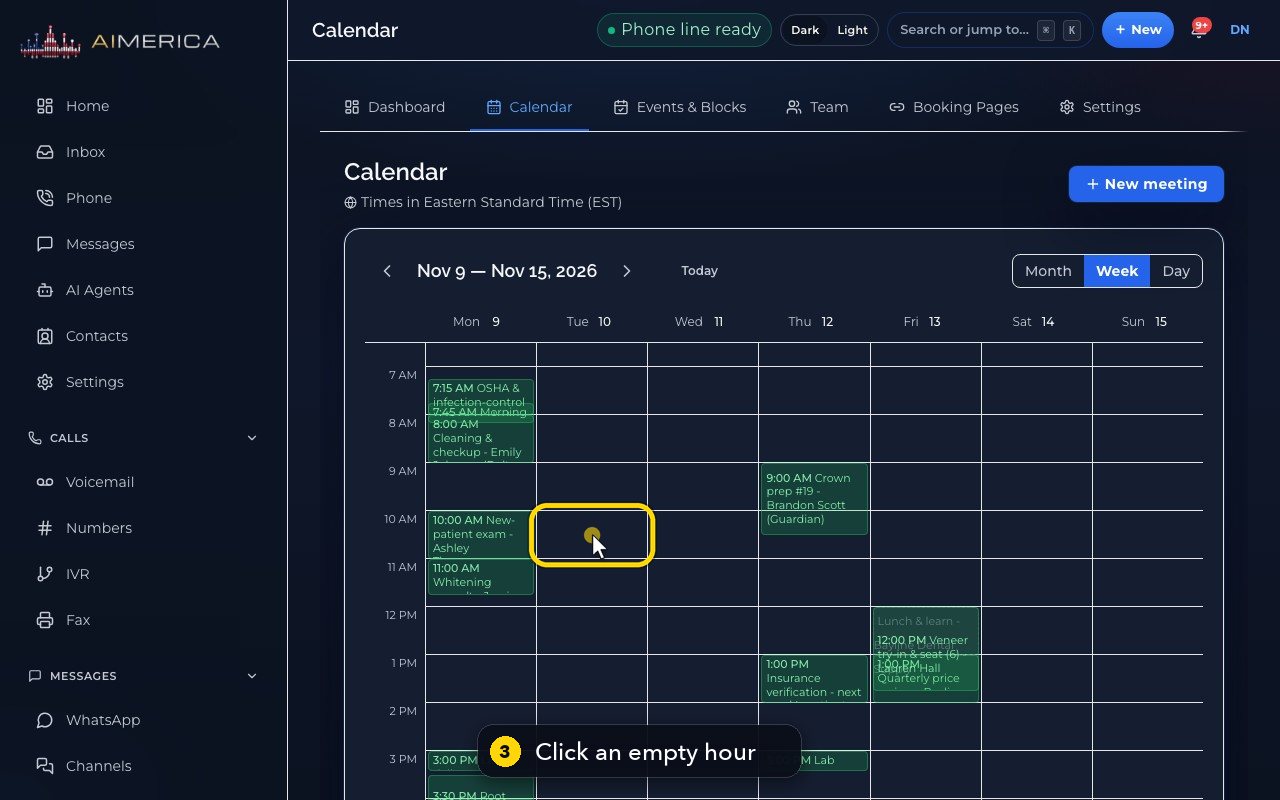
Click an empty hour to plan a meeting at that time.
- 4
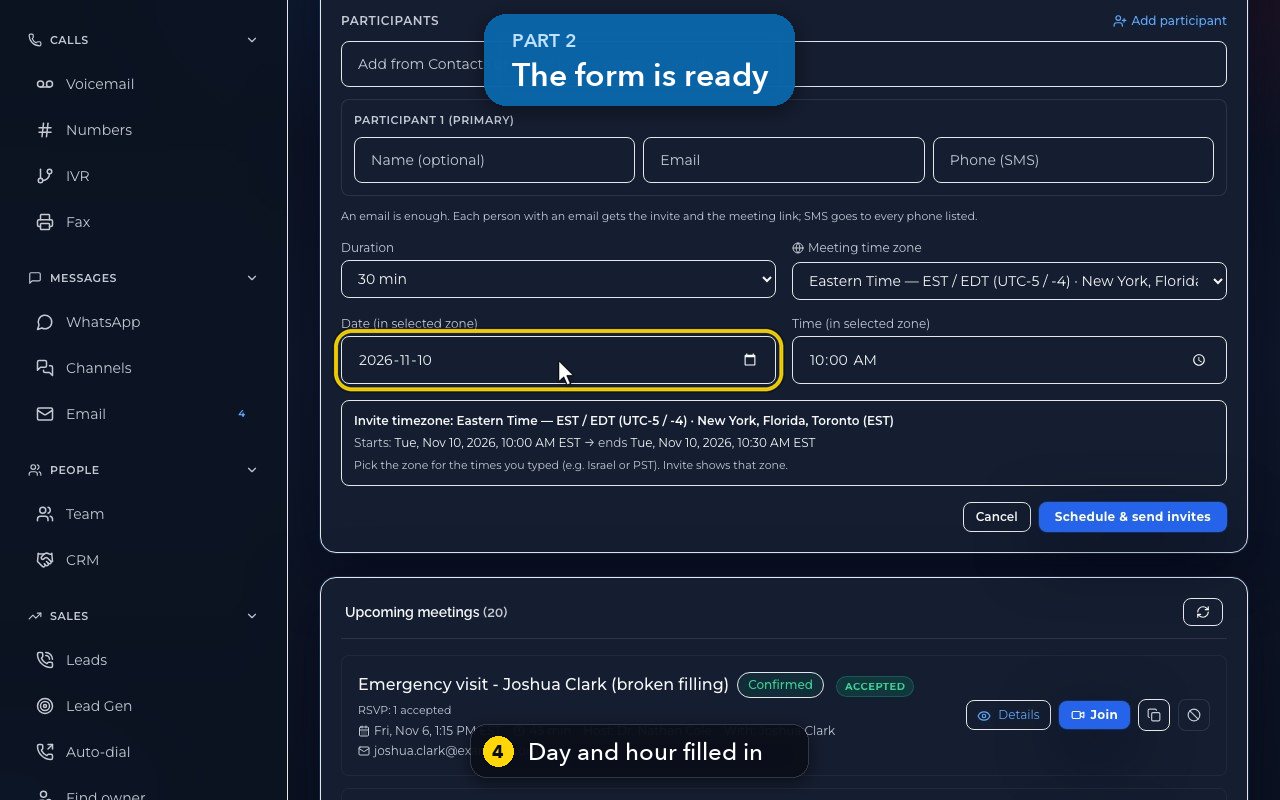
The Meetings form opens with that day filled in, and that hour too.
- 5
The preview confirms the start and the end.
- 6
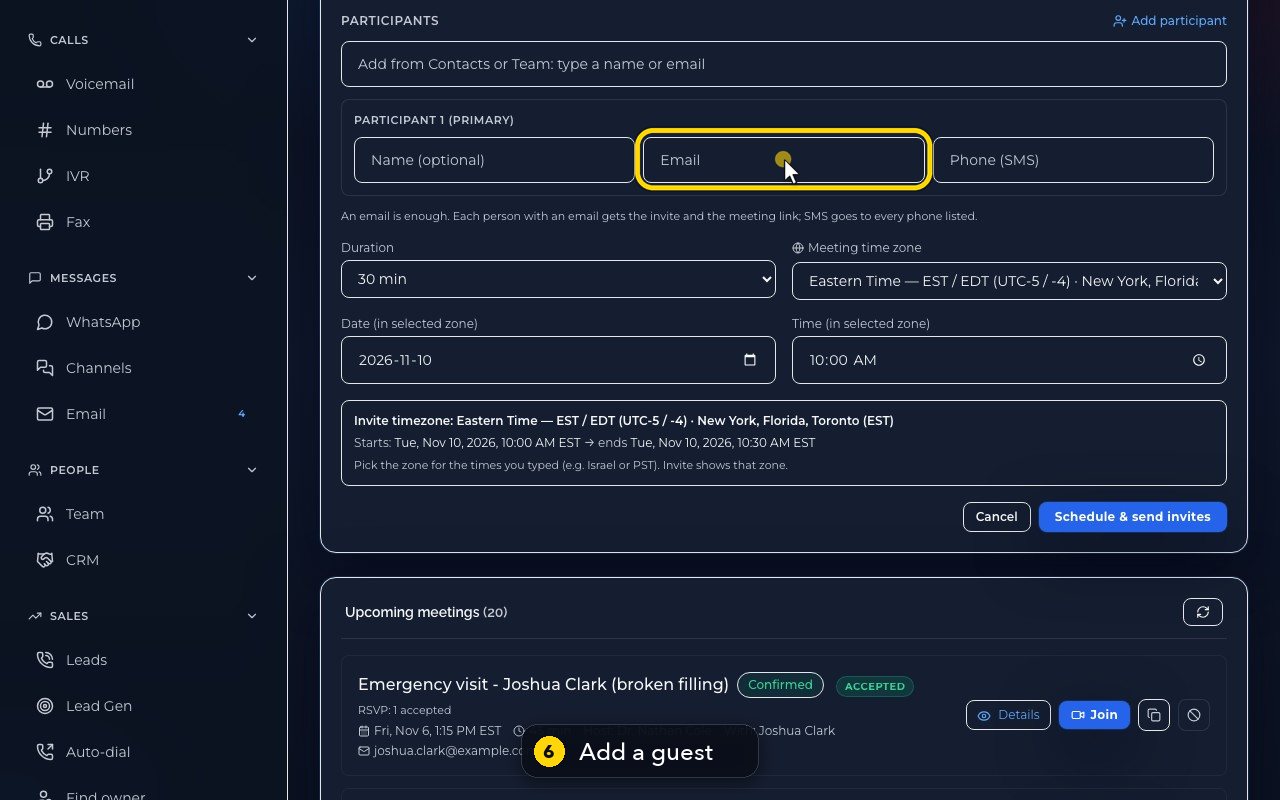
Add a guest, and the rest works like any other meeting.
- 7
Here we press Cancel, so nothing is booked and nobody is invited.
- 8
Back in Calendar, the New meeting button at the top opens the same form.
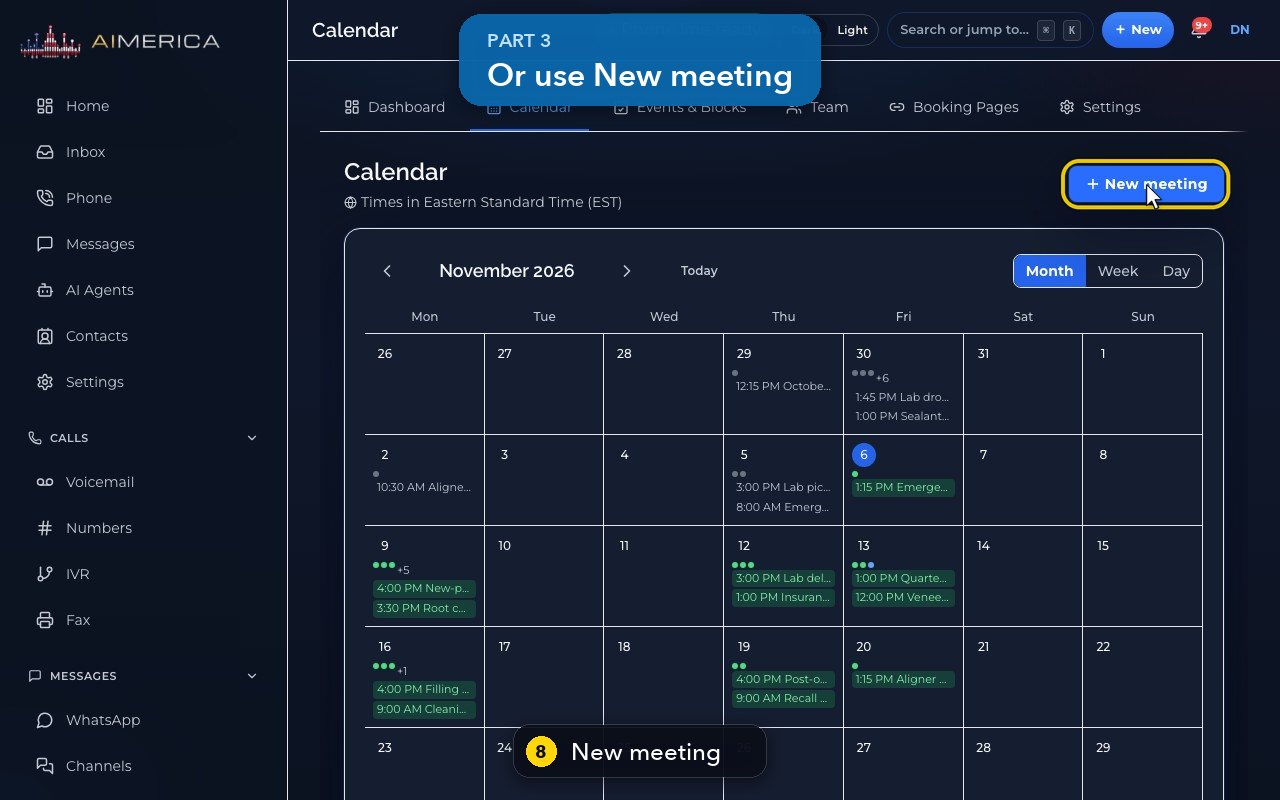
The form keeps the day and hour you clicked; you can still change them before you send the invites.
Related tutorials
 1:15VideoSchedule a video meeting and invite guestsPlan a video meeting, add guests from Contacts or Team, and check the time before inviting.
 1:14VideoJoin a meeting and share your screenJoin a meeting from its link, check your microphone, then share your screen.
 1:17VideoChange a meeting's time or guestsOpen a meeting's details to change its time, guests or notes, and choose whether guests are told.
 0:56VideoSee who accepted a meeting inviteRead the RSVP badges so you know who is coming.
 1:14VideoHost controls: waiting room, lock and muteAs host, let people in, lock the meeting, mute everyone and share the invite or dial-in.
 0:52VideoLook back at past and cancelled meetingsFind meetings that are over, cancelled or no-shows, and open their details.
Was this not what you needed? Write to us.