
See who accepted a meeting invite
Read the RSVP badges so you know who is coming.
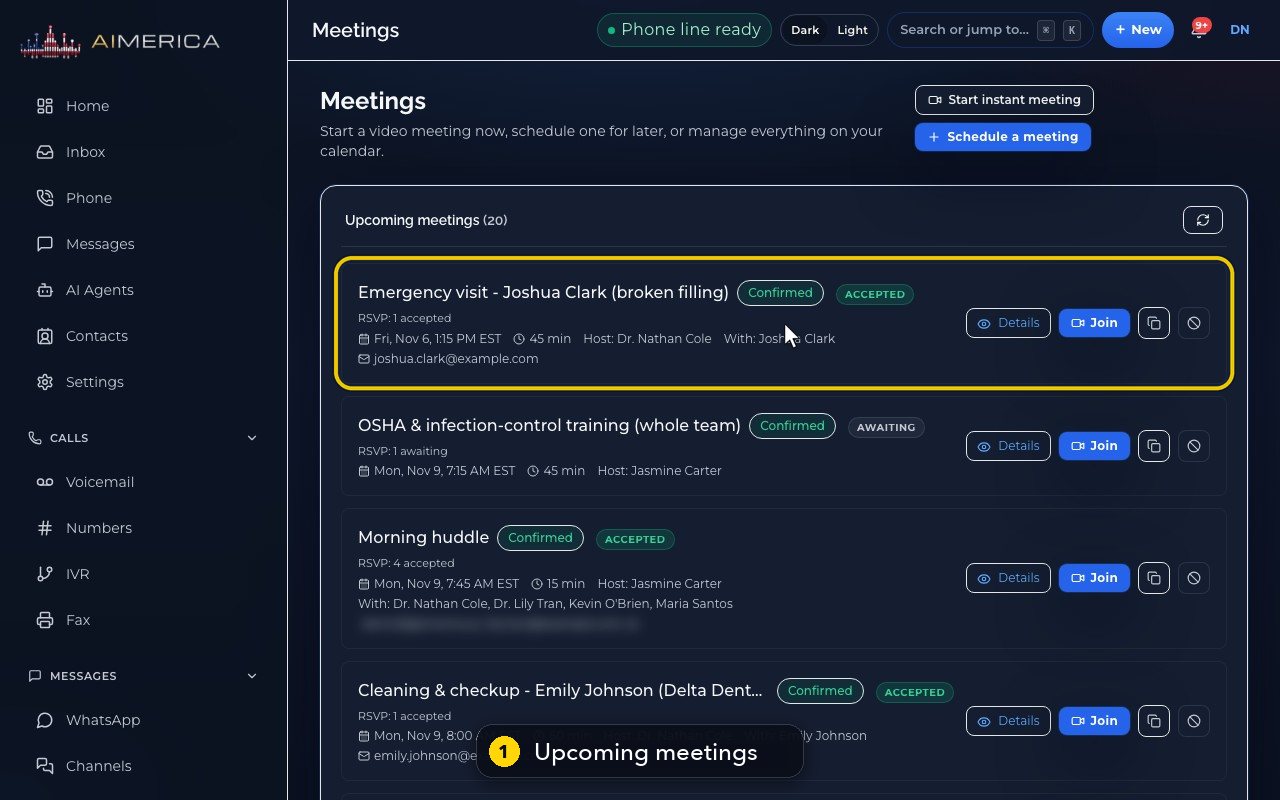
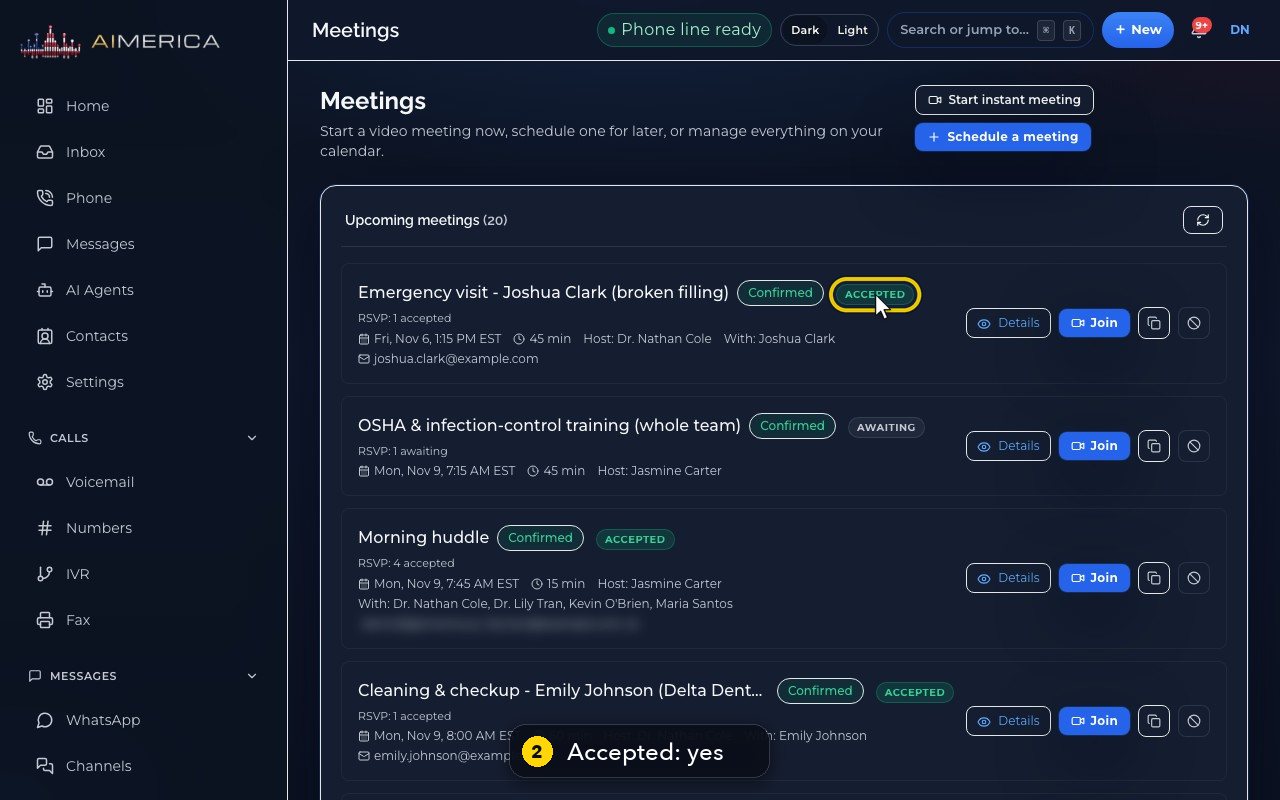
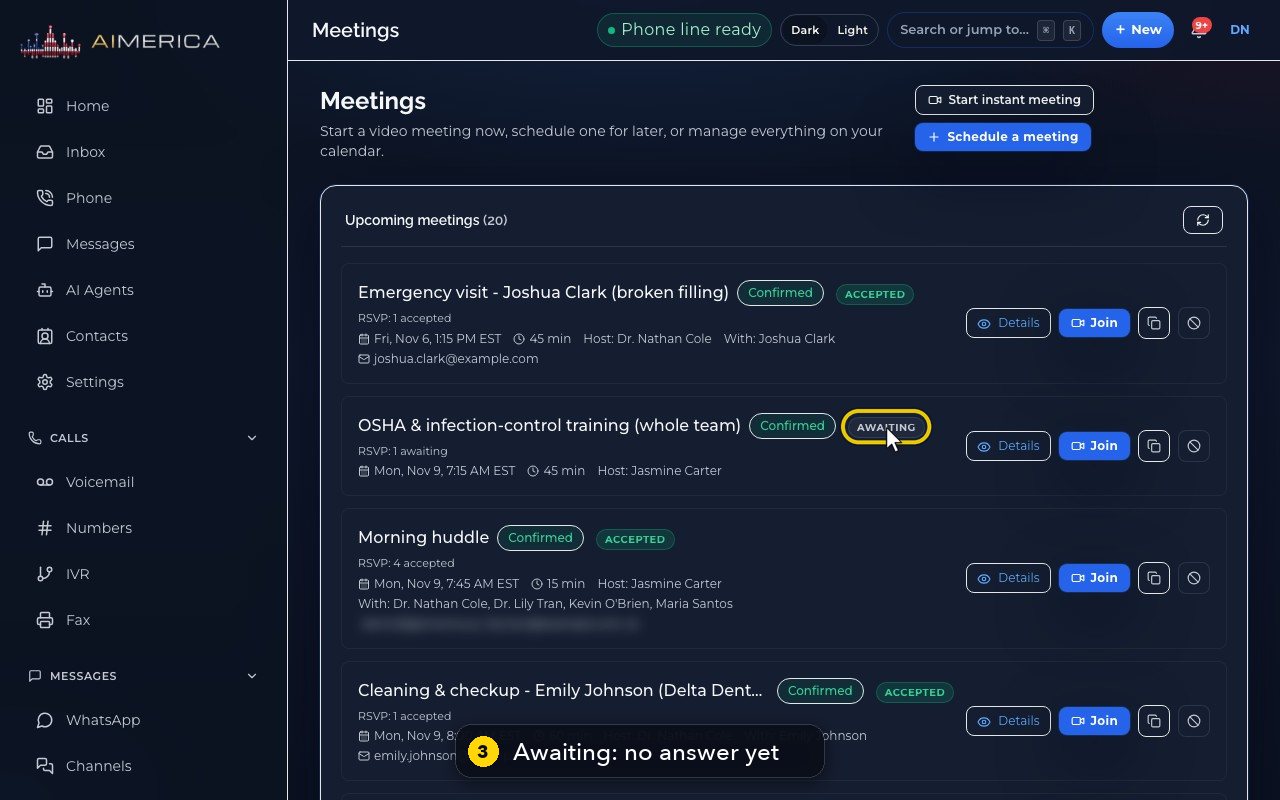
In Meetings, each upcoming meeting carries a badge: Accepted when the guest said yes, Awaiting while there is no answer. The RSVP line under the title counts the answers; Details lists every guest with their own answer.
In this video
Step by step
- 1
Each upcoming meeting shows whether the guests have answered the invite.
- 2
Accepted means the guest said yes.
- 3
Awaiting means no answer yet.
- 4
The line under the title counts the answers. Here, four guests accepted.
- 5
Answers arrive when guests press Accept or Decline in their own calendar, like Outlook or Gmail. The list refreshes by itself, and the round arrow refreshes it now.
- 6
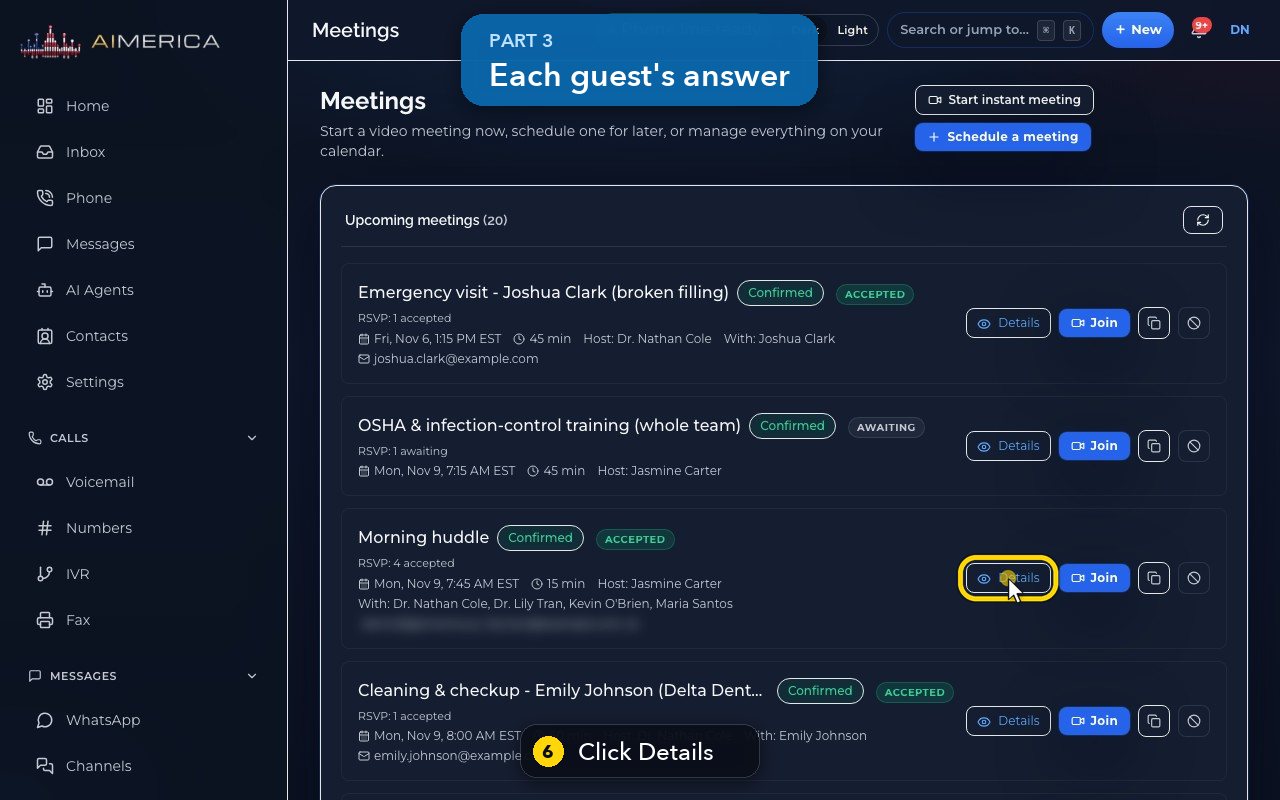
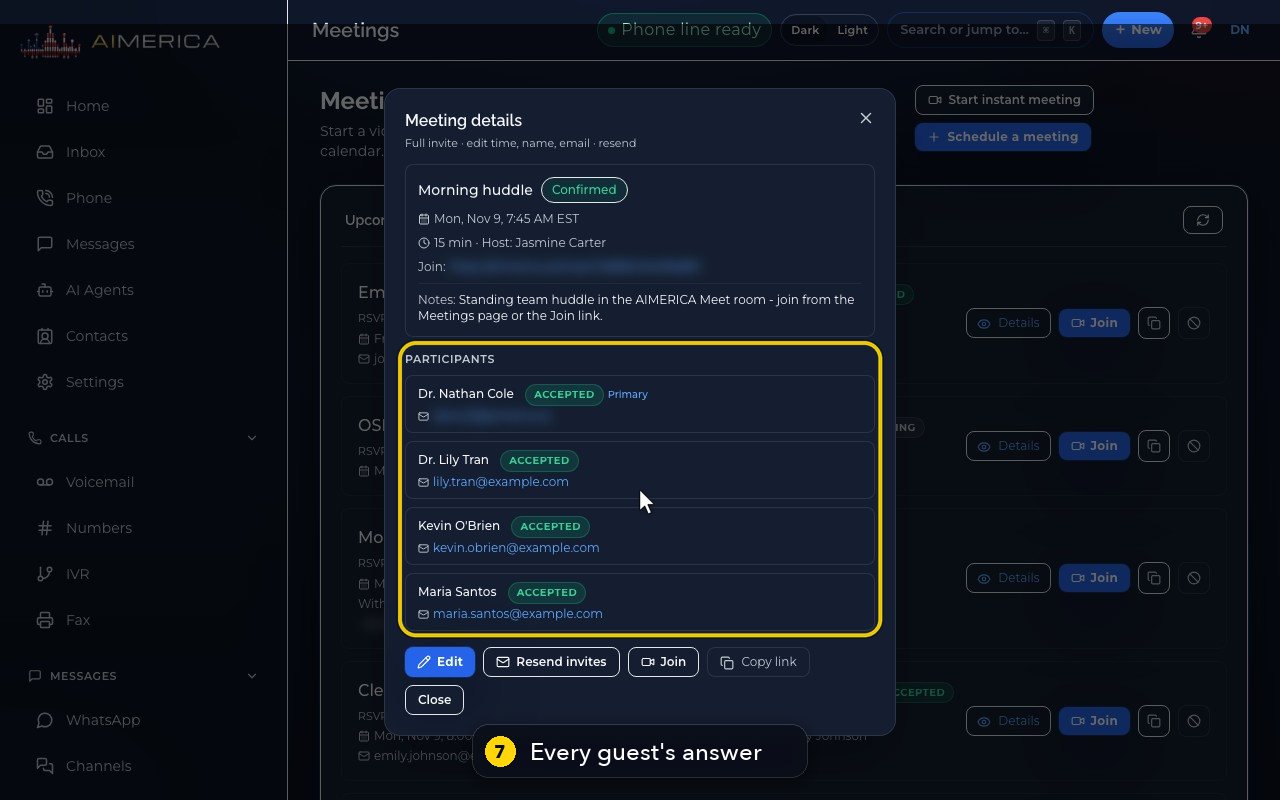
Details shows the answer of every guest.
- 7
Here, all four teammates accepted the morning huddle.
- 8
Close the window when you are done.
Related tutorials
 1:15VideoSchedule a video meeting and invite guestsPlan a video meeting, add guests from Contacts or Team, and check the time before inviting.
 1:14VideoJoin a meeting and share your screenJoin a meeting from its link, check your microphone, then share your screen.
 0:50VideoPlan a meeting straight from the calendarClick an empty hour in week view to open the meeting form with that day and time filled in.
 1:17VideoChange a meeting's time or guestsOpen a meeting's details to change its time, guests or notes, and choose whether guests are told.
 1:14VideoHost controls: waiting room, lock and muteAs host, let people in, lock the meeting, mute everyone and share the invite or dial-in.
 0:52VideoLook back at past and cancelled meetingsFind meetings that are over, cancelled or no-shows, and open their details.
Was this not what you needed? Write to us.