
Read your calendar dashboard
See bookings over time, your top booking pages and recent appointments at a glance.
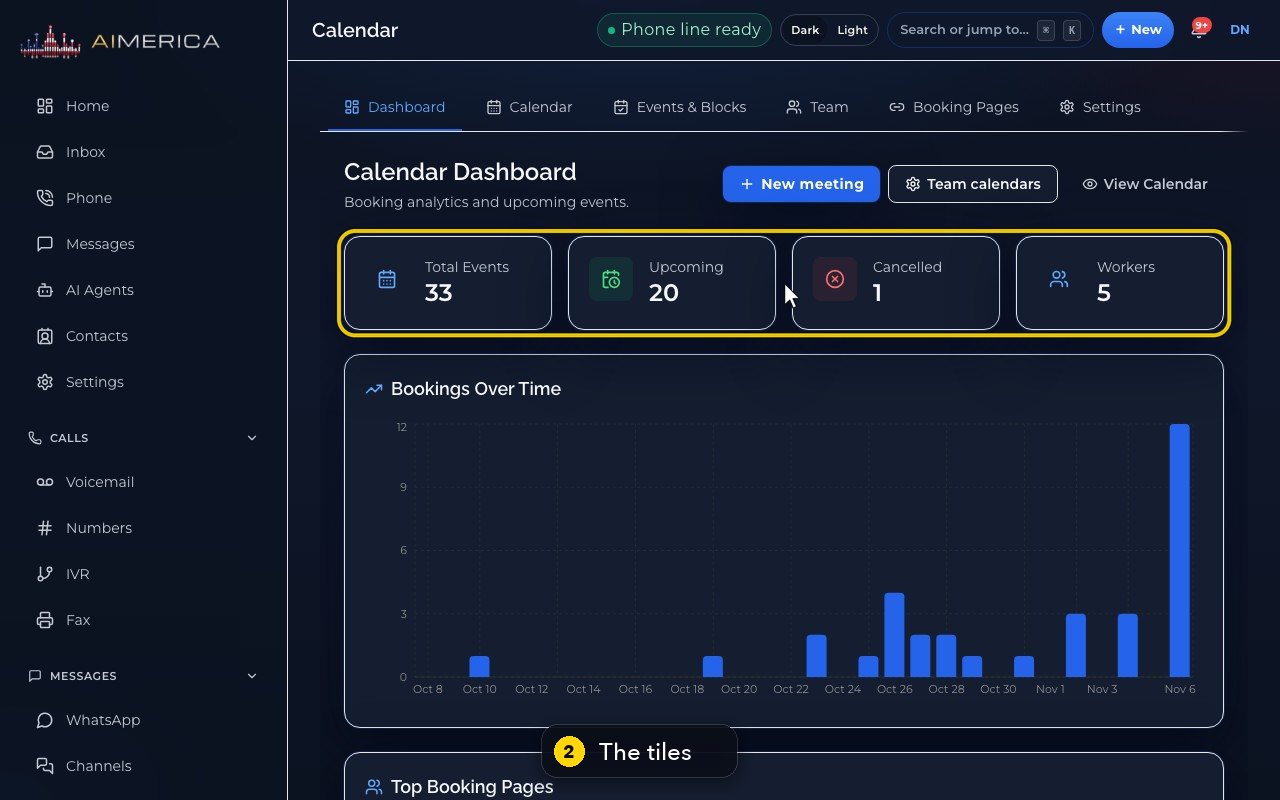
Open Calendar › Dashboard. The tiles count your events; below are Bookings Over Time, Top Booking Pages and Recent Events.
In this video
Step by step
- 1
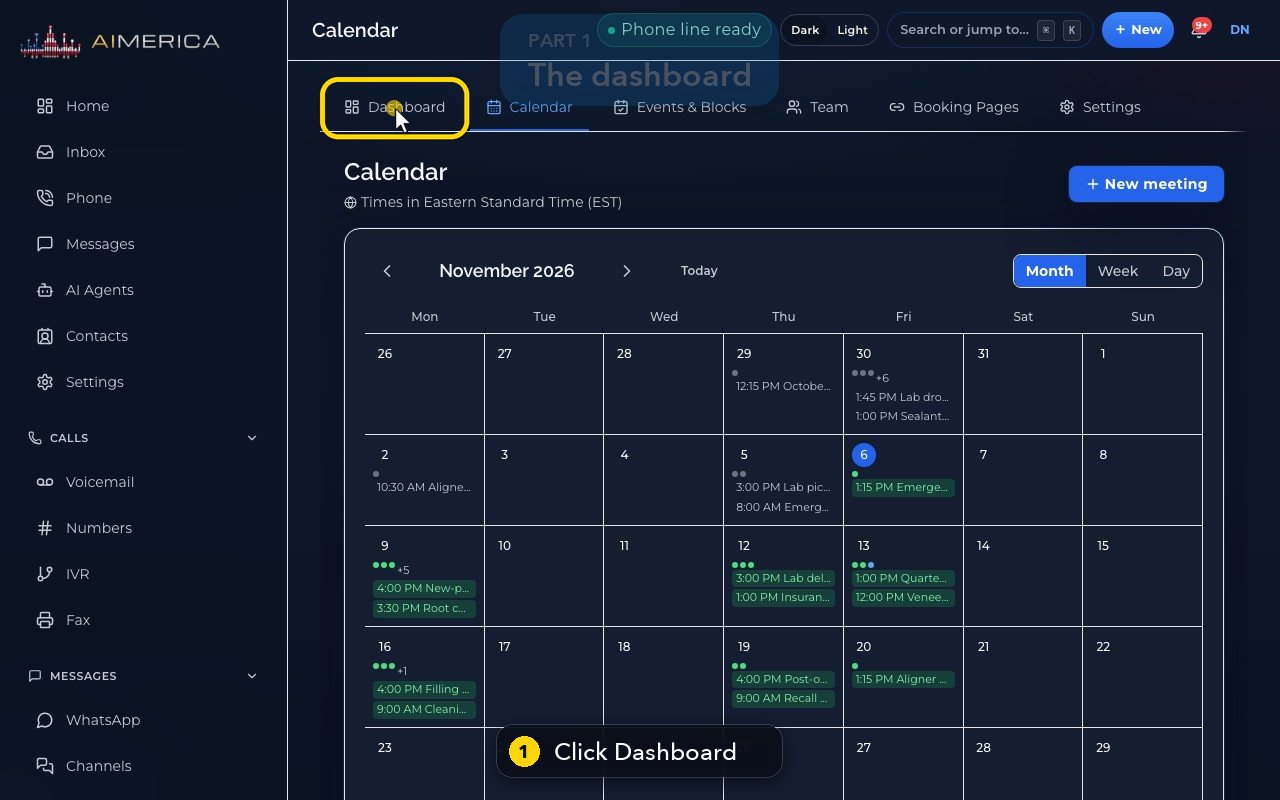
The calendar has its own dashboard. Open Dashboard.
- 2
The tiles count all the events, the upcoming ones, the cancelled ones, and the people who have a calendar.
- 3
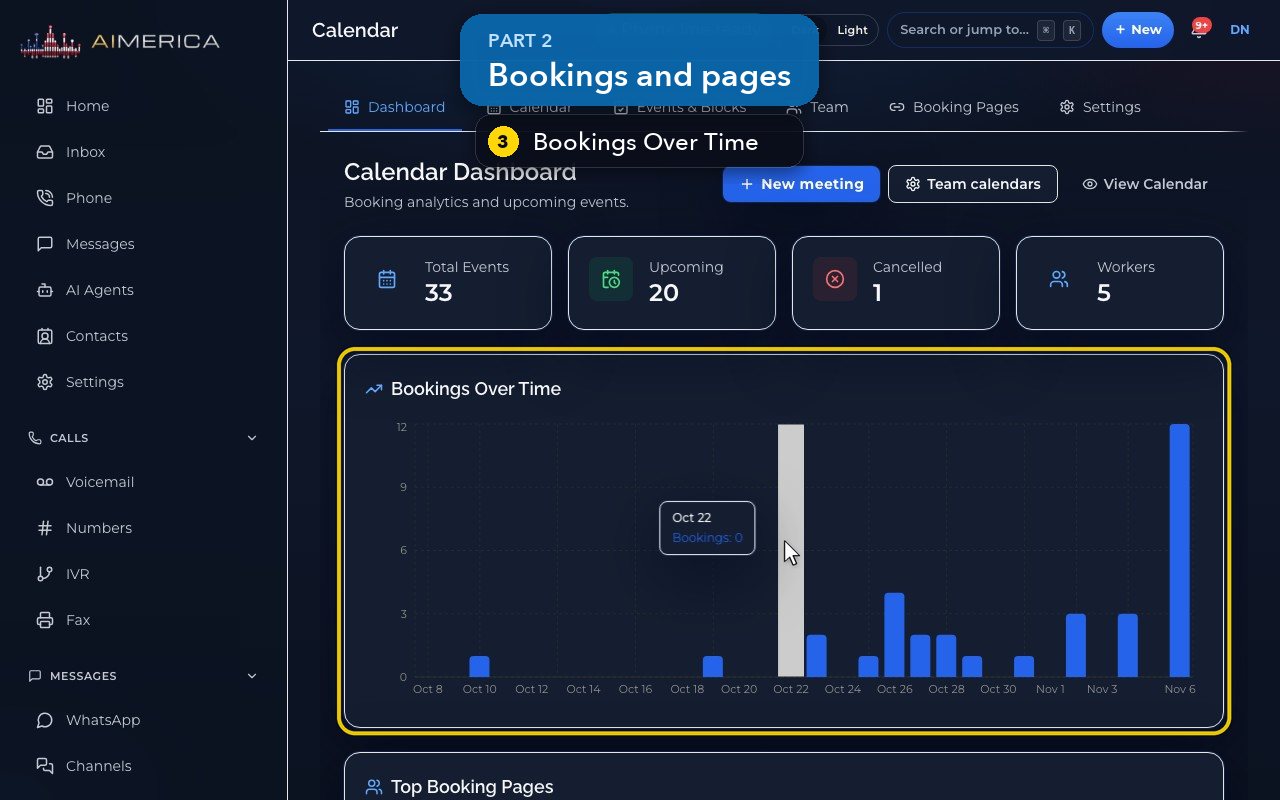
Bookings Over Time shows how many came in each day.
- 4
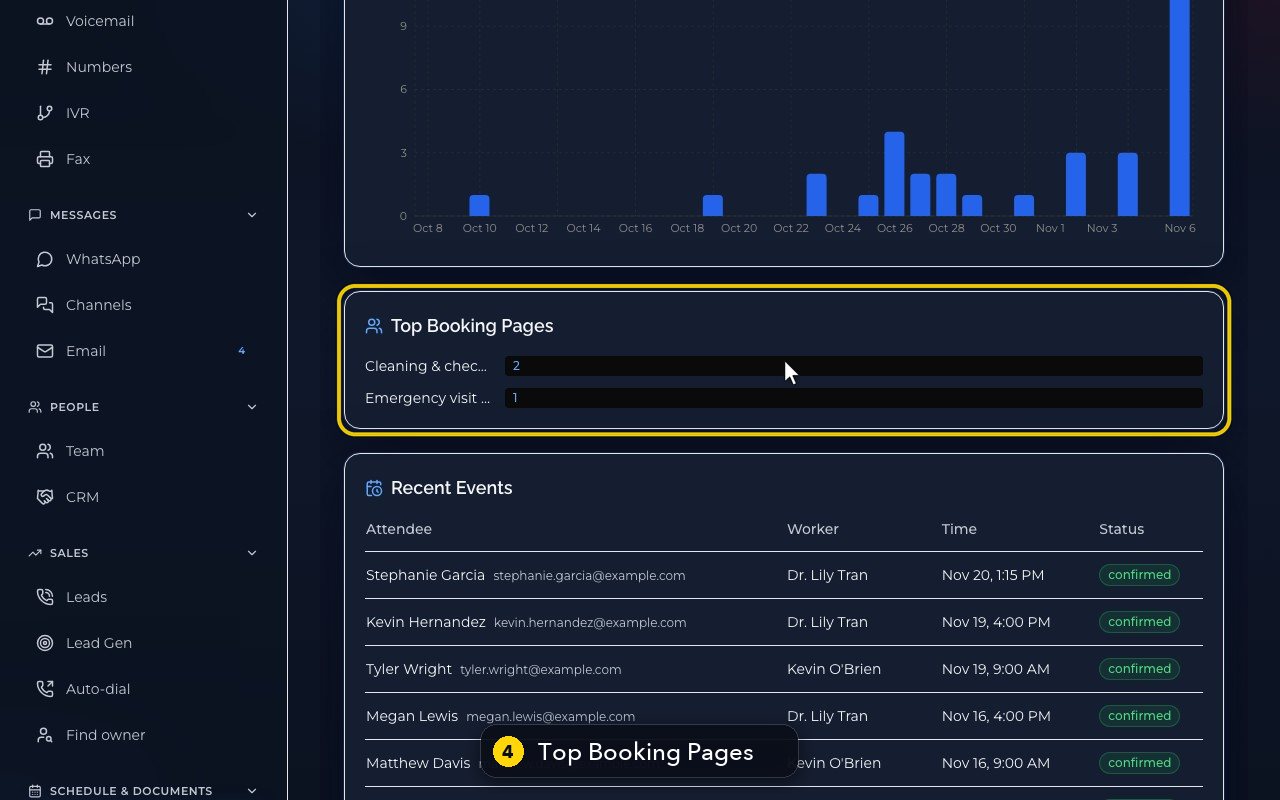
Top Booking Pages ranks your pages by the number of bookings.
- 5
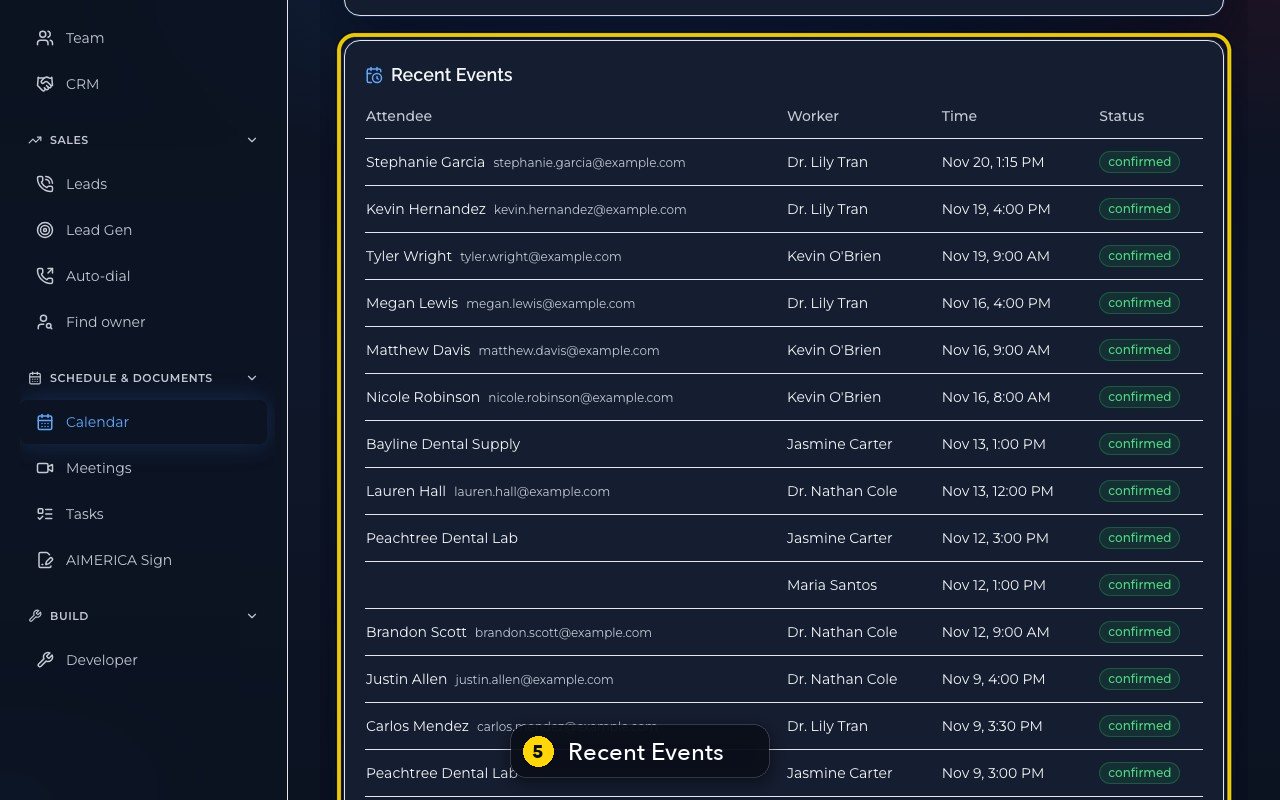
Recent Events lists the latest appointments, with the guest, the teammate, the time and the status.
- 6
At the top, the shortcuts plan a new meeting or open the team calendars. View Calendar goes back to the calendar.
Point at a bar of Bookings Over Time to see its count. The Workers tile shows only for owners and admins.
Related tutorials
 1:15VideoSchedule a video meeting and invite guestsPlan a video meeting, add guests from Contacts or Team, and check the time before inviting.
 1:14VideoJoin a meeting and share your screenJoin a meeting from its link, check your microphone, then share your screen.
 0:50VideoPlan a meeting straight from the calendarClick an empty hour in week view to open the meeting form with that day and time filled in.
 1:17VideoChange a meeting's time or guestsOpen a meeting's details to change its time, guests or notes, and choose whether guests are told.
 0:56VideoSee who accepted a meeting inviteRead the RSVP badges so you know who is coming.
 1:14VideoHost controls: waiting room, lock and muteAs host, let people in, lock the meeting, mute everyone and share the invite or dial-in.
Was this not what you needed? Write to us.