
Get a fax number to receive faxes
Find a local fax number for receiving faxes and see its price before you add it.
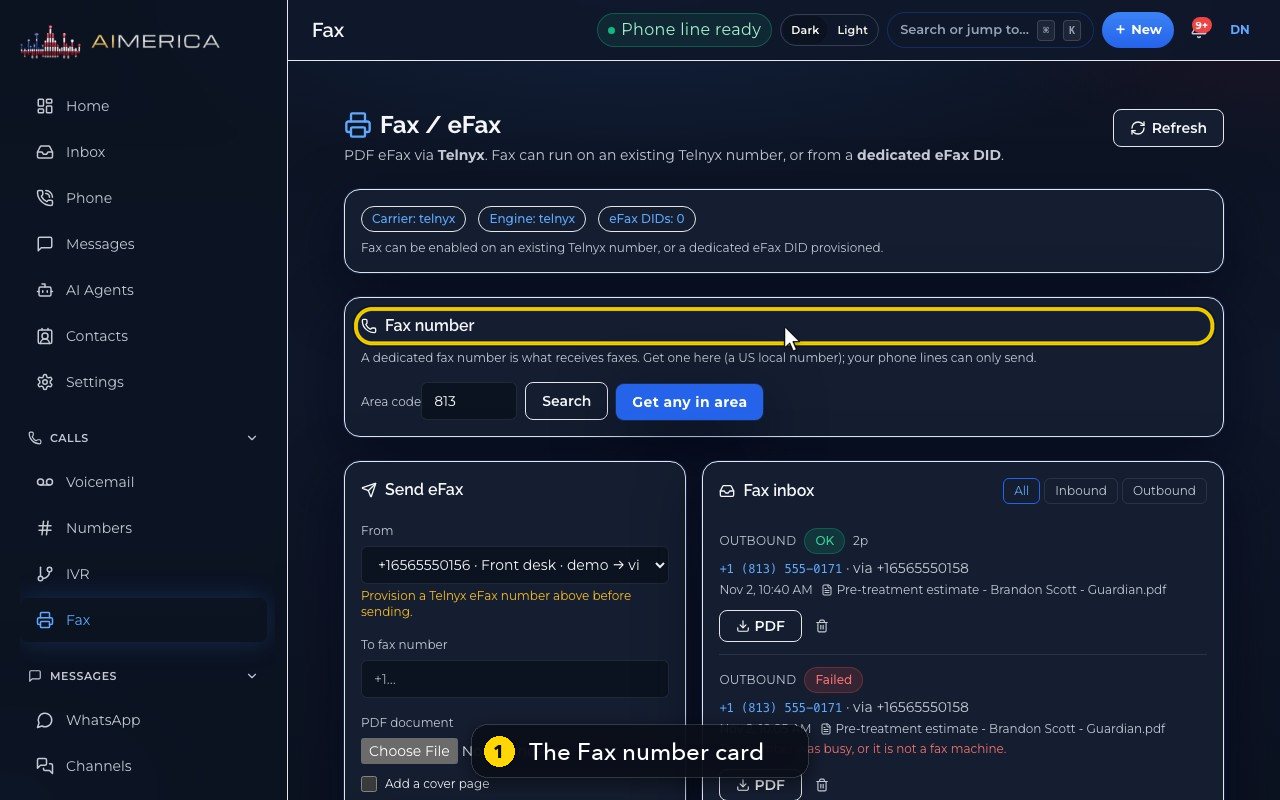
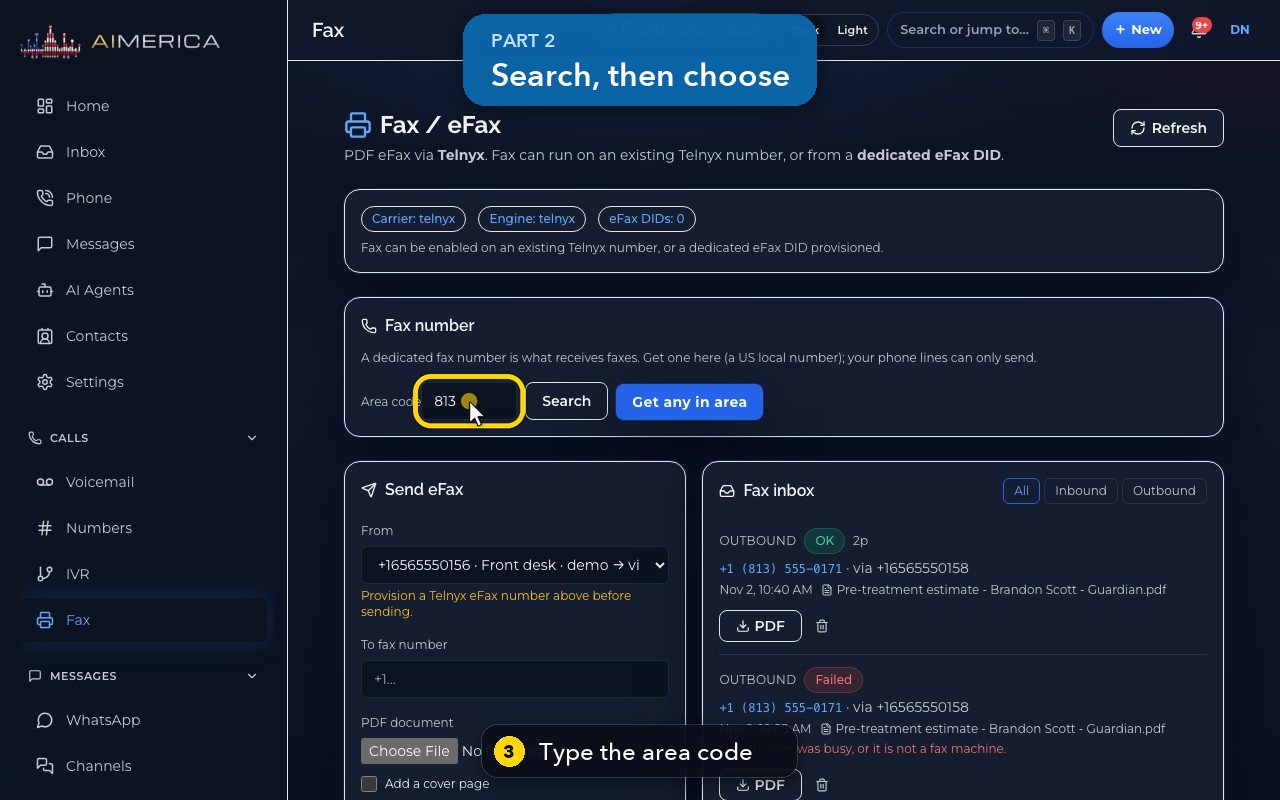
Open Fax. The Fax number card finds a local number for receiving faxes: type an area code and press Search, then Order one, or press Get any in area. The app shows the price and asks before adding it.
In this video
Step by step
- 1
To receive faxes, your company needs its own fax number. Owners and admins add one here, on the Fax page.
- 2
The card says it plainly: your phone lines can send faxes, but only a fax number receives them.
- 3
Type the area code you want.
- 4
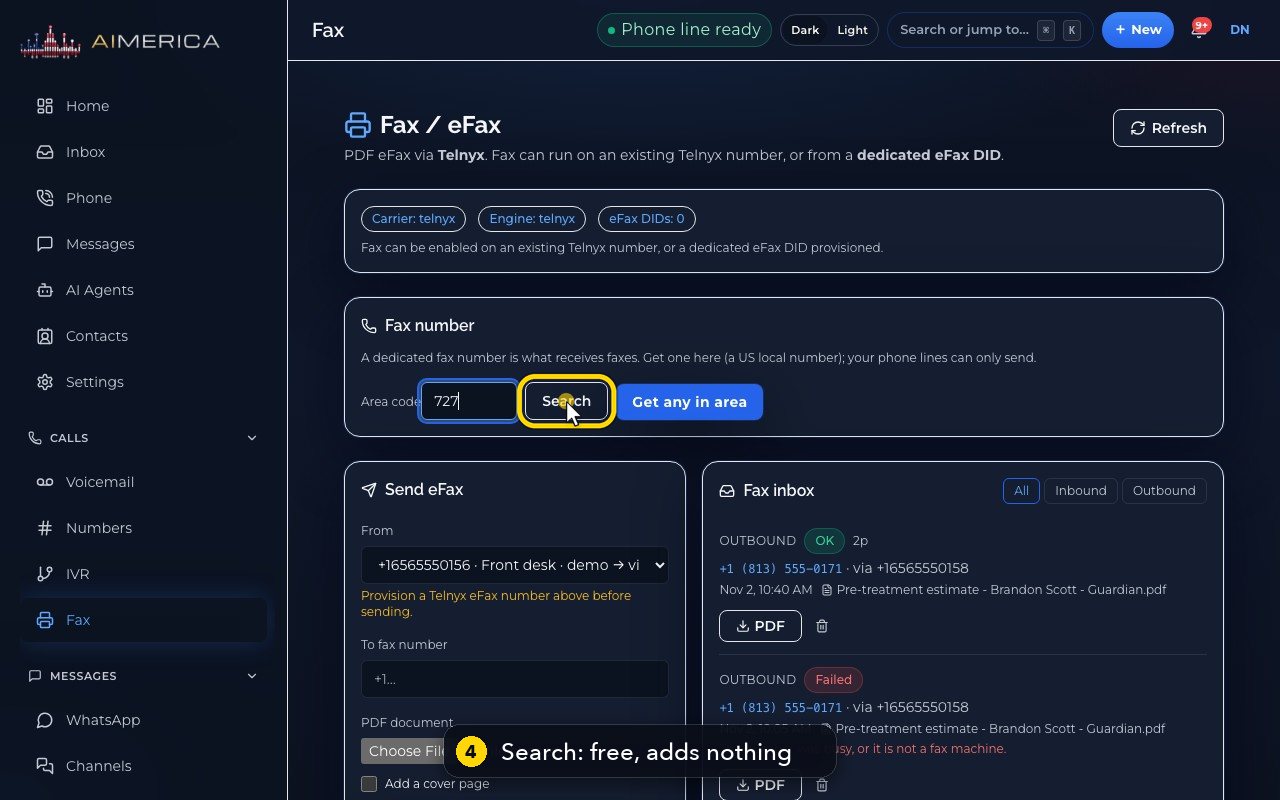
Search lists the numbers free in that area. Searching costs nothing, and adds nothing.
- 5
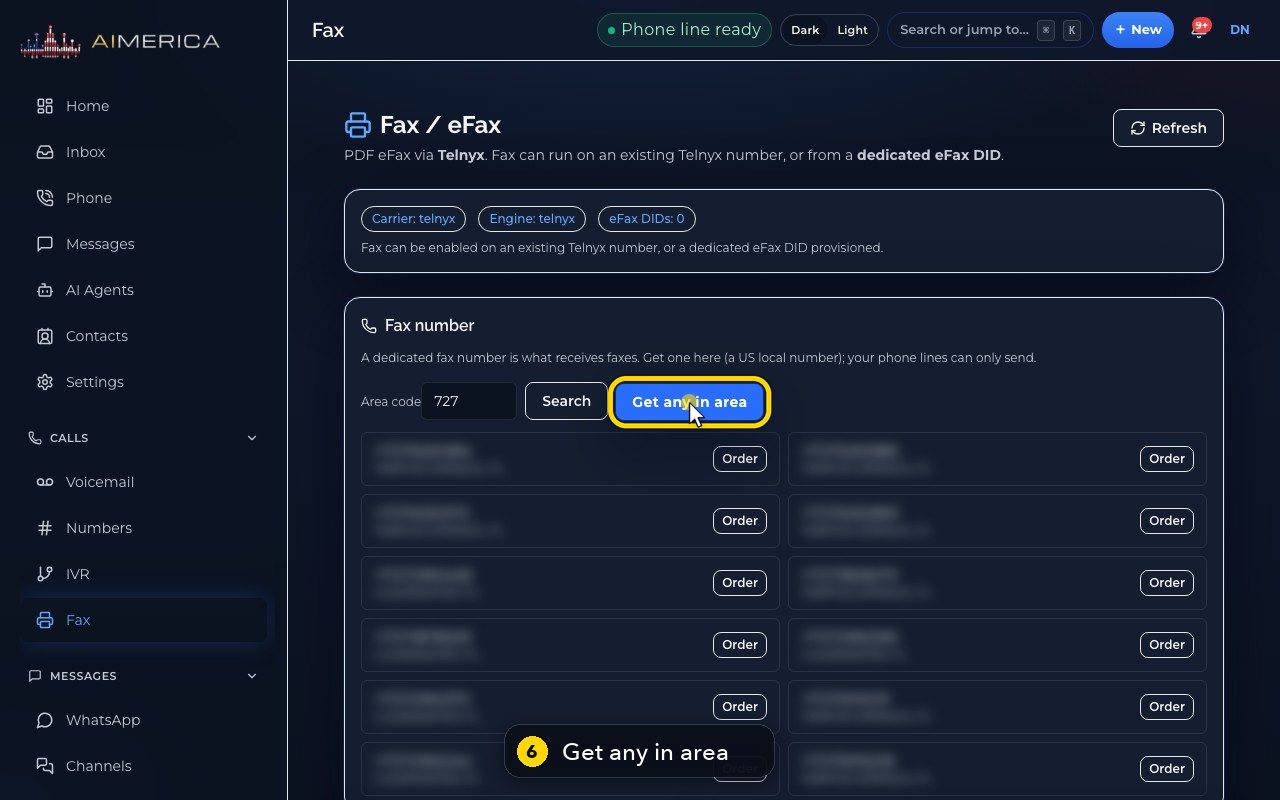
Each free number has its own Order button.
- 6
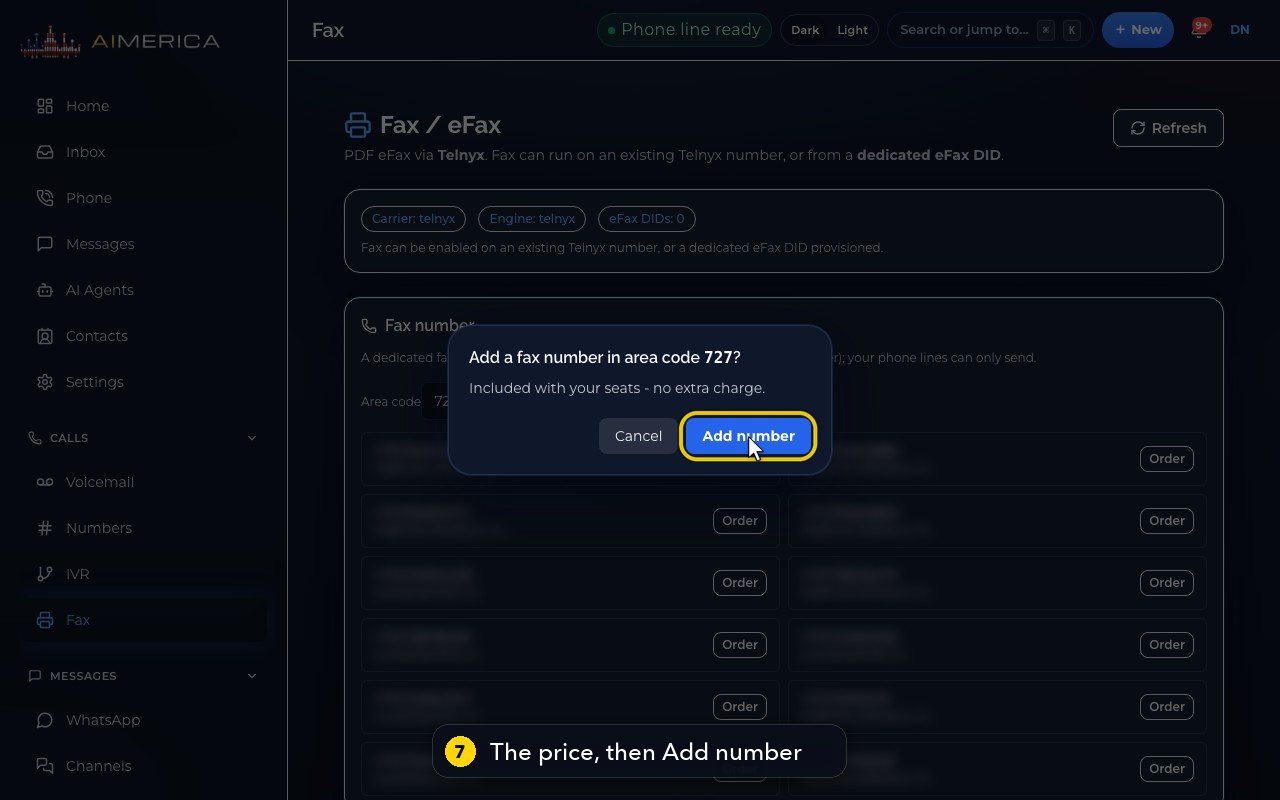
Or press Get any in area, to take the first free number. The app shows the price, and asks first.
- 7
Here, it is included with your seats, at no extra charge. Add number would confirm.
- 8
Escape, or Cancel, closes it without buying anything.
- 9
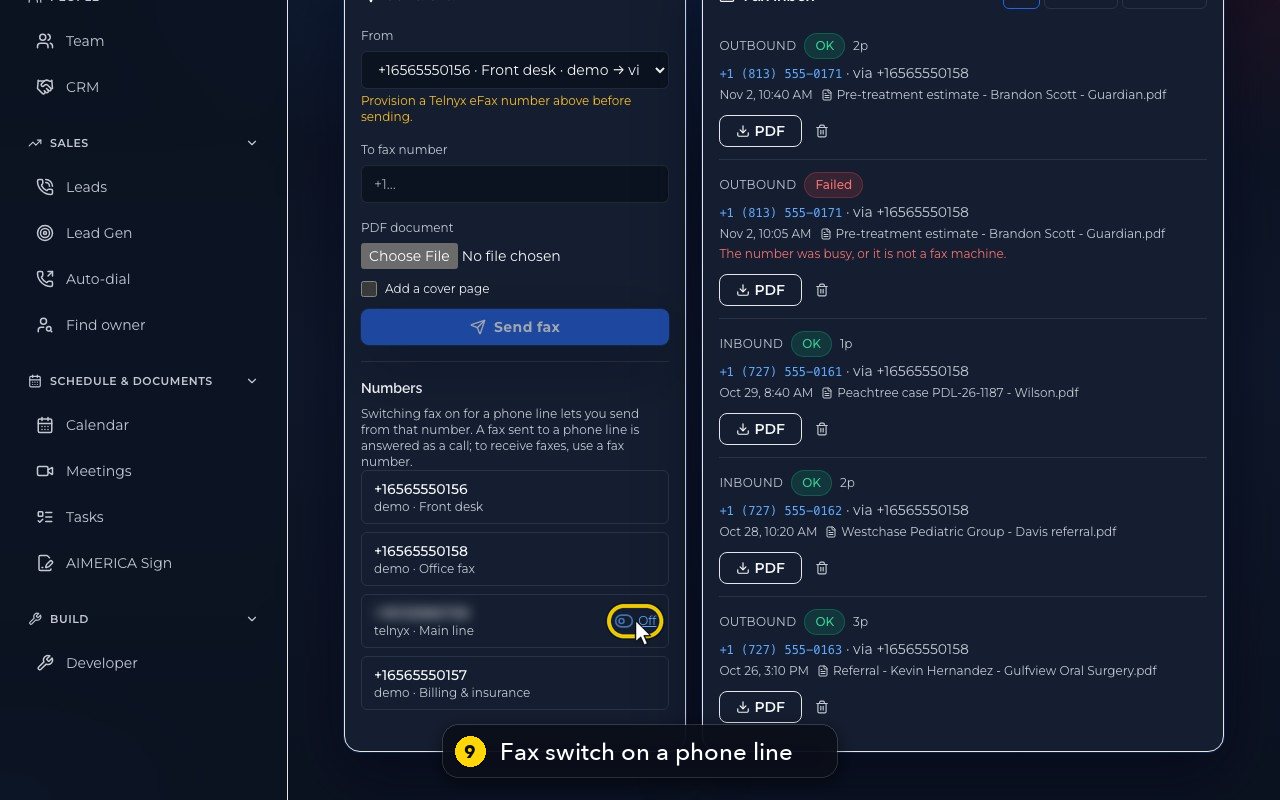
Numbers lists your phone lines. An owner can let a line send faxes, with its switch.
- 10
A fax sent to a phone line is still answered as a call, so give senders your fax number.
Related tutorials
 1:42VideoListen to voicemail and call backPlay a voicemail, read its AI summary and transcript, then call back, text or save the caller.
 1:28VideoSet your voicemail greetingHear the greeting callers get on your line, then write your own words for an AI voice to speak, or record your own.
 1:11VideoFind a contact and call or text themSearch or filter your shared contacts, open one, and call or text them from the line you pick.
 1:14VideoAdd a contactAdd a person or business to your team's shared contacts, with phone, email, notes and tags.
 1:22VideoSend a fax with a cover pageFax a PDF from your business number, with an optional cover page, without a fax machine.
 1:04VideoFind a received fax and download itCheck the faxes you received and sent, see their status, and download any of them as a PDF.
Was this not what you needed? Write to us.