
Find a received fax and download it
Check the faxes you received and sent, see their status, and download any of them as a PDF.
Received and sent faxes are in Fax, in the menu on the left, under Calls: the Fax inbox card.
In this video
Step by step
- 1
Every fax you send or receive lands in the Fax inbox, on the Fax page.

- 2
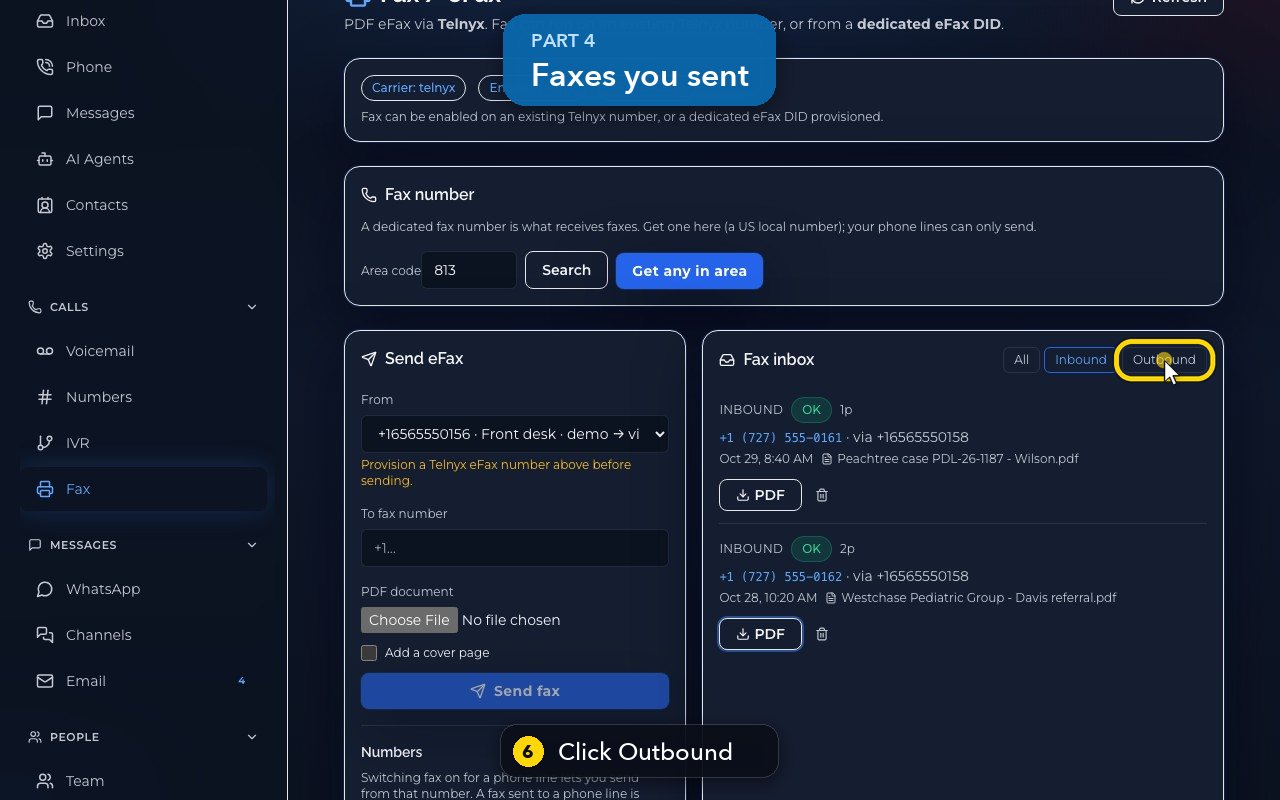
To see only the faxes you received, click Inbound.

- 3
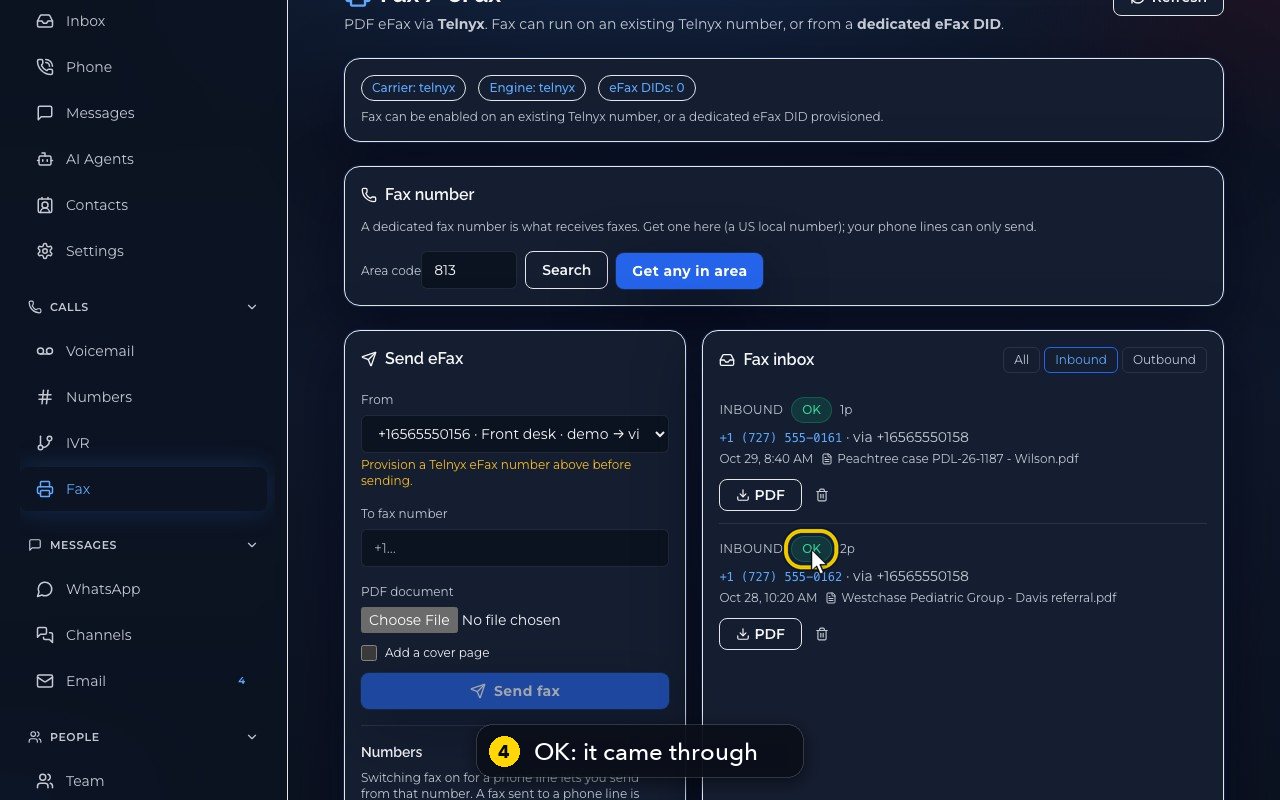
Each fax shows the number it came from, the line it came in on, the pages, the time and the file name.
- 4
OK means the whole fax came through.
- 5
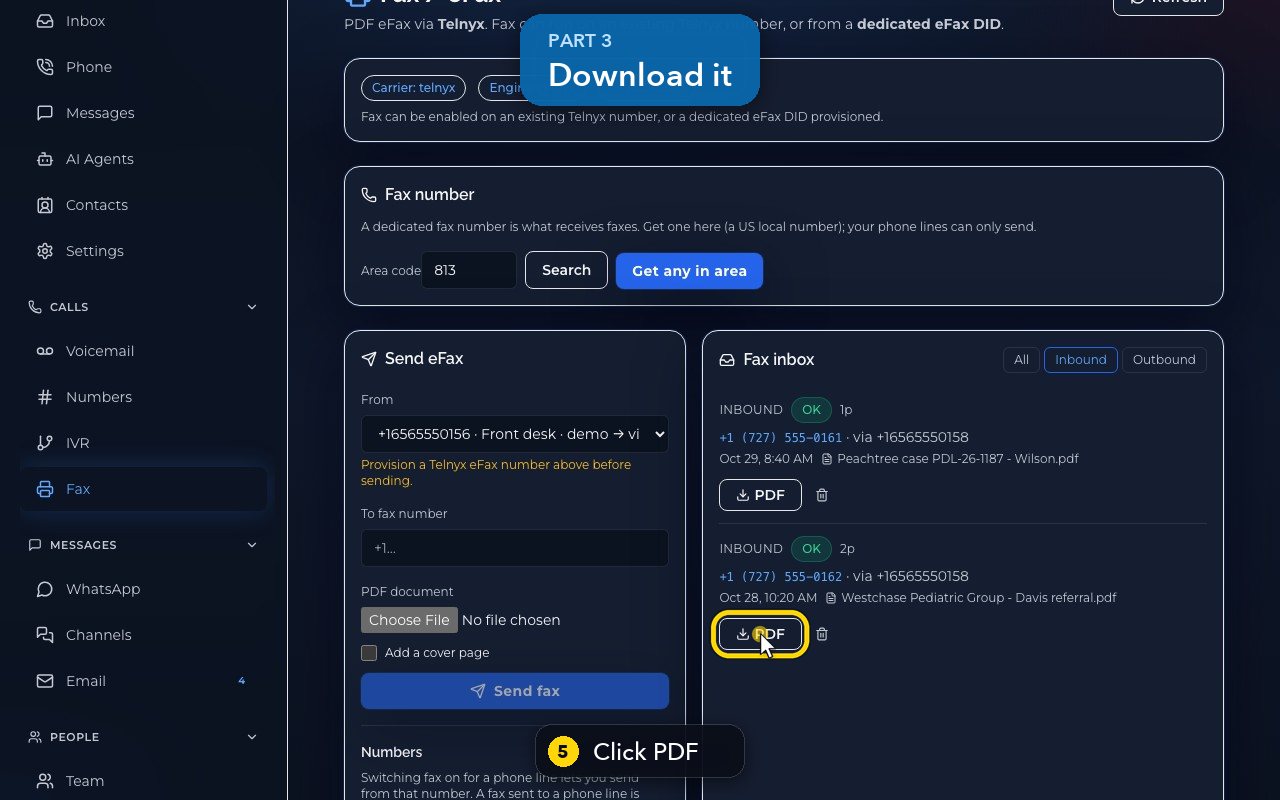
Click PDF to download the fax, and open it on your computer.
- 6
Outbound shows what you sent. A failed fax says why.
- 7
All shows both again.
- 8
At the top of the page, Refresh checks for new faxes.
- 9
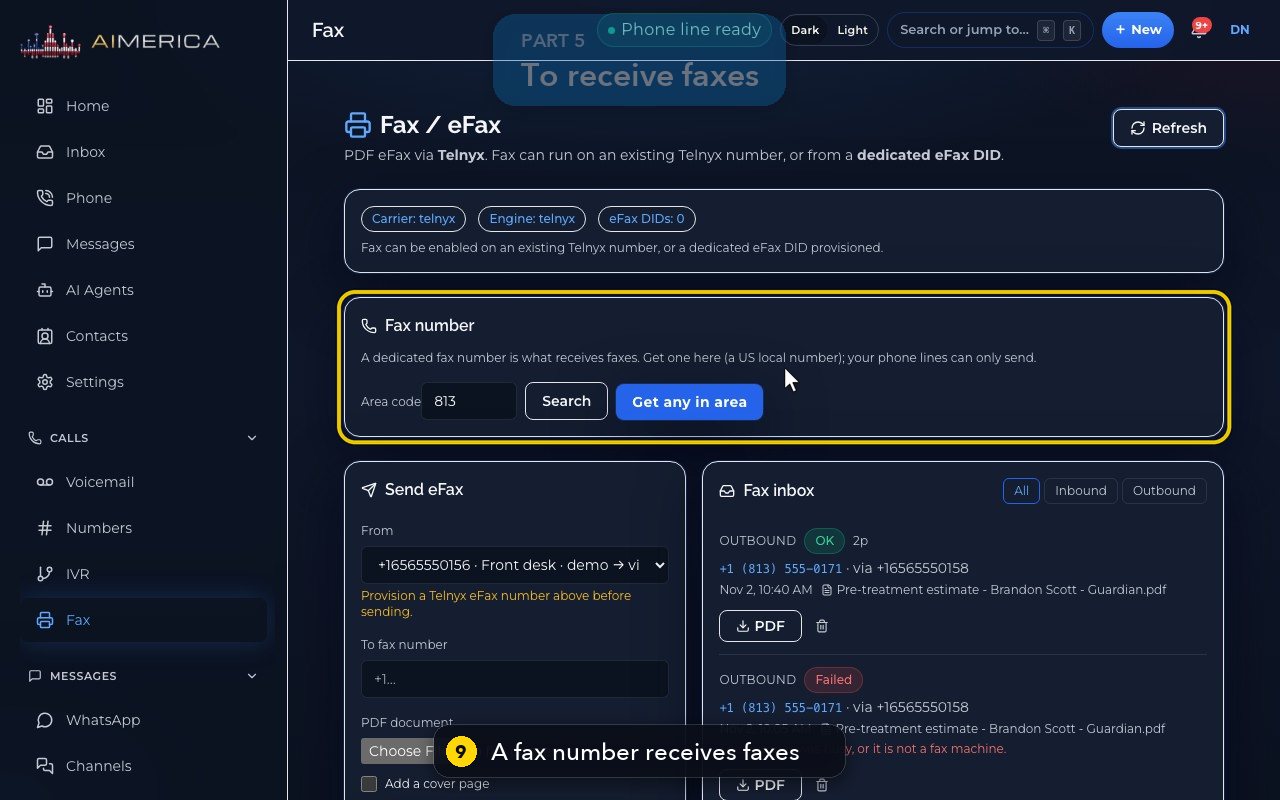
To receive faxes, your company needs a fax number. An owner or admin gets one here, in the Fax number card. Your phone lines can only send.
Related tutorials
 1:42VideoListen to voicemail and call backPlay a voicemail, read its AI summary and transcript, then call back, text or save the caller.
 1:28VideoSet your voicemail greetingHear the greeting callers get on your line, then write your own words for an AI voice to speak, or record your own.
 1:11VideoFind a contact and call or text themSearch or filter your shared contacts, open one, and call or text them from the line you pick.
 1:14VideoAdd a contactAdd a person or business to your team's shared contacts, with phone, email, notes and tags.
 1:22VideoSend a fax with a cover pageFax a PDF from your business number, with an optional cover page, without a fax machine.
 0:51VideoChoose how many rings before voicemailDecide how long calls to your lines ring before the caller reaches your voicemail.
Was this not what you needed? Write to us.